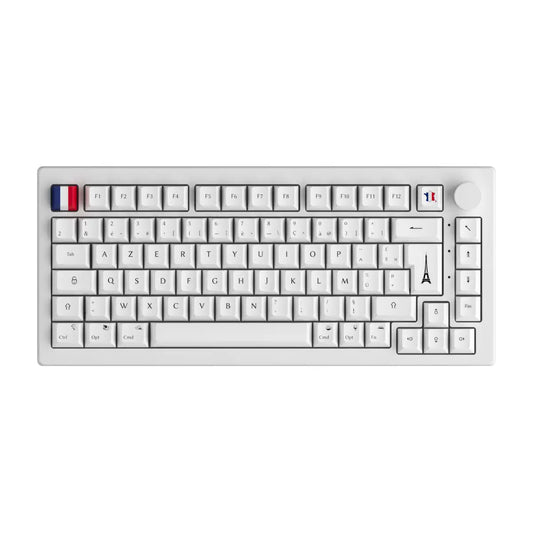
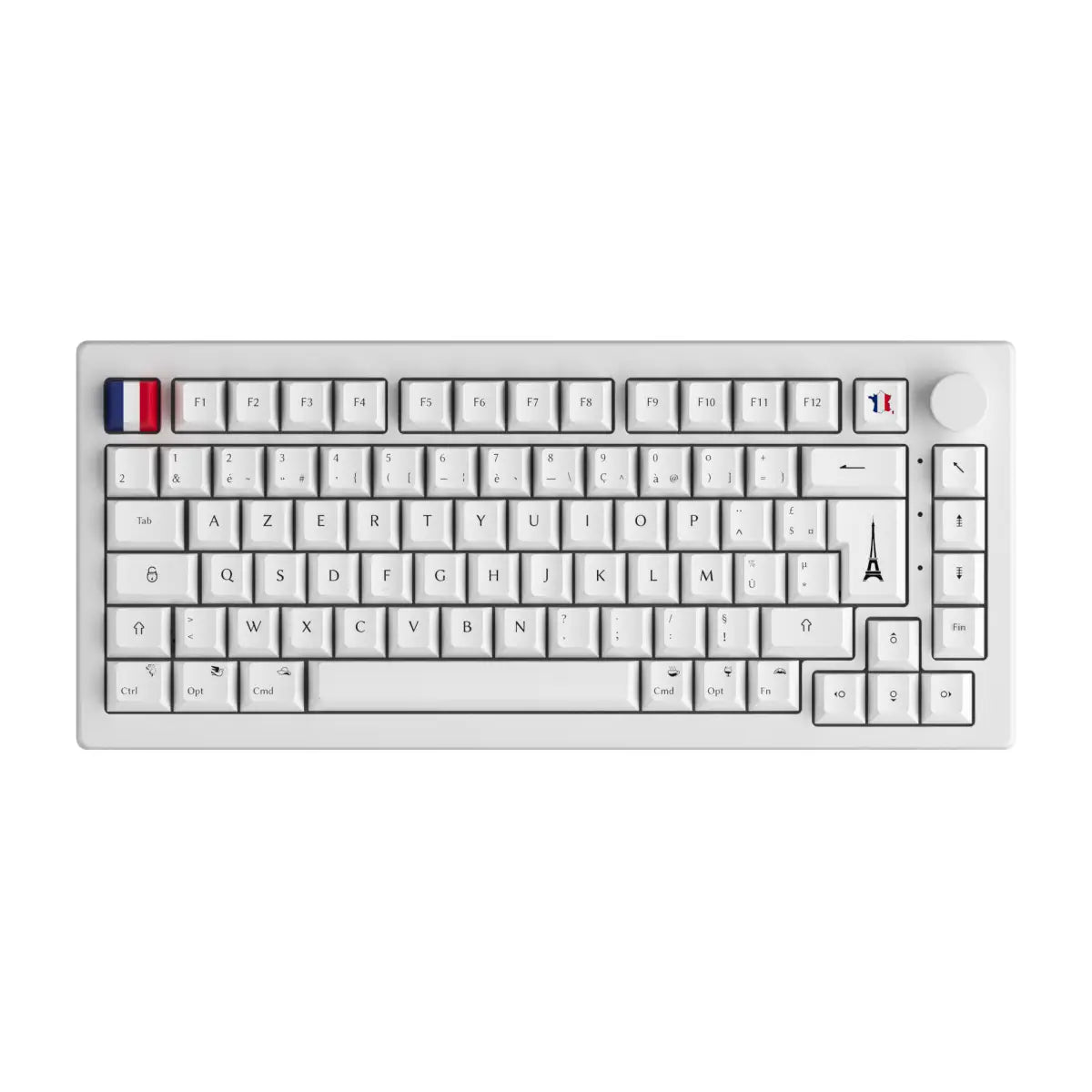
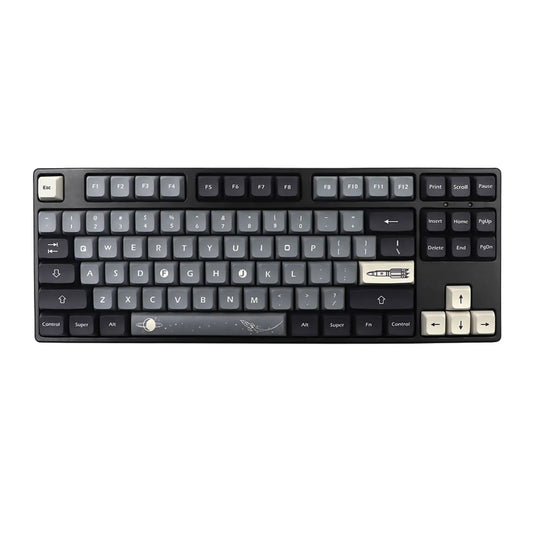
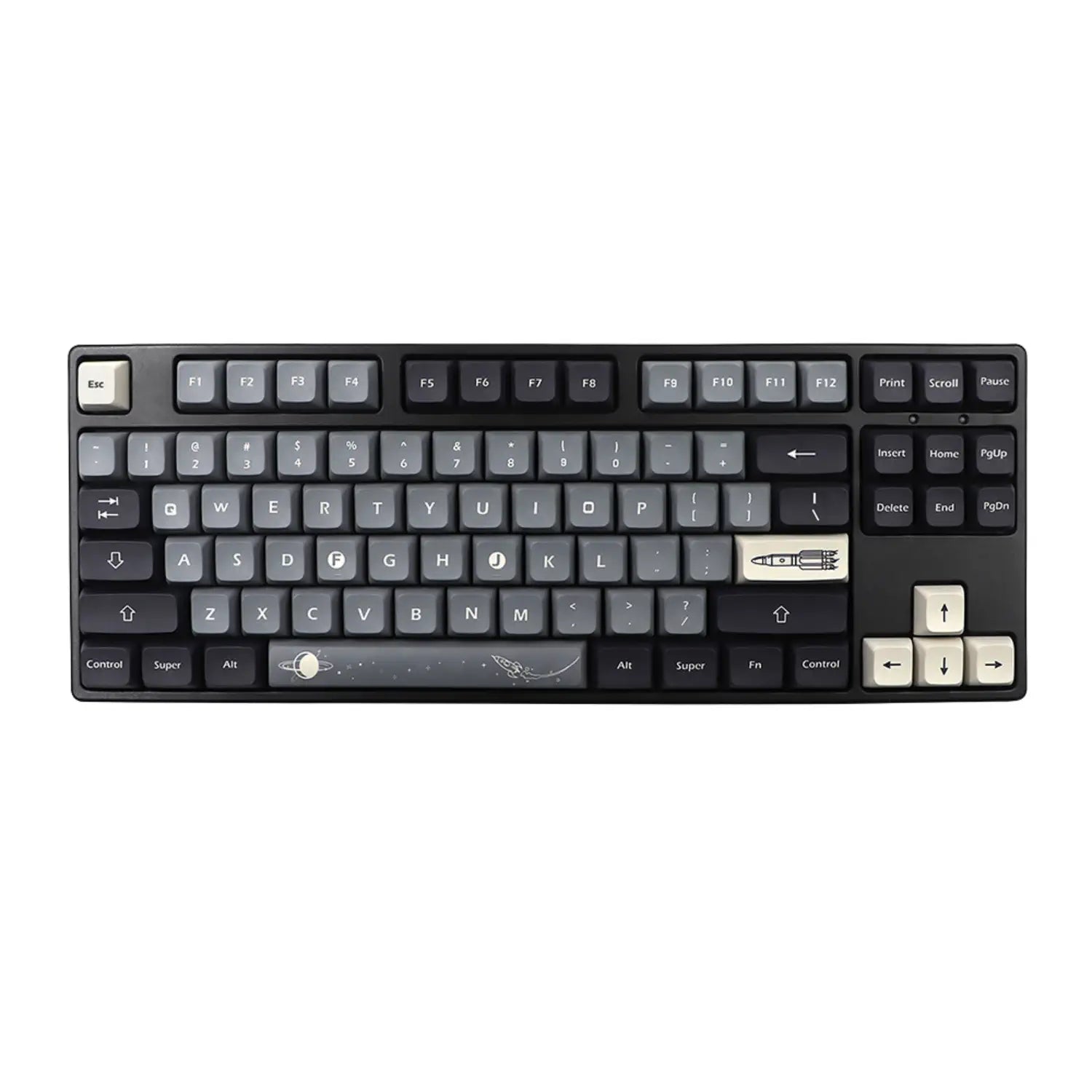

You're in the middle of a clutch play in CS2, your team is counting on you, you simultaneously press CTRL + SHIFT + W to crouch-walk and... nothing happens . Your character just freezes like a noob. Frustrating, right? Welcome to the hell of ghosting , the silent nightmare that can ruin your gaming performance. But thankfully, anti-ghosting technology exists to save the day.
If you're looking to understand why this feature is absolutely crucial for your gaming setup, you've come to the right place. We'll break down this technology together, the technology that makes all the difference between a standard keyboard and a true gaming keyboard.
🎮 Ghosting: your invisible enemy in gaming
What exactly is ghosting?
Ghosting (or "ghosting effect") is a technical phenomenon that occurs on low-end or office keyboards. Specifically, it's when your keyboard refuses to register certain keystrokes when you press several simultaneously.
Imagine: you're playing an intense FPS, you're trying to:
- Sprinter (Shift)
- Jump (Space)
- Aim (Right-click mouse + arrow keys)
- Recharge (R)
And then, disaster strikes: one or more actions fail to register. Your keyboard locks , sometimes emits an annoying beep, or worse still, registers a completely different key than the one you wanted to press (hence the term "ghost").
Symptoms that should alert you
You are a victim of ghosting if you encounter these situations:
- ⚠️ Keys stuck : Multiple keys pressed = no response
- 🔊 Beep sound : Your PC emits an error sound when you spam your combos
- 👻 Ghost actions : Keys you haven't pressed mysteriously activate
- 🎯 Failed inputs : Your complex moves are not registering in the game
For a gamer, this is simply unacceptable .
Why does ghosting penalize you so severely?
In modern games, speed of execution and multi-key combos are essential:
- FPS (CS2, Valorant, Apex): Impossible to crouch + strafe + shoot effectively
- MOBA (League of Legends, Dota 2): Your skill combos aren't connecting
- Platform games/speedrunning : Your precise inputs are wasted
- MMO (WoW, FFXIV): Your macros and rotations become random
Ghosting is literally losing control of your gameplay. And for a competitive gamer, that's unacceptable.
⚡ Anti-ghosting: the technology that changes everything
How does anti-ghosting work?
Anti-ghosting technology relies on an advanced electronic architecture on the PCB (printed circuit board) of your keyboard . Unlike standard keyboards that use a simplified matrix, gaming keyboards with anti-ghosting incorporate:
- Independent circuits for each key or group of keys
- Optimized matrix management that avoids electrical conflicts
- An intelligent firmware capable of processing multiple simultaneous signals
The result? Your keyboard records every keystroke , even during ultra-fast combos with 5, 10, or 15 keys pressed simultaneously. No more limitations, no more frustration.
Key rollover: decrypting the numbers (6KRO, 10KRO, NKRO...)
When you look at the specs of a gaming keyboard , you often come across terms like 6KRO or 10KRO . But what does that really mean?
What is key rollover?
The "Key Rollover" (KRO) indicates the maximum number of keystrokes your keyboard can register simultaneously without glitching.
- 6KRO : Maximum 6 simultaneous key presses
- 10KRO : Maximum 10 simultaneous key presses
- NKRO : N-Key Rollover = NO LIMIT ✨
Quick comparison table
| Keyboard Type | Simultaneous Keys | Ideal For |
|---|---|---|
| 2KRO | 2 keys | ❌ Basic Office Automation |
| 6KRO | 6 keys | ⚠️ Casual Gaming |
| 10KRO | 10 keys | ✅ Gaming standard |
| NKRO | Unlimited | 🔥 Pro/Competitive Gaming |
Important note : Even if you probably never use 20 keys at the same time, having an NKRO keyboard guarantees you total freedom and zero risk of ghosting, whatever the situation.
🏆 NKRO: the holy grail of gaming keyboards
Why is NKRO superior?
N-Key Rollover (or Full Key Rollover ) is the ultimate solution against ghosting. The "N" means there is literally no limit to the number of keys you can press simultaneously.
The concrete advantages of NKRO
- ✅ Zero ghosting : No matter your game or play style
- ✅ Complex combos : Perfect for MOBAs, MMOs, and fighting games
- ✅ Durability : Less electronic stress on the circuit
- ✅ Futureproof : You're ready for all current and future games
Whether you play on a mechanical keyboard or a custom setup with handcrafted keycaps , the NKRO is non-negotiable for an optimal gaming experience.
NKRO vs USB: a minor technical detail
One important detail to know: the standard USB connection is technically limited to 6KRO due to the USB HID protocol. However, gaming keyboard manufacturers use advanced USB modes or dedicated drivers to bypass this limitation and offer true NKRO even over USB.
If you're using a PS/2 connection (yes, they still exist), NKRO is native and unrestricted. But don't worry: all good modern USB gaming keyboards offer full NKRO .
🛠️ How to choose your anti-ghosting keyboard?
The essential criteria
Now that you understand the importance of anti-ghosting, here's how to choose the right keyboard :
1. Check the key rollover
Look for the mention NKRO or at least 10KRO on the product page. That's your number one criterion if you're a gamer.
2. Type of switches
Mechanical switches (Cherry MX, Gateron, Kailh) naturally offer better anti-ghosting performance than membrane keyboards.
Our recommendations based on your style :
- 🎯 FPS : Linear switches (Red, Black) for speed
- ⚔️ MOBA/MMO : Tactile switches (Brown) for feedback
- 🔊 Streamers : Silent switches to avoid noise
3. Format and layout
The format does not impact anti-ghosting , but it does influence your comfort:
- Full-size (100%) : All keys, perfect for MMOs
- TKL (80%) : Without a numeric keypad, more compact
- 60-65% : Ultra-compact to maximize mouse space
Explore our different keyboard collections to find your ideal size.
4. Customization
An anti-ghosting keyboard is good. A keyboard you can fully customize is even better! Remember to check:
- Hot-swap : Change your switches without soldering
- Programmable RGB : For style and ambiance
- Keycap compatibility : For a unique look
Practical test: how to test anti-ghosting?
Want to test if your current keyboard has ghosting? Here's how:
- Open a notepad or text editor
- Press several keys simultaneously (for example: Q+W+E+R+T+Y)
- Check if all the letters are displayed correctly.
- Test with typical gaming key combinations (Shift+W+A+Space+Ctrl)
If some keys are not displayed, Houston, we have a ghosting problem .
💡 Anti-ghosting: beyond gaming
Although anti-ghosting is primarily marketed for gaming, this technology is also very useful for:
- Streamers and content creators : Complex shortcuts in OBS, Premiere Pro
- Developers : Multiple IDE combos (Ctrl+Shift+Alt+...)
- Fast typists : Avoid errors during ultra-fast typing
- Productivity : Intensive use of keyboard shortcuts
In short, even if you're not a 100% gamer, a keyboard with anti-ghosting improves your overall PC experience .
🎯 Conclusion: Don't compromise anymore
Anti-ghosting isn't a marketing gimmick; it's an absolute necessity for any self-respecting gamer. Whether you're casual or competitive, this technology allows you to play to your full potential without being limited by your hardware.
Our final recommendations :
- ✅ Aim for a minimum of 10KRO , ideally NKRO
- ✅ Prefer quality mechanical keyboards
- ✅ Always test before buying (or check the specs)
- ✅ Invest in durable and scalable equipment
Ready to upgrade your gaming setup? Explore our complete selection of anti-ghosting gaming keyboards and find the one that will transform your gameplay . And why not accessorize it with premium keycaps or custom switches for a 100% personalized experience?
GG and happy gaming! 🎮🔥
Want to learn more about the world of gaming keyboards? Check out our other guides on CustomTonClavier and join the community of true gamers who make no compromises on their setup!