
How to clean and maintain your mechanical keyboard for optimal lifespan?
A mechanical keyboard is a valuable investment for any office worker, gamer, or programmer. To get the most out of it and prevent the accumulation of dust and dirt, regular maintenance is essential. This article will show you how to effectively clean your mechanical keyboard and extend its lifespan.

Why clean your mechanical keyboard regularly?
Mechanical keyboards are designed to be durable, but the accumulation of dust, crumbs, and dirt can cause malfunctions, sticky keys, and even premature wear of components. Proper maintenance helps to:
- To improve the responsiveness of the keys.
- To extend the lifespan of mechanical switches .
- To maintain a clean and pleasant keyboard.
Essential tools for maintenance
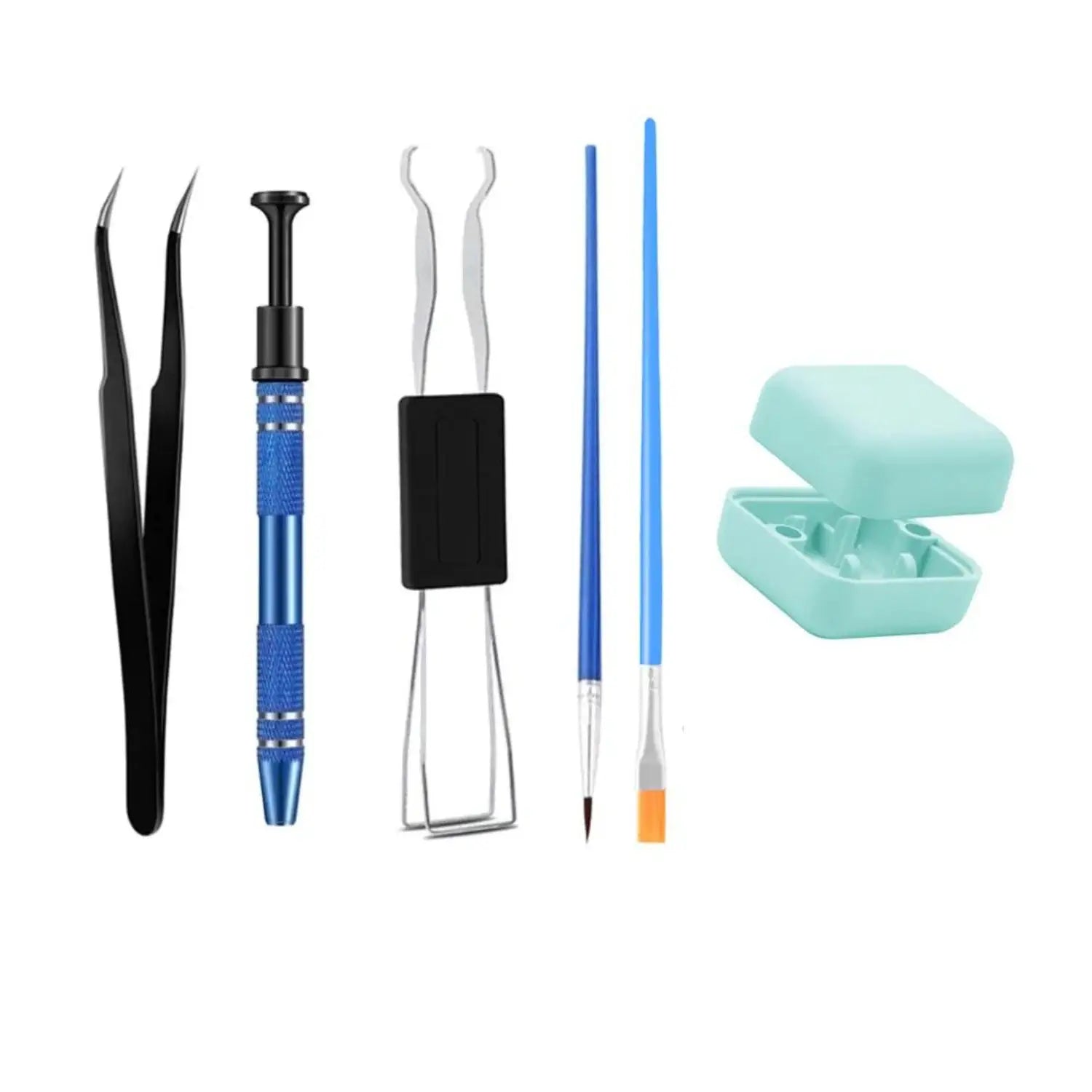
Before you begin, equip yourself with the appropriate tools:
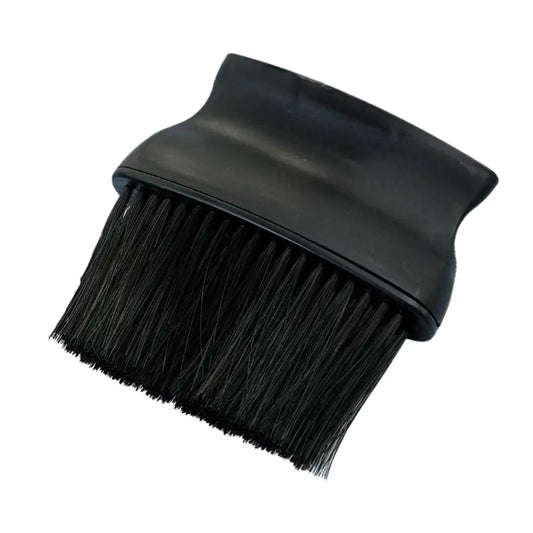
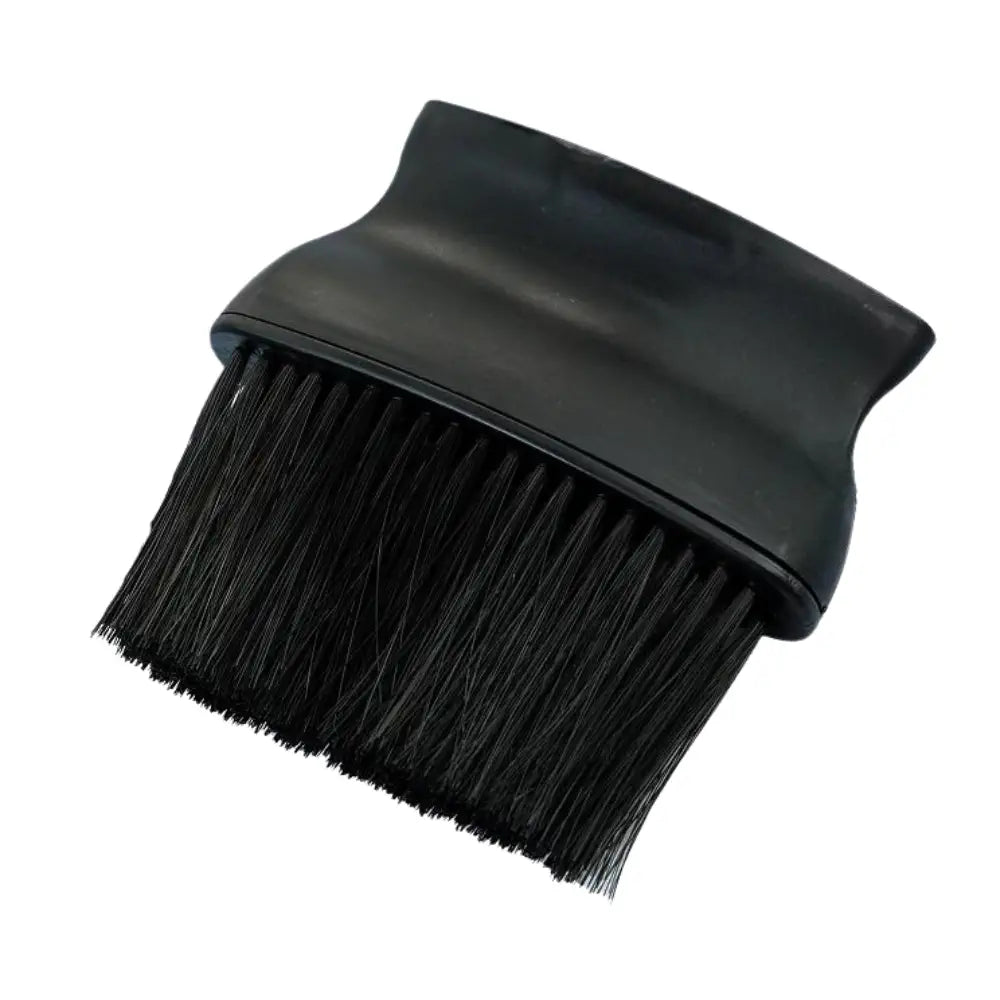
- A cleaning brush to remove dirt.
- An air blower to dislodge the dust.
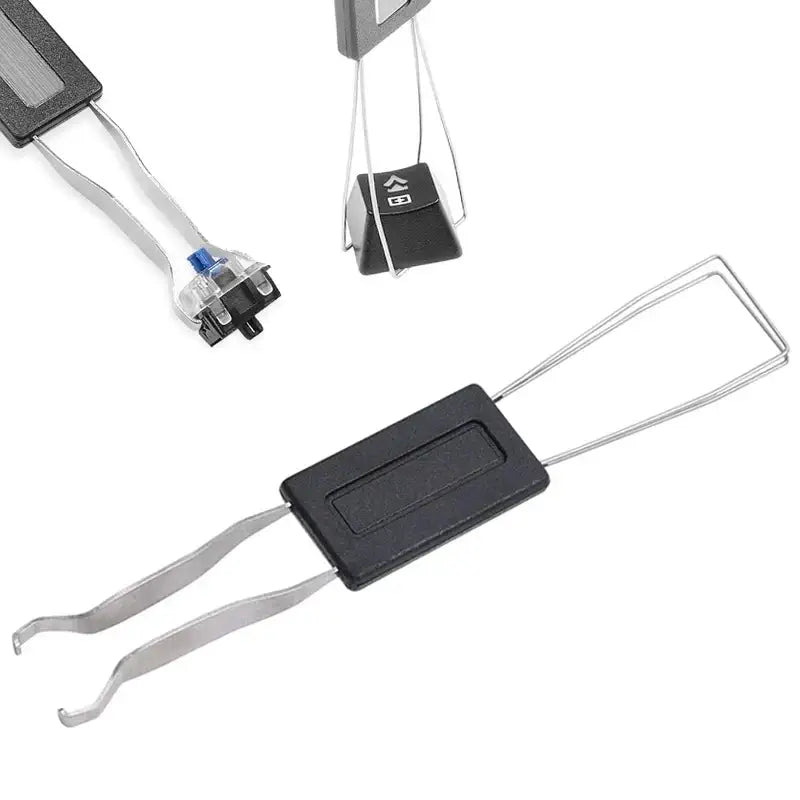
- A keycap puller for deep cleaning.
- A soft cloth and a suitable cleaning product.
Basic cleaning: routine maintenance
A quick weekly cleaning helps prevent the accumulation of dirt. Here's how:
- Turn the keyboard over and tap it lightly to dislodge the crumbs.
- Use a brush to remove dust from between the keys.
- Wipe the surface of the keyboard with a slightly damp cloth.

Deep cleaning: occasional maintenance
A thorough cleaning once or twice a year is recommended to keep your keyboard in perfect condition:
1. Remove the keys
Using a keycap puller, carefully remove the keycaps . Make sure to note their position to avoid mistakes during reassembly.
2. Clean the keycaps
Immerse the keys in a bowl of warm soapy water for 30 minutes, then let them dry completely.
3. Clean the keyboard structure
Use a blower and brush to remove dust and residue before wiping with a soft cloth dampened with isopropyl alcohol.
4. Move the keys back up
Once dry, put the keys back in place, making sure they are securely fastened.
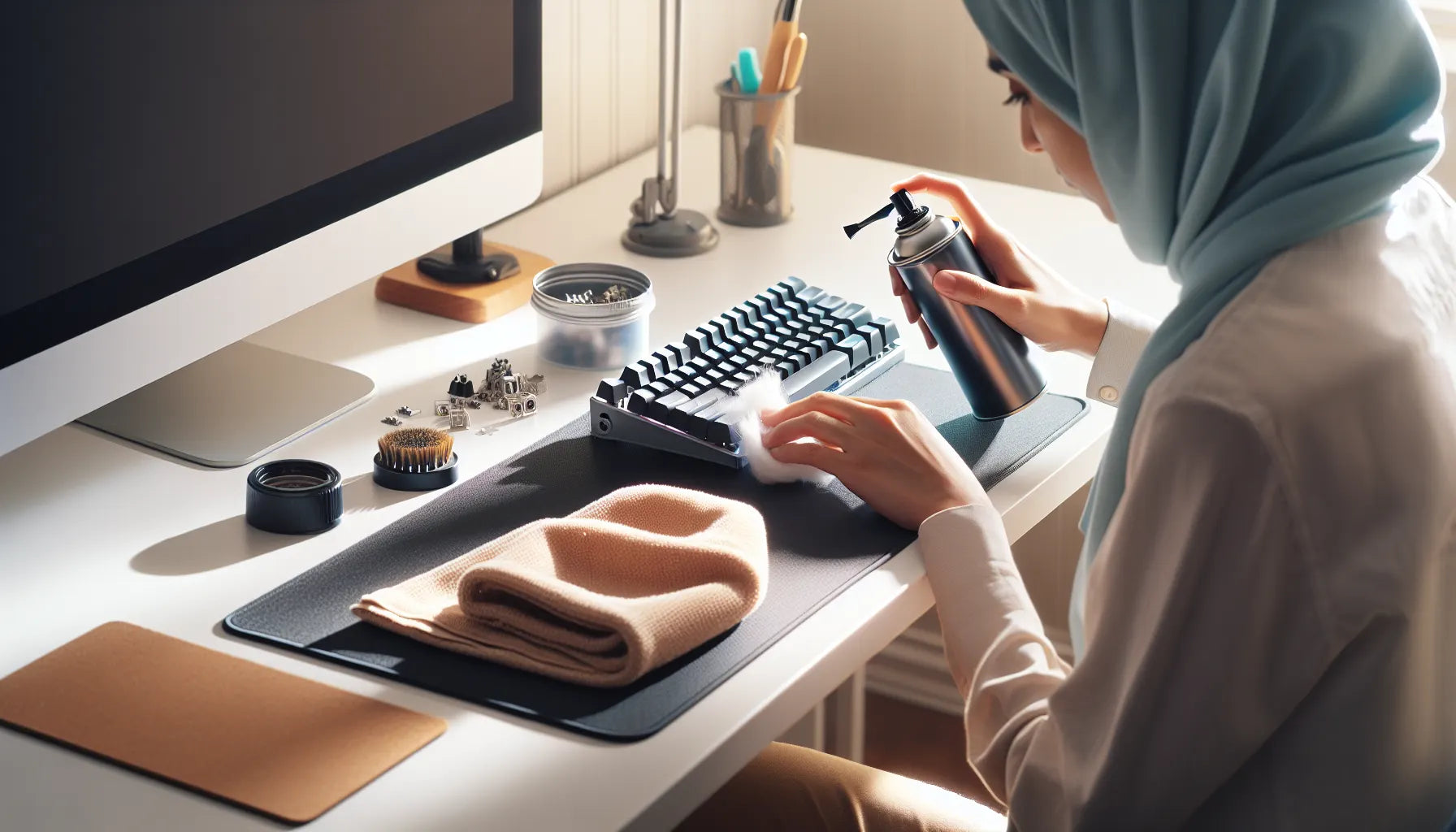
Maintaining the switches for a better experience
Switches can accumulate impurities, which impairs their operation. For optimal maintenance:
- Apply a drop of switch grease to prevent friction.
- Use a switch opener to clean the inside if necessary.
Preserving your mechanical keyboard on a daily basis
In addition to cleaning, adopt some good practices to extend the life of your keyboard:
- Use a protective cover to prevent dust accumulation.
- Avoid eating or drinking over your keyboard.
- Opt for a wrist rest to limit wear on the keys.
Conclusion
Taking care of your mechanical keyboard is essential to ensure its proper functioning and longevity. Regular cleaning and the use of appropriate tools will allow you to extend its lifespan and maintain comfortable typing. To further personalize your keyboard, discover our wide range of custom keycaps .