
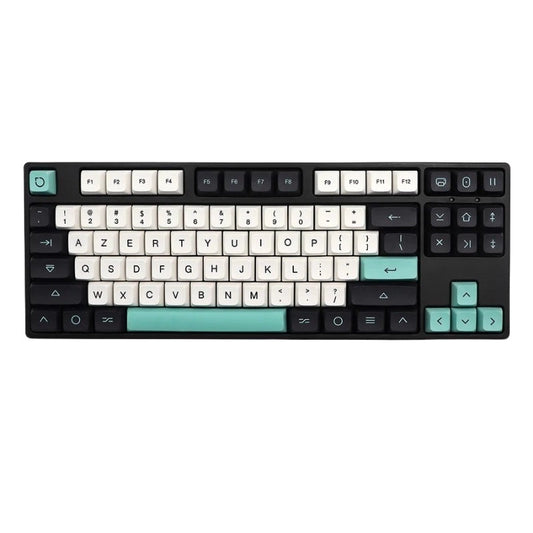
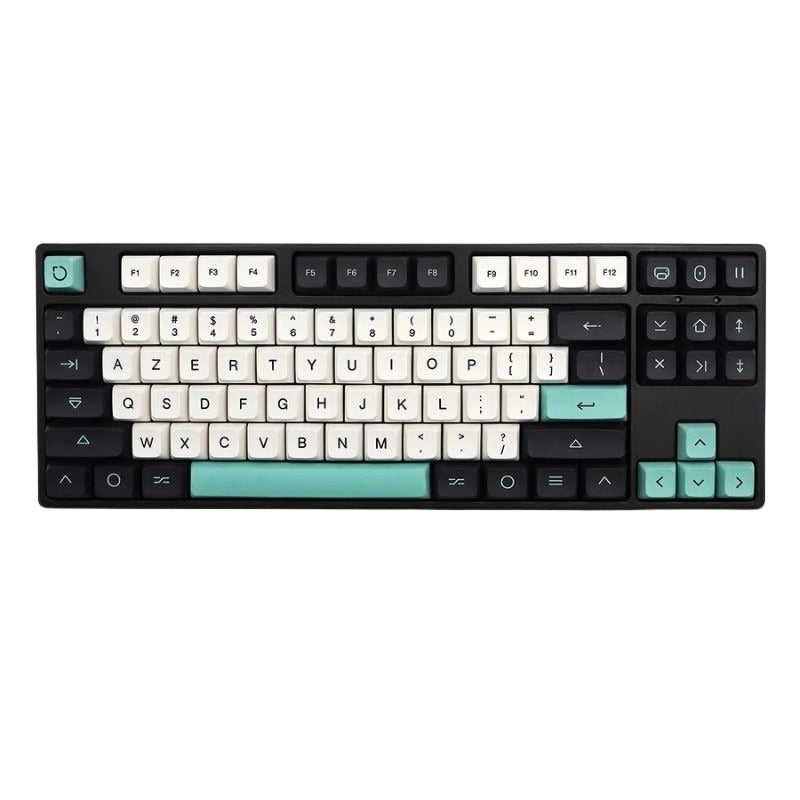
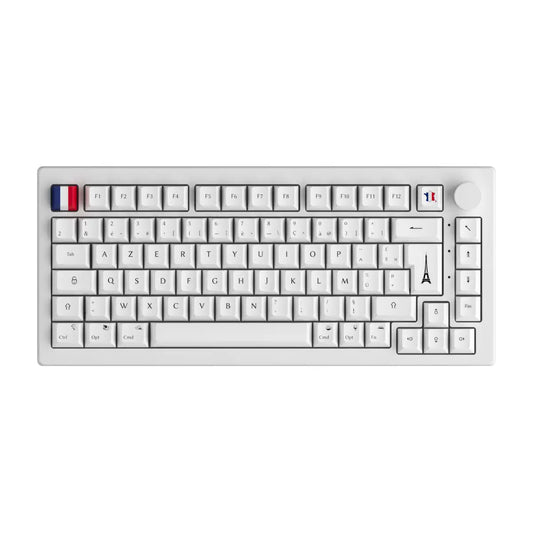
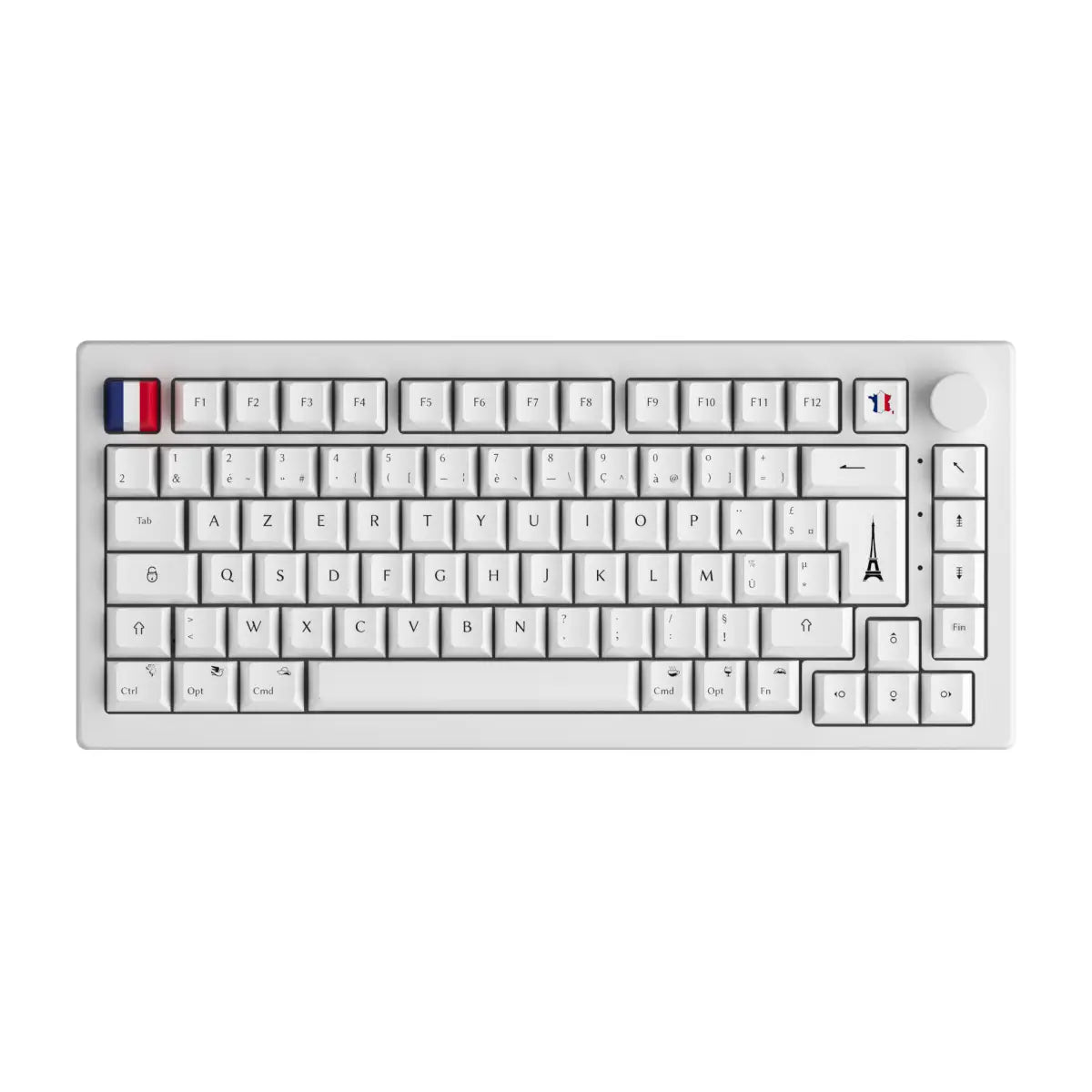

You're probably familiar with the AZERTY keyboard, typical of computers in France. But do you know exactly why it's different from QWERTY or QWERTZ keyboards? CustomTonClavier explains everything in detail!

Where does the name AZERTY come from?
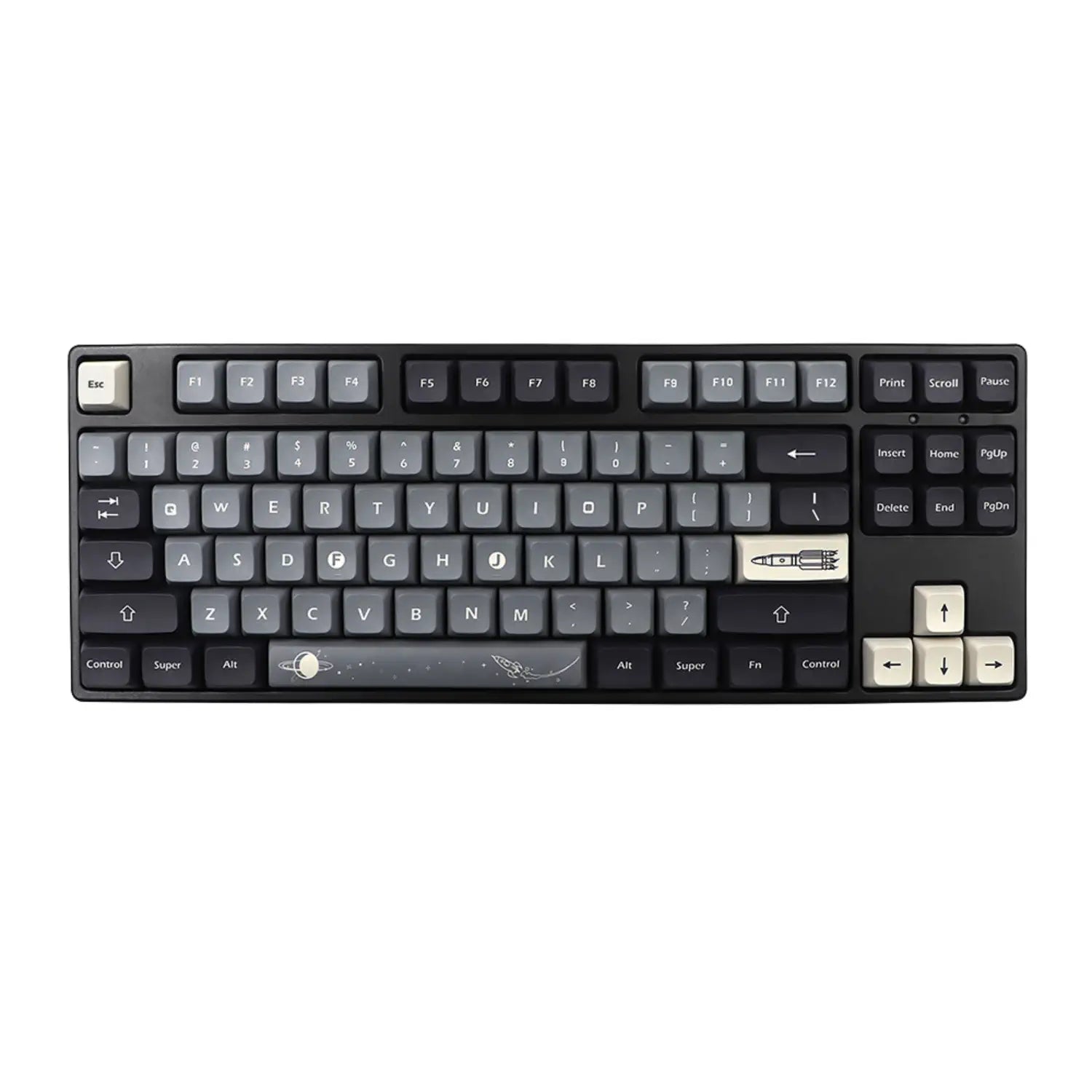
The AZERTY keyboard simply owes its name to the first six letters located in the top left corner of the keyboard. This layout was adopted primarily in France and French-speaking Belgium to facilitate rapid typing in French.
What are the specific features of the AZERTY keyboard?
Compared to QWERTY (international) or QWERTZ (German-speaking) keyboards, AZERTY has some important differences:
- The A and Q keys are reversed compared to QWERTY.
- The Z and W keys are also reversed compared to QWERTY.
- Frequent accented characters in French (such as é , à , è ) require specific key combinations.
Why use an AZERTY keyboard?
- Optimized for French: Faster access to French special characters (accents, punctuation).
- National standard: used in almost all professional and educational contexts in France.
- Adapted for typing in French: promotes fast and fluid typing.
How to easily adapt to the AZERTY keyboard?
- Practice regularly with typing exercises specific to the AZERTY keyboard layout.
- Use keyboard stickers to quickly memorize key positions.
- Configure your computer to easily switch between multiple keyboard layouts as needed.
Can you type in English on an AZERTY keyboard?
Yes! Even though the AZERTY keyboard is optimized for French, you can perfectly well use it to write in English. You'll just need to get used to some minor differences, such as the placement of the letters A , Q , Z , and W.
In summary:
- The AZERTY keyboard is mainly used in France and Belgium.
- It is specifically designed to facilitate writing in French.
- With a little practice, it is easy to master and versatile.
You're now an expert on the AZERTY keyboard ! CustomTonClavier is here to answer all your questions about keyboards and their customization, including AZERTY keycaps. Also check out our other guides to enhance your keyboard experience!
