
You've just upgraded your mechanical keyboard and now you want to fine-tune your mouse technique? The claw grip is today the dominant hold among competitive FPS players on Valorant, CS2 and Apex Legends. In ten minutes of reading, you'll know exactly what this claw-shaped hold is, how it compares to palm grip and fingertip, how to adopt it cleanly in 4 steps, which mouse and mousepad to pick to master it, and how to avoid the tendinitis that lurks during long sessions.
Key takeaways
The claw grip is the claw-shaped hold most widely adopted by competitive FPS players, thanks to its unique combination of click responsiveness and movement stability. Five points to keep in mind before diving into the guide.
- This claw grip relies on a palm anchored at the back of the mouse and arched fingers shaped like a claw above the buttons.
- It dominates FPS esports setups (Valorant, CS2, Apex) thanks to its click speed and wrist precision.
- A compatible mouse ideally weighs under 70 g and measures 115 to 125 mm in length.
- The XXL mousepad (90 x 40 cm minimum) is the essential companion for low sens FPS play.
- A too-tense grip causes fatigue and tendinitis: relax the fingers and take micro-breaks every 45 minutes.
The claw grip, what exactly is it
The claw grip is a way of holding your mouse in which the palm rests on the back of the shell while the fingers stay arched like a claw above the main buttons. It's the hold most widely adopted by competitive FPS players because it combines click responsiveness and movement stability in a single gesture.
Unlike the palm grip, where the whole hand lies flat on the mouse, or the fingertip, where only the fingertips touch the shell, the claw grip creates a stable anchor point at the back (the palm) and frees the fingers for ultra fast clicks. This architecture is ideal for games that demand instant shots and precise micro-adjustments, such as competitive FPS and high-level MOBAs.
In short, three elements define the claw grip:
- Palm anchored on the back of the mouse, never completely flat.
- Arched fingers shaped like a claw above the left and right clicks.
- Wrist slightly raised so the forearm drives the wide movements.
Claw grip vs palm grip vs fingertip grip: the comparison table
No grip is objectively superior, the right choice depends on your play style, hand size and personal comfort. The table below compares the three holds on six criteria that really matter in game.
| Criterion | Claw grip | Palm grip | Fingertip grip |
|---|---|---|---|
| Hand contact | Palm + arched fingers | Palm + flat fingers | Fingers only |
| Click speed | High | Medium | Very high |
| Micro-adjustment precision | High | Medium | Very high |
| Wide movement stability | High | Very high | Low |
| Long session fatigue | Medium to high | Low | Medium to high |
| Ideal play style | FPS + MOBA | RTS + MMO | FPS twitch |
The claw grip holds its own because it sacrifices neither speed nor precision: it sits at the crossroads of palm grip (stability) and fingertip (speed). That's why you find it in more than 60% of pro CS2 and Valorant setups according to mouse-review community surveys. It still has one weak point: the arched position fatigues more during marathon sessions of over 3 hours.
Why the claw grip dominates among FPS gamers
The claw grip has taken over among FPS pros because it delivers both fingertip click speed and palm stability in one single motion. On Valorant, CS2 or Apex Legends, this duality makes the difference between a headshot and a miss.
Three technical advantages explain this dominance in the competitive context:
- Fast flick shots are made easier by the arched fingers that trigger the left click instantly, without having to travel the full stroke of a phalanx.
- Wrist micro-adjustments stay stable thanks to the palm anchored on the shell, which acts as a natural pivot.
- Fatigue stays moderate over 1 to 2 hour sessions, unlike the fingertip which quickly exhausts the hand's tendons.
In practice, many pros on the CS2 and Valorant circuit use a variant of this grip, often hybrid between pure claw and palm claw (hand slightly more relaxed). This flexibility is the real strength of the claw grip: it adapts to each player's morphology and to most competitive games in which speed and precision must coexist at all times.
How to adopt the claw grip step by step
Adopting the claw grip cleanly takes about two weeks of daily practice and boils down to four precise gestures to repeat until the hand recognises them on its own. The most common beginner mistake is tension: the claw grip must stay relaxed, never tense.
Here's the exact procedure to install a clean grip:
- Rest only the back half of the palm on the shell of the mouse, without spreading the whole hand.
- Arch the fingers into a claw shape, with the index on the left click and the middle finger on the right click.
- Lift the wrist slightly so the movement comes from the forearm and wrist combined, never from a rigid palm.
- Test 30 to 90 degree flick shots at low sensitivity to validate grip stability.
Three examples of concrete DPI and sensitivity setups depending on your play style:
- FPS low sens setup: 400 DPI + 0.5 in-game sensitivity on Valorant or CS2, ideal for shooting precision.
- FPS mid sens setup: 800 DPI + 0.6 in-game sensitivity, a good compromise between flick shot and tracking.
- MOBA setup: 1600 DPI + acceleration disabled for a responsive cursor on wide maps.
Count two to three weeks for the hand to memorise the new grip. The first five sessions will feel less accurate than your old grip: that's normal, muscle memory is being rewritten.
Which mouse to pick for a high-performing claw grip
A claw grip compatible mouse weighs less than 70 g, measures 115 to 125 mm long, has a symmetrical slightly humped shape and packs a high-end sensor. These four criteria are non-negotiable for a high-level claw grip.
The following table details the five technical criteria of an ideal claw grip compatible mouse and why each one matters in game.
| Criterion | Target value | Why it matters for the claw grip |
|---|---|---|
| Weight | Under 70 g, under 60 g for purists | Reduces fatigue and improves flick shot velocity |
| Length | 115 to 125 mm | Fits average hand 17 to 19 cm, anchors the palm properly |
| Shape | Symmetrical or slightly ergonomic | The back hump hugs the anchored palm of the claw grip |
| Coating | Matte or grip tape | Prevents the mouse from slipping under arched fingers |
| Sensor | 1000 Hz polling minimum, low LOD | Tracks wrist micro-adjustments without latency |
Two pitfalls to avoid at the moment of purchase. First, a mouse that's too tall (over 42 mm) forces the palm to rise and breaks the claw grip angle. Second, a mouse that's too low (under 36 mm) forces the fingers to flatten and drifts the grip toward an involuntary fingertip. The wireless sub-70 g mouse has established itself as the 2026 competitive standard: it frees the wrist from the cable and adds no more latency compromise compared to wired.
To explore claw grip compatible models, take a look at the ATTACK SHARK collection (lightweight ergonomic mice) and the AULA collection (symmetrical sub-70 g formats popular in FPS).
The role of the mousepad in a successful claw grip
The mousepad is the most underrated parameter of the claw grip: in an optimal low sens setup, a simple in-game 180 degrees can require up to 35 cm of real mouse movement on the pad. That's why the 90 x 40 cm XXL mousepad is essential for the low sens claw grip: a standard 30 x 25 cm pad forces a lift-off (raising the mouse) mid-motion, which destroys flick shot precision.
Two main families of pads coexist, and the choice depends on your sensitivity:
- Control pad: slower glide, precise stop, ideal for micro-adjustments of the low sens claw grip.
- Speed pad: fast glide, ideal for wide flick shots of the high sens claw grip.
- Hybrid pad: intermediate compromise, a good choice for versatile FPS and MOBA players.
Before buying an XXL pad, apply this small actionable checklist:
- Check that the surface is uniform, without folds or bulges under the fabric.
- Choose a non-slip rubber base to prevent the pad itself from sliding during intense sessions.
- Verify that the edges are stitched to avoid fraying after a few months.
- Prefer a 90 x 40 cm format minimum if you play low sens on FPS.
- Avoid stiff hard plastic pads for an active claw grip, they fatigue the wrist.
The XXL format has a secondary benefit that's too rarely mentioned: it lets you place the keyboard directly on the pad, which visually unifies the setup and dampens the sound vibrations of the mechanical keyboard. To browse available formats, check the XXL Gaming Mousepad collection or its thematic counterpart Gaming Mousepad.
Claw grip and fatigue, tendinitis: what to do
The arched position of the claw grip creates permanent tension on the tendons of the fingers and wrist, which can cause fatigue, tendinitis and carpal tunnel syndrome after several daily hours. Spotting warning signals early prevents a lasting condition from setting in.
Here are the six warning signs to watch during and after your sessions:
- Tingling in the thumb or index in the middle of a game.
- Pain in the wrist or forearm after 1 hour of play.
- Cramp in the middle or ring finger at the end of a round.
- Numbness in the fingers upon waking.
- Obvious drop in precision at the end of the session.
- Reflex to shake your hand between rounds to wake it up.
The following troubleshooting table cross-references each common symptom with its probable cause and the priority solution to apply.
| Symptom | Probable cause | Solution |
|---|---|---|
| Wrist pain after 1 h | Mouse too heavy or too tall | Go under 70 g, check height 36-42 mm |
| Numb fingers | Grip too tense | Relax the hold, 5 min breaks every 45 min |
| Middle finger cramp | Finger angle too arched | Flatten the arch slightly, raise DPI by 100 |
| Precision drop at end of session | Forearm fatigue | Finger and wrist warm-up 2 min before each session |
| Thumb tingling | Mouse too narrow (pinched grip) | Try a wider model (68-70 mm) |
| Early tendinitis | Sessions > 3 h without breaks | 45 min rule: 5 min break, 30 s stretches |
Two reflexes to build in from today: micro-breaks every 45 minutes (5 minutes of rest with hand relaxed) and a finger and wrist warm-up of 2 minutes before each competitive session. These two gestures drastically reduce the long-term risk of tendinitis.
Claw grip in a complete gaming setup: keyboard + mouse + pad
The claw grip isn't played in isolation: it fits into a coherent gaming setup where the compact keyboard, lightweight mouse and XXL pad work together to free wrist space and precision. The winning trio sums up in one sentence: 60% or 65% keyboard + sub-70 g mouse + XXL control pad.
Three reasons explain why FPS pros all play on compact keyboards with this grip:
- The 60% or 65% compact keyboard frees space on the right for the wide mouse movements typical of the low sens grip.
- A low-profile keyboard reduces the height of the left wrist and aligns both hands on the same ergonomic plane.
- The XXL pad absorbs this spatial freedom without the mouse ever running off the pad mid flick shot.
Three typical setups depending on your main play profile:
- Competitive FPS setup: 60% keyboard + sub-60 g mouse + 90 x 40 cm XXL control pad.
- MOBA / MMO setup: 65% keyboard + 65-75 g mouse + XXL hybrid pad.
- Versatile setup: 75% or TKL keyboard + 70 g mouse + XXL speed pad.
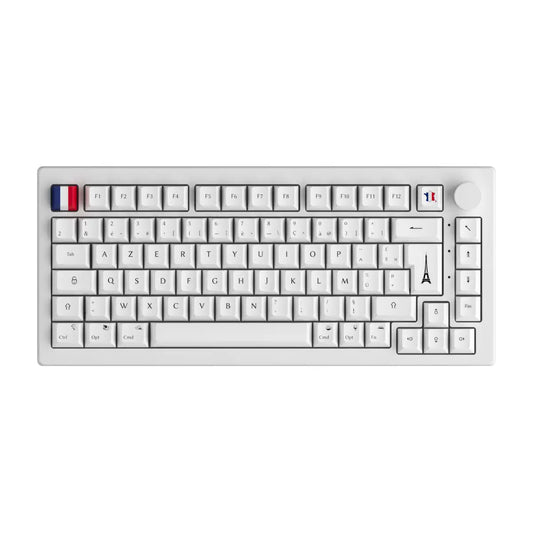
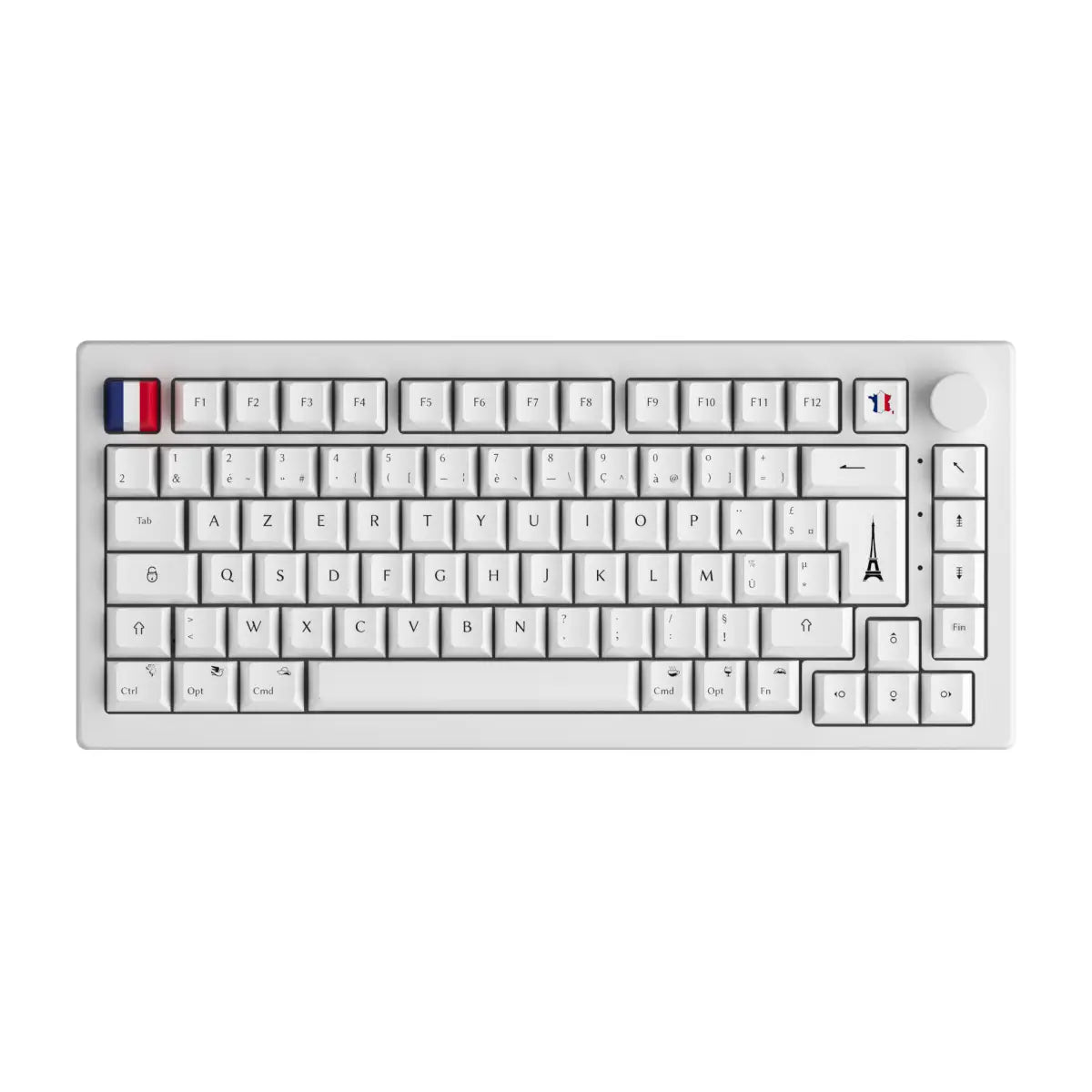
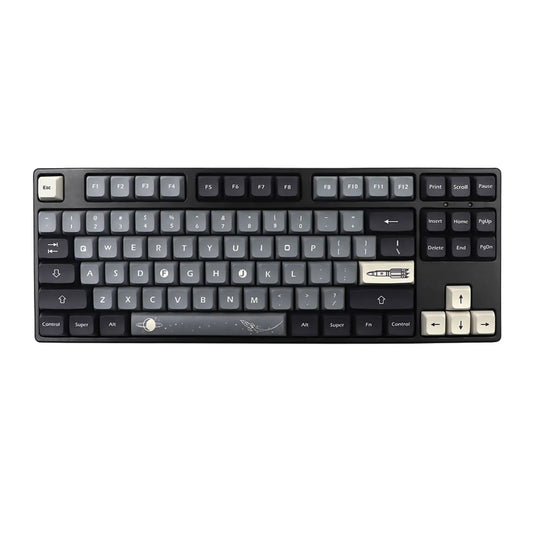
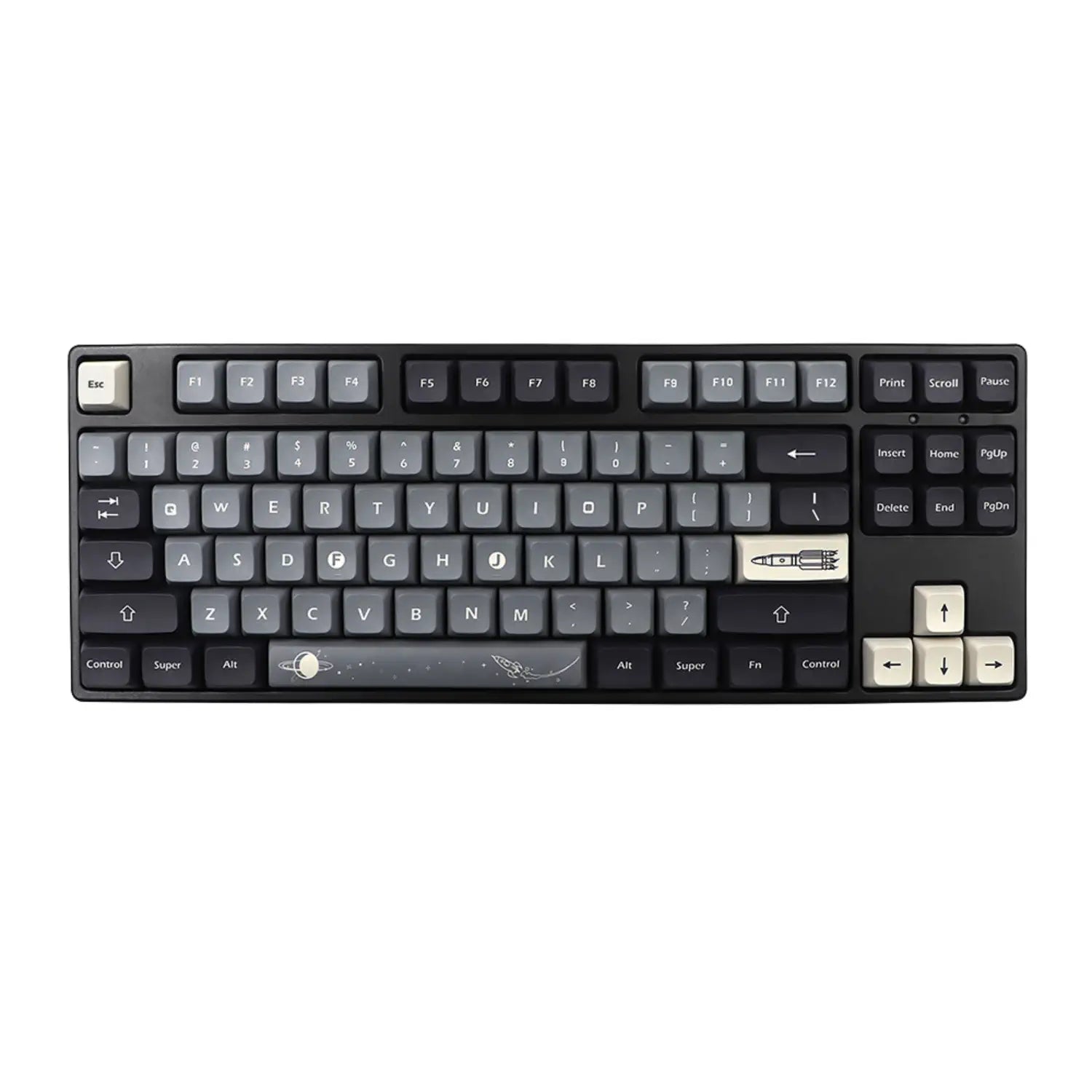
To explore compact keyboards suited to this grip, the 60% Keyboard collection gathers the models most favoured by the FPS scene. The format just above, the 75% Keyboard collection, keeps the arrow keys useful outside the game while still freeing mouse space.
Our Custom Ton Clavier peripherals for a claw grip setup
Four categories in the Custom Ton Clavier catalogue cover every brick of a high-performing gaming setup: lightweight ergonomic mice, XXL pads, keyboard + mouse bundles and compact keyboards. You can build your setup piece by piece or start from a bundle already matched.
- The lightweight mice from ATTACK SHARK and AULA, available on our hub page Brands, are designed for sub-70 g claw-compatible formats, with anti-slip shells and 1000 Hz polling sensors.
- The XXL pads in the XXL Gaming Mousepad collection offer 90 x 40 cm formats and larger, essential for the low sens FPS grip.
- The Keyboard mouse pack bundles pair a compact keyboard with a compatible mouse right out of the box, ideal for a first setup without mistakes.
- The 60% Keyboard and 75% Keyboard compact keyboards free the space needed for the low sens grip without compromising on essential keys.
To browse the available brands, the Brands hub page gathers all the manufacturers referenced by our catalogue and makes series comparisons easier.
FAQ - Frequently asked questions about the claw grip
Five questions summarise the most common blockers for players who are discovering or digging into the claw grip in 2026. Direct and actionable answers.
What is the best mouse grip for FPS in 2026?
The claw grip remains the majority grip among FPS pros in 2026 thanks to its unique balance between click speed and wrist stability. The fingertip grip keeps a niche among very sensitive low DPI players on twitch games, but the claw grip widely dominates the CS2, Valorant and Apex Legends scenes. For an amateur player starting in competitive play, it's the technique to install first.
What hand size do you need for a comfortable claw grip?
The claw grip works perfectly with a hand 17 to 20 cm long, measured from the wrist to the tip of the middle finger. Below 17 cm, aim for ultra compact mice (110 to 115 mm long). Above 20 cm, you can target a bigger mouse (125 to 130 mm) without breaking the grip, provided you choose a model with a pronounced back hump.
Does the claw grip really cause tendinitis?
The claw grip can cause tendinitis if you combine three risk factors: sessions over 3 hours without breaks, a mouse that's too heavy and a tense grip. Micro-breaks every 45 minutes and a finger + wrist warm-up of 2 minutes upfront drastically reduce the risk. A lightweight mouse under 70 g with a matte coating also helps relax the grip naturally.
What grip do CS2 and Valorant pros use?
The majority of CS2 and Valorant pros use a variant of the claw grip, often hybrid with a slight palm claw for long sessions. Pure fingertip remains a minority at the top level, reserved for a few atypical profiles. The classic palm grip is found mostly among older players or those with large hands, on heavier asymmetrical ergonomic mice.
Can you do claw grip with a heavy mouse (over 80 g)?
Technically yes, but comfort and performance clearly degrade above 80 g for an active claw grip. The extra weight drops flick shot speed and quickly fatigues the tendons of the arched fingers. If your current mouse exceeds 80 g, consider switching to a sub-70 g model to discover the true potential of the claw grip in competitive FPS.