
You press Shift and 2 to type an email address, and you get a double quote instead. The keyboard is not broken: you are holding a British keyboard, in other words an English keyboard using the UK layout. An imported laptop, a workstation from an English-speaking branch office, a second-hand bargain from a classified ad, the situation comes up far more often than people expect. In a few minutes you will know how to spot this type of keyboard at a glance, find the at sign, the pound sterling, the hash and the backslash again, switch your system to the British layout without buying new hardware, and above all work out which keycaps genuinely fit your machine.
The short version
A British keyboard is a QWERTY board built on the physical ISO standard, the same shape as a French AZERTY, with its symbols placed differently from an American keyboard. Four things to keep in mind before we get into the detail.
- The at sign is not on the 2 key: you get it with Shift and the apostrophe key, just to the right of the semicolon.
- The pound sterling is typed with Shift and 3, which is exactly why the hash moved to a key of its own, to the left of Enter.
- A full-size board has 105 keys in ISO against 104 in ANSI on American models, the extra key sitting between the left Shift and the Z.
- An ISO keycap set drops onto a British keyboard or a French AZERTY without any difference, whereas an ANSI set will not fit either of them.
British, American, French keyboards: what actually changes?
The word layout covers two very different things: the physical shape of the keys, and the character your system sends when you press one. Mixing up the two is behind most of the confusion around this subject.
The physical layout describes the silhouette of the board: how many keys it has, the shape of the Enter key, the width of the left Shift. Two major standards live side by side. The ANSI standard, used in the United States, has a wide horizontal Enter key, a long left Shift and 104 keys on a full-size board. The ISO standard, used across Europe, has a tall L-shaped Enter key spanning two rows, a shortened left Shift and one extra key, for 105 keys in total.
The software layout describes the mapping, that is to say the character each key actually produces. It is an operating system setting, completely independent of whatever is printed on the caps.
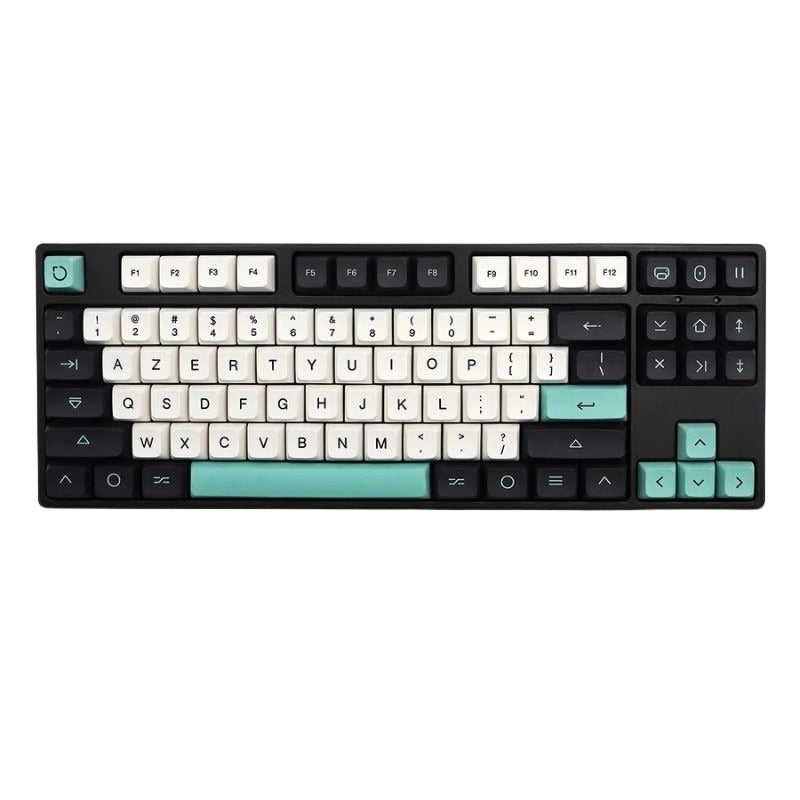
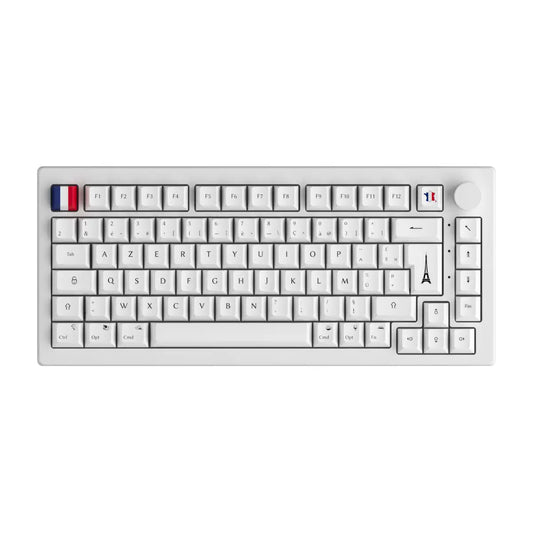
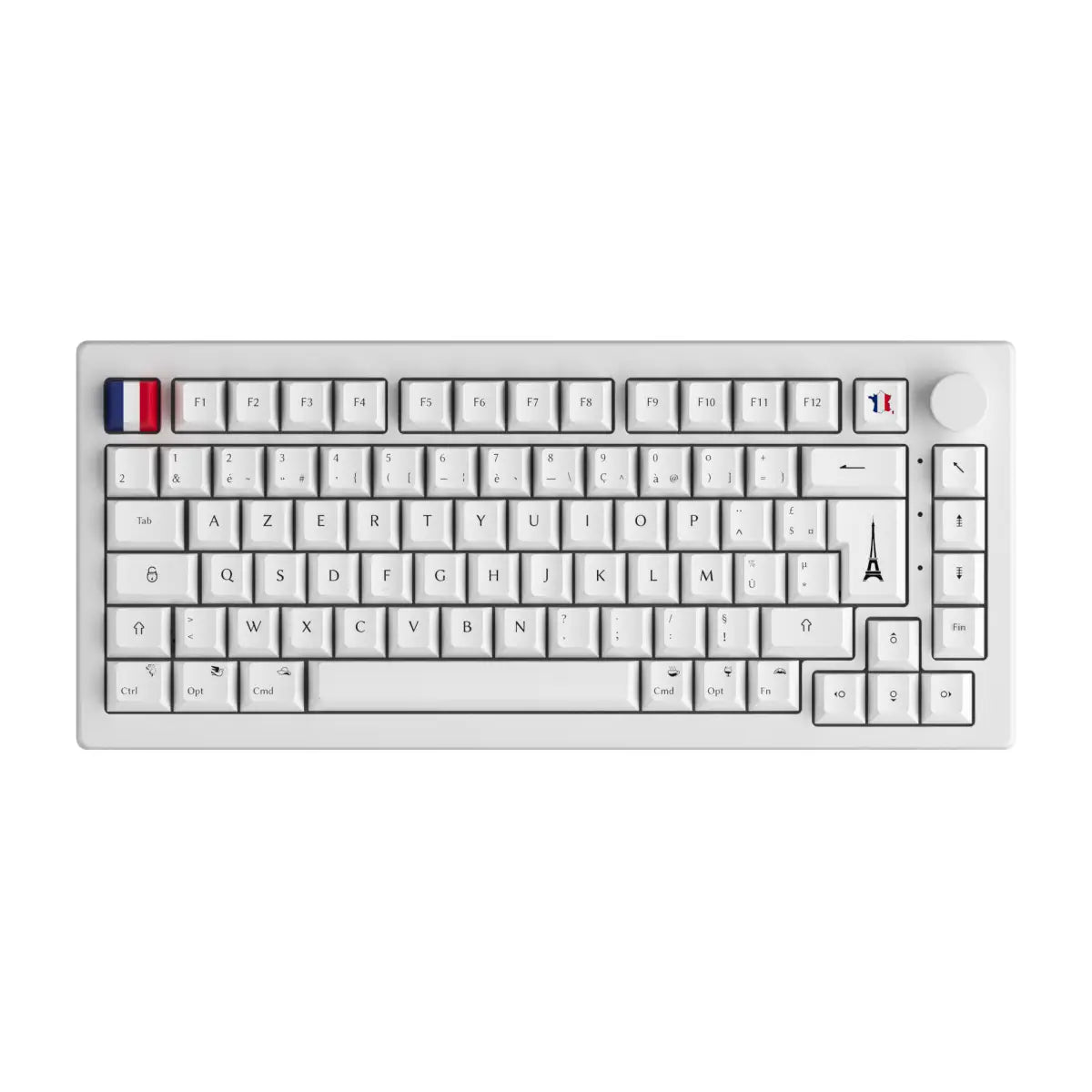
Here is the point nobody spells out clearly for a reader coming from France: a British keyboard and a French AZERTY keyboard are both ISO boards. They share exactly the same key silhouette. What separates them is the order of the letters, QWERTY on one side, AZERTY on the other, and the position of the symbols. The American keyboard plays in a different physical category altogether with its ANSI standard. That distinction stays theoretical for as long as you buy nothing, and turns decisive the moment you touch your keycaps or build a mechanical keyboard.
Five keys that give a UK board away at a glance
Five visual markers are enough to identify a British keyboard from a listing photo, without even plugging it in. A British keyboard is recognisable by its geometry before you ever read its legends. Use this list as a checklist before buying a second-hand keyboard or an imported laptop.
- The L-shaped Enter key, tall across two rows, the signature of the ISO format shared by British and French keyboards.
- The shortened left Shift, with an extra key wedged in beside it carrying the backslash and the pipe.
- The hash and tilde key, a key in its own right sitting immediately to the left of Enter, which simply does not exist on an American keyboard.
- The £ symbol printed on the 3 key, the quickest marker to spot on any reasonably sharp photo.
- The AltGr key to the right of the space bar, where an American keyboard puts a second Alt.
Tick all five and you are looking at a British keyboard. If the Enter key is L-shaped but the letters start with A, Z, E, R, T, Y, you have a French keyboard: same physical standard, different mapping.
Where to type the at sign, the pound, the hash and the euro on a British keyboard
On a British keyboard the at sign comes from Shift and the apostrophe key, never from Shift and 2, which produces a double quote. This is the single most asked question about the British keyboard, and the answer fits in one key combination.
The logic is easy to remember: the pound sterling occupies the spot the hash holds on an American keyboard, which pushed every other symbol out of place. The table below gives the exact shortcuts, with the French AZERTY equivalent as a reference point.
| Symbol | On a British keyboard | On a French AZERTY | Note |
|---|---|---|---|
| @ at sign | Shift + apostrophe | AltGr + à (the 0 key) | The number one trap of the UK layout |
| " double quote | Shift + 2 | The 3 key directly | Exactly the reverse of the American board |
| £ pound sterling | Shift + 3 | Shift + $ | Printed on the 3 key in the UK |
| hash # | Dedicated key left of Enter | AltGr + 3 | Key missing from the American board |
| ~ tilde | Shift + hash key | AltGr + 2 then space | A dead key on AZERTY |
| \ backslash | Key between left Shift and Z | AltGr + 8 | The famous extra ISO key |
| | pipe | Shift + backslash key | AltGr + 6 | Essential on the command line |
| € euro | AltGr + 4 | AltGr + E | Different position on macOS |
| ¬ not sign | Shift + grave accent key | Not standard | A typically British symbol |
If a symbol still refuses to appear once you have used the right shortcut, the problem is not the keyboard but the layout currently active in your system: that is exactly what the section on switching layouts, a little further down, is about.
Windows or Mac: why the same keyboard types different symbols
A British keyboard plugged into a Mac does not behave like the same keyboard plugged into a Windows PC, and the hash is the most spectacular illustration of that. This is the point that generates the most pointless support tickets.
On Windows with the United Kingdom layout, the hash has its own physical key to the left of Enter. On macOS with the British layout, that very key no longer produces a hash: the symbol is printed nowhere and comes from Option and 3, since Shift and 3 stay reserved for the pound sterling. Anyone hunting for the hash on their keycaps can hunt for a long time, because it is not there.
The other differences worth knowing between the two systems:
- On Apple ISO keyboards, the key at the top left, just before the 1, produces the section and plus-minus symbols, where a British Windows keyboard puts the grave accent and the not sign.
- The euro is typed with AltGr and 4 on Windows, but with Option and 2 on macOS.
- The macOS Keyboard Viewer shows in real time which symbol each key produces, including while you hold Option or Shift, which settles the question in ten seconds.
The practical rule to remember: before declaring a keyboard faulty, check the layout currently active in your system settings. Nine times out of ten the hardware is perfectly fine.
Switching your keyboard to the British layout without buying new hardware
The layout is a software setting: any keyboard can become British in under a minute, without changing a single component. Follow the block that matches your situation.
On Windows 11:
- Open Settings, then Time and language, then Language and region.
- Add the English United Kingdom language, or add the keyboard alone if you want to keep your interface in its current language.
- Pick the variant you want: the standard United Kingdom layout, or the United Kingdom Extended variant, designed for typing accented characters through AltGr combinations, which makes it far more comfortable if you write in two languages.
- Switch between layouts with Windows and Space, without ever reopening the settings.
On macOS:
- Open System Settings, then Keyboard, then Input Sources.
- Add the British source to the list of available layouts.
- Turn on the input menu in the menu bar so you can switch with a single click.
- Open the Keyboard Viewer to locate the symbols visually before you start.
On a programmable mechanical keyboard: a board that works with configuration software accepts key by key remapping, without touching your system settings at all. You can move the at sign, the hash or the backslash exactly where your muscle memory expects them. Our guide to configuring your keyboard with VIA walks through the process. The same logic applies in the other direction if you are looking to switch a QWERTY keyboard to AZERTY.
One warning is in order: changing the software layout obviously does nothing to what is printed on the keys. If you touch type, that has no consequence. Otherwise, hardware is the next step.
Buying or building a British keyboard: what is really compatible
Three routes lead to a British keyboard, and the choice of keycaps is the one that catches out the most buyers. Here is how to decide without any nasty surprise.
First route, buy a keyboard that is already QWERTY. That is the most direct answer if you work in English day to day, or if you play with a key setup designed for that layout. The QWERTY keyboard collection gathers the relevant models.
Second route, keep your keyboard and change the caps. This is where the most important compatibility rule in the whole article comes into play. A keycap set designed for an ANSI board will not fit an ISO board: the Enter key is not the same shape, the left Shift is not the same width, and the cap for the extra key is simply missing. The other way round, an ISO set suits a French AZERTY just as well as a British QWERTY, since both share the same geometry. In practice you can pick from QWERTY keycaps or AZERTY keycaps depending on the legends you want under your eyes.
Third route, build your own keyboard. A custom keyboard kit lets you choose the physical layout at the point of ordering, then assemble the rest to taste.
Before confirming a purchase, run through this checklist:
- Check the physical format advertised, ISO or ANSI, since it governs all future compatibility.
- Choose the keyboard size, full size, 75 percent or 65 percent, which changes the number of caps you need.
- Compare the keycap profile, because a sculpted profile does not mix with a flat one without the typing feel suffering for it.
- Look for the extra key between the left Shift and the Z on the product photos.
- Note the language of the legends, which is separate from the software mapping, so you do not end up with a keyboard whose printing matches nothing you actually type.
- Avoid ANSI keycap sets if your keyboard is ISO, the most common buying mistake on this subject.
One last figure to put the topic in perspective: the query "clavier anglais" generates roughly 4,400 searches a month in France, and "touche £" a comparable volume, while the English phrasing "british keyboard" gathers around 320. The demand is overwhelmingly French, while the available resources are almost all in English.
FAQ: British keyboards, the questions that keep coming up
The five questions below cover the bulk of what users are really looking for about the UK layout, typing symbols first among them.
How do you type the at sign on an English keyboard?
Press Shift and the apostrophe key, two positions to the right of the letter L. On a British keyboard, Shift and 2 produces a double quote, unlike the American keyboard where the same combination gives the at sign. If nothing works at all, check that the layout active in your system really is set to United Kingdom.
Why does the 2 key show a double quote?
Because the British mapping deliberately swaps the at sign and the double quote compared with the American mapping. That choice frees up the 3 key for the pound sterling, an essential symbol in the United Kingdom. The double quote therefore moves up to the 2 key and the at sign falls back onto the apostrophe key.
What is the difference between a British and an American keyboard?
The British keyboard is an ISO board, with 105 keys, an L-shaped Enter key and an extra key next to the left Shift. The American keyboard is an ANSI board, with 104 keys and a horizontal Enter key. The letters are identical in QWERTY, only the symbols and the geometry change.
Can you put French keycaps on a British keyboard?
Yes, provided they are ISO, which is the case for sets made for a French AZERTY. The two keyboards share exactly the same key shapes. Only the printed legends will differ from what the mapping actually produces, which does not matter at all if you touch type.
Is a UK or a US keyboard better for programming?
The British keyboard puts the backslash and the pipe on a dedicated, very reachable key, which people appreciate on the command line. The American keyboard groups braces and brackets more compactly. Neither is objectively superior: the real criterion remains the typing habits you have already built.