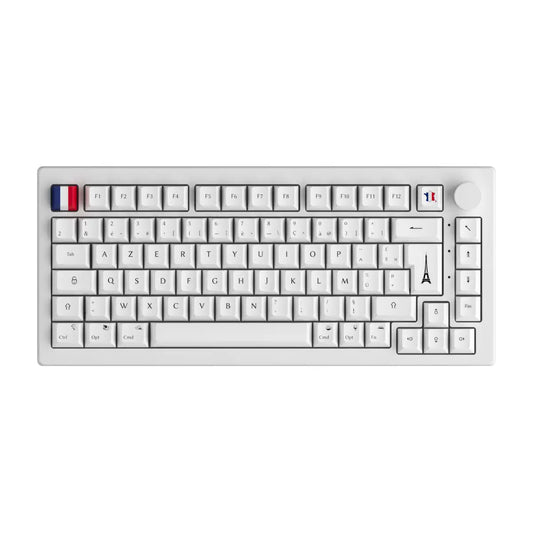
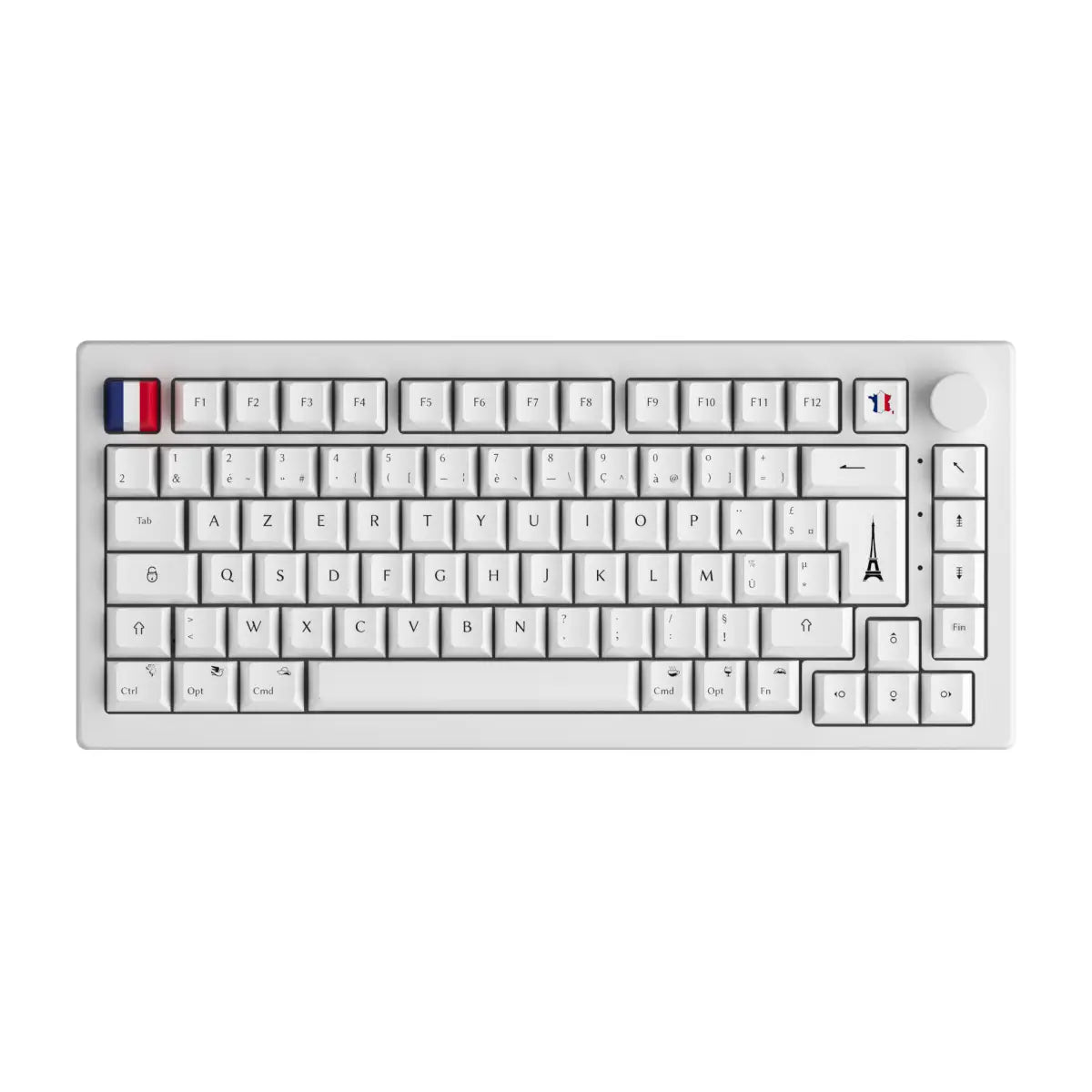
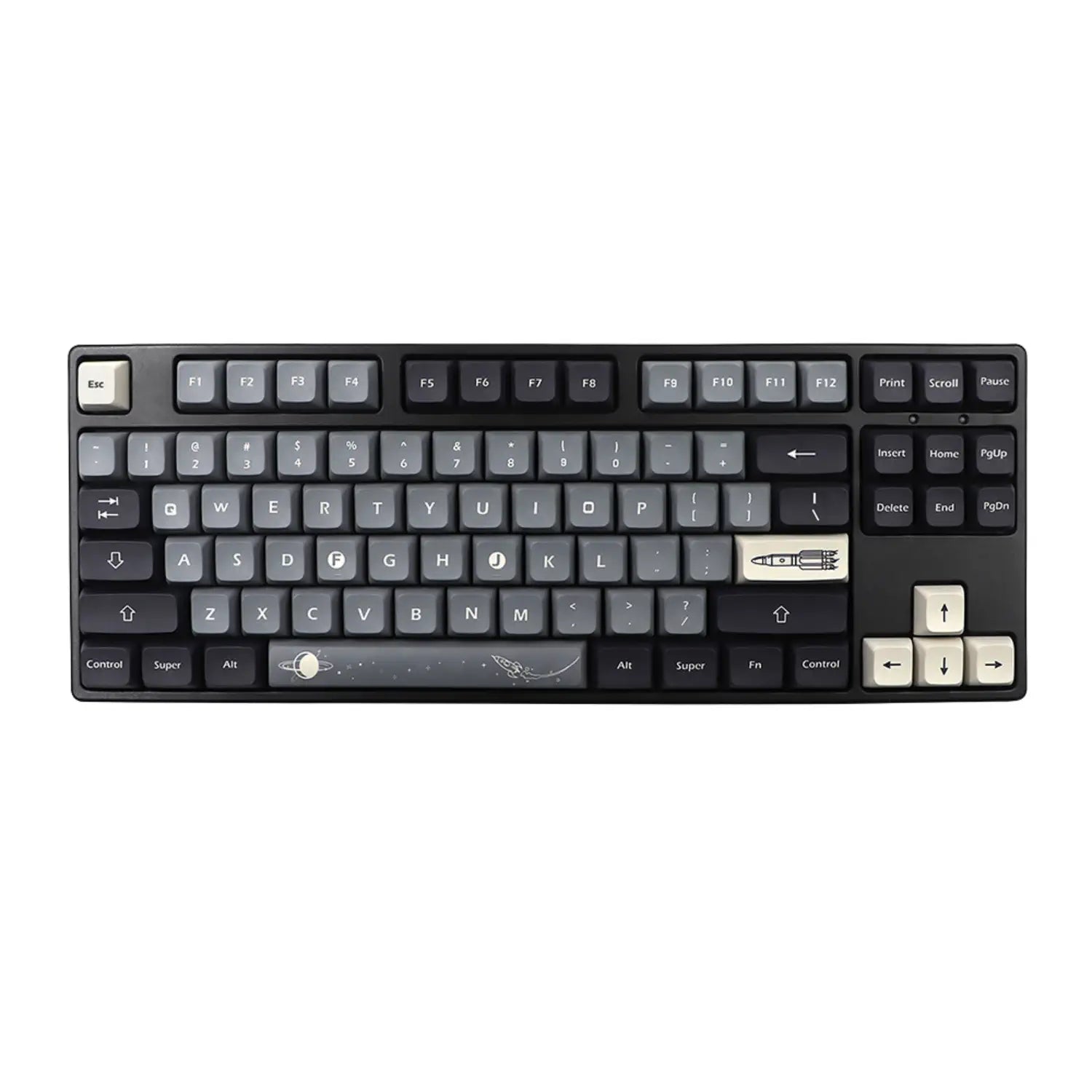



On a QWERTY keyboard, your fingers leave the home position for two keystrokes out of three. The dvorak keyboard layout starts from that observation and redistributes the alphabet so that most letters fall under fingers that are already resting there. Nearly a century after it was filed, the layout is still a curiosity to most people and an obvious choice to anyone who has adopted it. In a few minutes you will know where it came from, what the numbers actually say, how to switch your machine over without buying anything, and above all the part nobody explains: what happens when you want to physically move the keys on your mechanical keyboard.
The short version
Dvorak is a software layout, not a keyboard format: the same case, the same switches and the same keycaps can type QWERTY this morning and Dvorak this afternoon. Four points worth having in mind before we get into the detail.
- The layout puts roughly 70 % of keystrokes on the home row, against 32 % on QWERTY, a figure that comes from the design itself and not from any proven speed gain.
- Switching takes five minutes in the settings of Windows, macOS or Linux, with no extra hardware and nothing to uninstall.
- Physically rearranging your keycaps only works on a uniform keycap profile such as DSA or XDA. On a sculpted profile, every row has its own geometry.
- For typing in French, the direct heir to Dvorak is not Dvorak itself but bépo, standardised by AFNOR since 2019.
So what exactly is Dvorak?
Dvorak is a keyboard layout that reassigns the letters of the alphabet across the existing keys, placing the most frequent characters in English under the fingers at rest. Its official name is the Dvorak Simplified Keyboard, and it changes neither the shape of the keyboard, nor the number of keys, nor their physical position.
It is under the English name dvorak keyboard layout that the layout circulates in technical documentation and in operating system settings, where it usually shows up as United States-Dvorak.
The layout was completed in 1932 and patented in 1936 by August Dvorak, a professor of education, and his brother-in-law William Dealey, under US patent 2,040,248. The two men started from statistical work on the frequency of letters and letter pairs in English, then applied three simple design principles.
Vowels are grouped under the left hand, the most common consonants under the right. That separation means a common English word gets typed by alternating hands rather than by stringing keystrokes together on the same side. Rare letters drop down to the bottom row, the least comfortable one to reach. The left little finger, the weakest on the hand, is relieved of high-frequency keys.
One distinction is worth keeping in mind for what follows. Dvorak is a software layout: your operating system decides which letter appears when you press a key. The ISO or ANSI format, on the other hand, is a physical standard describing the shape of the keys and how many there are. An ANSI mechanical keyboard runs perfectly well in Dvorak, QWERTY or AZERTY without anything being touched.
What the numbers really say about Dvorak and QWERTY
Dvorak concentrates around 70 % of keystrokes on the home row where QWERTY puts only 32 %, but no serious study has ever shown that this gap translates into a speed gain for a trained typist. The nuance is essential, and it is missing from most articles on the subject.
| Row | QWERTY | Dvorak |
|---|---|---|
| Top row | 52 % of keystrokes | 22 % of keystrokes |
| Home row | 32 % of keystrokes | around 70 % of keystrokes |
| Bottom row | 16 % of keystrokes | 8 % of keystrokes |
These percentages are design data measured on the English language. They describe the distance travelled by the fingers, not typing speed. A fast QWERTY typist stays faster than a Dvorak beginner, and will do for a long while.
History explains why the layout never broke through. In the 1950s, several US government agencies considered retraining their typing pools. The General Services Administration duly commissioned a study from Earle Strong, published in 1956, with a sample of ten people per group. Its conclusion left no room for doubt: Dvorak was no more efficient than QWERTY. The institutional decision followed, and the matter was closed for decades. A standard used today by billions of people therefore froze in place on the back of a protocol that no scientific journal would accept as it stands.
The layout never disappeared, though. ANSI recognised it in 1982 as an official alternative layout, under reference X4.22-1983, later INCITS 207-1991. As a footnote, Barbara Blackburn, long regarded as the fastest typist in the world, set her record in Dvorak on an Apple IIc. That is a remarkable individual case, not statistical proof, and it should be read as such. QWERTY keycap sets remain by far the most widely produced, incidentally, which says a great deal about the inertia of the standard.
Real gains, real costs: what Dvorak changes day to day
Dvorak delivers typing comfort that is measurable in distance travelled, at the price of several weeks of degraded productivity and permanent friction with a world built entirely around QWERTY. Here are both columns of the balance sheet, unfiltered.
What you genuinely gain:
- A clear reduction in finger travel, particularly noticeable over long typing sessions.
- More frequent alternation between hands, which spreads the effort instead of concentrating it on one side.
- A left little finger relieved of high-frequency letters, a point often raised by people prone to wrist pain.
- Typing that stays anchored on the home row, so less hunting for keys with your eyes.
What you pay, and what often goes unmentioned:
- Several weeks of degraded speed, with a pronounced dip over the first ten days.
- Keyboard shortcuts scattered across the board: Ctrl and C, Ctrl and V, Ctrl and Z are no longer side by side at bottom left, which breaks reflexes built up over years.
- Shared machines that become unusable without reconfiguration, at the office as much as at a client site.
- Games to rebind from top to bottom, since the movement keys change position.
- A double skill to maintain if you need to stay operational on other people's keyboards.
The shortcut problem has a known fix: the Dvorak-QWERTY variant, available natively on macOS and through utilities on Windows, temporarily flips the keyboard back to QWERTY as soon as a modifier key is held down. You type in Dvorak, but Ctrl and C stays physically where it has always been. That detail is often what decides whether a switch succeeds or gets abandoned.
Switching to Dvorak on Windows, macOS and Linux in five minutes
None of the three systems requires an installation: Dvorak is already there, you simply add it as a secondary layout and keep your own alongside it. Nothing that follows is irreversible.
On Windows 11: open Settings, go to Time and language, then Language and region. Click the three dots next to your language, choose Options, then Add a keyboard, and select United States-Dvorak. Switching from one layout to the other is then done with the Windows key and the space bar.
On macOS: open System Settings, Keyboard section, then Input Sources and Edit. Add Dvorak to the list, and do look at the Dvorak-QWERTY variant if you are attached to your shortcuts. Quick switching is done with Ctrl and Space.
On Linux: the layout is added in your desktop environment's region and language settings. From the command line, setxkbmap us dvorak does the job immediately, and the reverse command setxkbmap us takes you back to square one.
Three habits to pick up from the very first minute:
- Keep your original layout installed. You will need it the day you have to move fast.
- Memorise the switching shortcut before you change anything, otherwise you will be hunting for the way back on a keyboard that no longer responds the way you expect.
- Test in an empty text editor, never straight into a password field or an important document.
The logic is exactly the same as changing your keyboard layout between QWERTY and AZERTY. If you own a programmable mechanical keyboard, one more option opens up: apply Dvorak directly in the firmware with QMK or VIA. The keyboard then sends the right characters whatever machine it is plugged into, which settles the shared-workstation problem once and for all. That is a serious argument in favour of a custom keyboard kit for anyone who wants to switch cleanly.
Should you physically move your keycaps? The question nobody covers
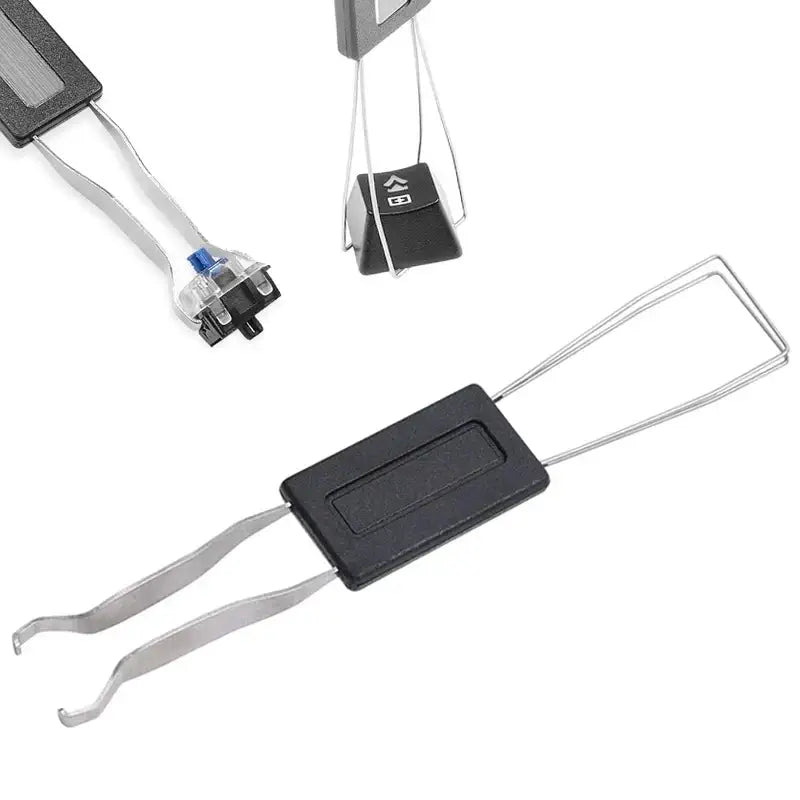
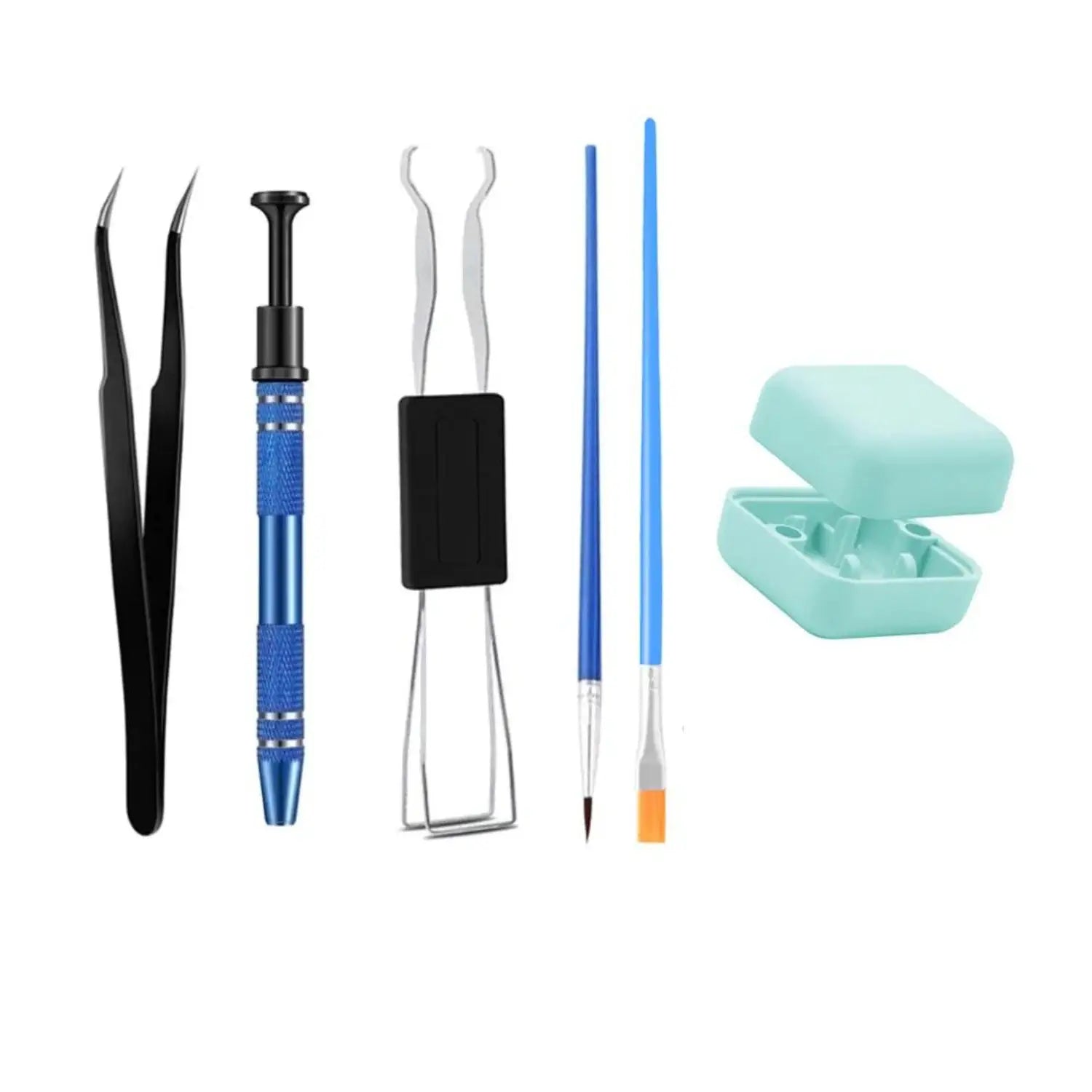
You can move your keys only if your keycaps use a uniform profile such as DSA or XDA; on a sculpted profile, each row has its own height and angle, and a relocated key becomes an obstacle under your fingers. This is the constraint that guides to Dvorak systematically pass over in silence, even though it determines everything about putting the layout into practice on a mechanical keyboard.
| Keycap profile | Geometry | Keys can be moved |
|---|---|---|
| DSA | Uniform, same height on every row | Yes, no constraints |
| XDA | Uniform, flat and wide surface | Yes, no constraints |
| Cherry | Sculpted, angle specific to each row | No |
| OEM | Sculpted, taller than Cherry | No |
| SA | Sculpted, tall and curved profile | No |
On a sculpted profile, the top-row key tilts towards you and the bottom-row key tilts the other way. Moving a key from one row to another produces a staircase of a keyboard, unpleasant to the touch and unstable under the fingertip. On a uniform profile, every key is identical in height and angle: they are interchangeable by design, and that is precisely why DSA keycaps and XDA keycaps are the natural allies of anyone changing layout.
Three situations, three different answers:
- You touch type: leave everything alone. Printed legends serve no purpose once your fingers know the way, and that is the most common case among long-time Dvorak users.
- You are starting out and need landmarks: a set of blank keycaps removes the contradiction between what is printed and what is typed, which paradoxically speeds up learning. Layout stickers also do the job for a few weeks.
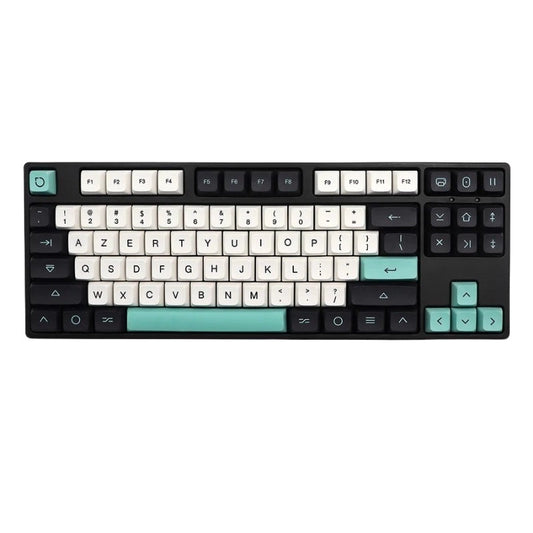
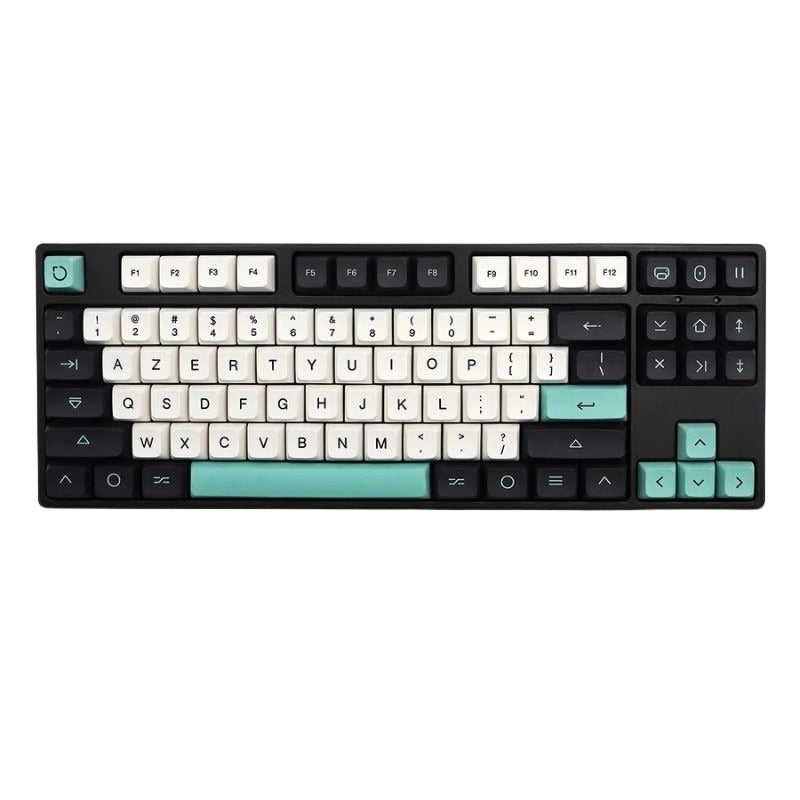
- You want a visually coherent keyboard: move to a uniform profile and rearrange, or pick a set of custom keycaps matched to your target layout.
If the vocabulary of profiles does not mean much to you yet, our guide to keycap profiles sets out the differences in height, material and sound before you buy anything.
Dvorak and French: why bépo exists
Dvorak is optimised for letter frequency in English, not in French: if you write mainly in French, the layout that applies the same logic to your language is called bépo. Ignoring that point amounts to adopting an optimisation calculated for somebody else's texts.
French does not behave like English on a keyboard. It leans heavily on the accented E, the cedilla, the apostrophe and composed characters, it uses A far more often, and its common letter pairs have nothing in common with English digraphs. A layout calibrated on English loses a good part of its point there.
Bépo was born of that observation. It is a layout directly inspired by the Dvorak method, but built on the letter frequency of French and of programming languages. It has been standardised by AFNOR under reference NF Z71-300 since 2019, which makes it the only French-language alternative to the standard keyboard with an official standard behind it.
Two other options are worth knowing about. Programmer Dvorak rearranges the digits and symbols for code rather than for prose. Colemak is the compromise usually recommended to the undecided: it moves only some of the letters and keeps the shortcut keys where they are, which takes much of the pain out of the transition.
Which layout to aim for, depending on how you work:
- You write mostly in English: Dvorak is the right call, that is the language it was designed for.
- You write mostly in French: look at bépo before Dvorak, the optimisation will actually apply to you.
- You write code: Programmer Dvorak or bépo, both built for the symbol density of source code.
- You game a lot: Colemak, or a dedicated key profile in the firmware so your binds survive.
- You share your workstation: stay on the standard layout everyone around you uses, or move the switch into the keyboard firmware.
Worth noting for owners of an AZERTY keyboard: moving to bépo or Dvorak does not call for a new keyboard either, the hardware reasoning set out above holds exactly the same.
A realistic switching plan, week by week
Allow six weeks to get back to a normal level of comfort at work, with a marked dip in productivity over the first ten days and a full return to your original speed that often takes longer than online accounts promise. Here is a workable schedule, designed not to wreck your working week.
Week 1: ten minutes a day, on the home row only, in a typing trainer. Your usual layout stays active for everything else. The goal is not speed, it is memorising where the eight fingers sit.
Weeks 2 and 3: move on to real text, short emails and personal notes, accepting a ridiculously low speed. This is the most disheartening phase, and the one where most people give up.
Week 4: switch over on your main machine for non-urgent tasks. Keep the quick switch within reach so you can drop back to QWERTY when a deadline lands.
Weeks 5 and 6: stabilisation. Speed climbs back, errors fall away, and typing becomes automatic again. This is also the moment you decide, with full knowledge of the facts, whether to keep it or drop it.
Rules to stick to throughout:
- Do not look at your keys. Looking at the legends on a keyboard that no longer matches what it types builds lasting confusion.
- Never switch on a delivery day. Pick a quiet stretch, not a week when work is due to a client.
- Keep your old layout installed at all times, the way out is part of the plan.
- Measure your speed once a week, not every day. Daily noise is discouraging and teaches you nothing.
- Type real text, not just exercises. The words you actually write are the ones your fingers need to learn.
FAQ: the Dvorak layout, common questions
The six questions that come up every single time around Dvorak, with short answers and no flattery.
Is Dvorak really faster than QWERTY? Nothing proves it. The layout reduces the distance travelled by the fingers, which is measurable, but the reference study of 1956 found no speed gain at all. Very fast typists exist in both layouts. The benefit most often reported is typing comfort, not words per minute.
Why did Dvorak never replace QWERTY? Through a combination of industrial inertia and one administrative decision. In 1956, the study commissioned by the General Services Administration concluded there was no gain, and large employers dropped the idea of retraining their typists. From then on, machines, training and habits locked QWERTY in place.
Where does the name Dvorak come from? From the name of August Dvorak, an American professor of education who designed the layout with his brother-in-law William Dealey and patented it in 1936. No connection with the Czech composer Antonín Dvořák, whose name is written with diacritics.
Who is the Dvorak layout really for? For people who write a great deal in English, who touch type, and who have several weeks ahead of them. It also appeals to anyone looking to reduce typing discomfort over long sessions. It suits you poorly, on the other hand, if you often move between machines or game a lot.
Do you need a special keyboard to type in Dvorak? No, no dedicated hardware is required to use the dvorak keyboard layout. The switch is purely a software matter and takes five minutes on Windows, macOS or Linux. A purchase is only justified if you want keycaps consistent with the new layout, and in that case the question is about the keycap profile, not the keyboard itself.
Is Dvorak suitable for gaming? It calls for some reconfiguration work. Movement keys change position, and plenty of games handle alternative layouts badly. The cleanest solution is to keep a QWERTY profile dedicated to gaming, either through the system's quick switch or in the keyboard firmware with QMK or VIA.