-
 AJAZZ
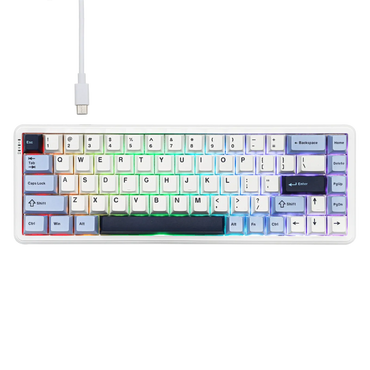
AJAZZAJAZZ AK680 MAX Blue/White ANSI
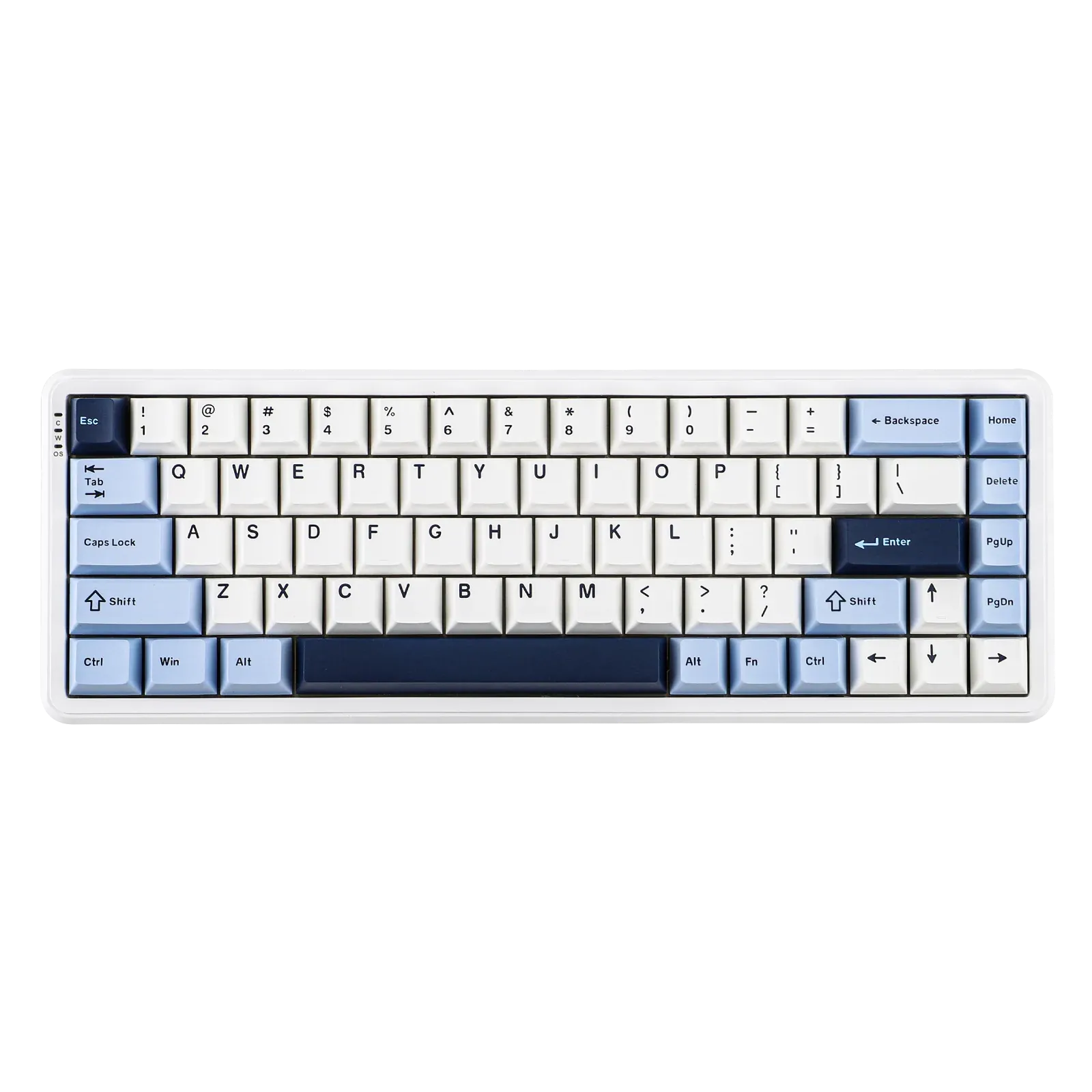
Ajazz AK680 MAX Blue/White – High-performance 68% magnetic keyboard Compact size 68% – Layout ANSI US QWERTY Ajazz Rice Magnetic...
€80,00€80,00€80,00 -
 AJAZZ
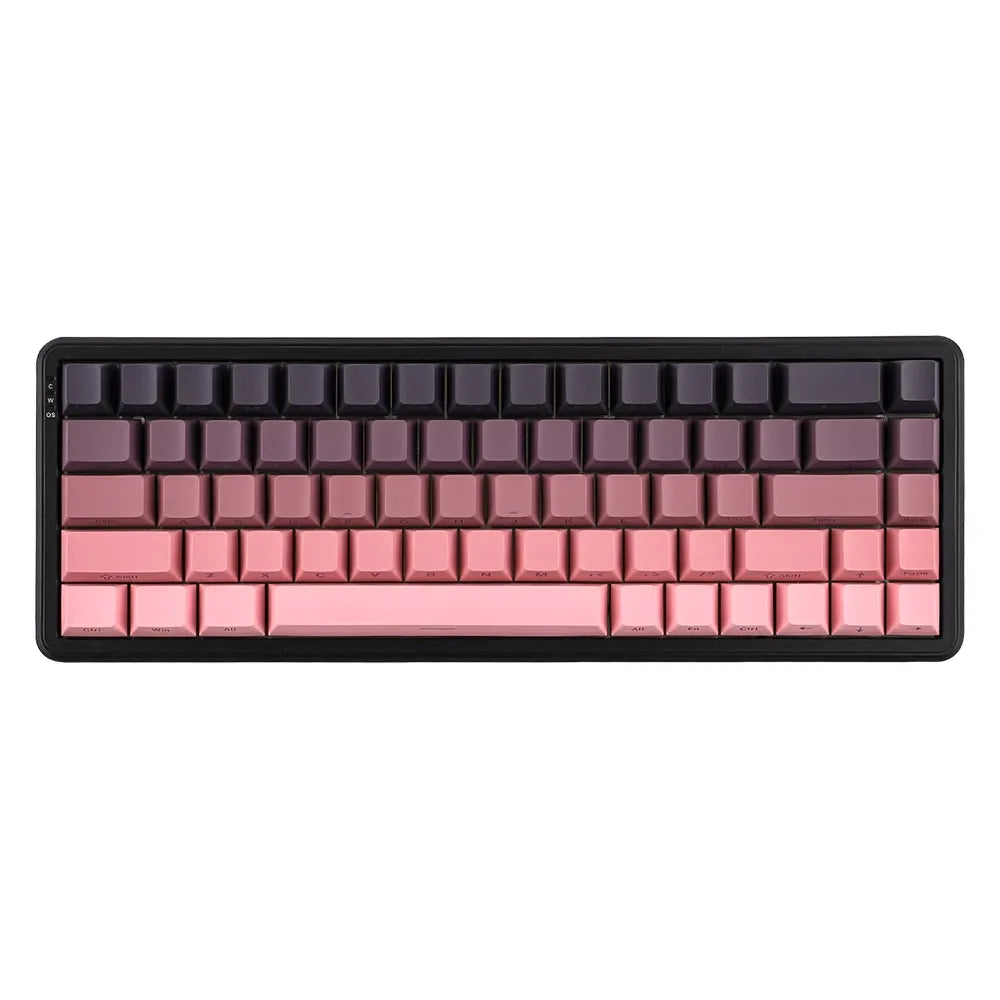
AJAZZAJAZZ AK680 MAX Pink ANSI Side-Printed
Ajazz AK680 MAX Pink – 68% Magnetic Keyboard, Esports Designed Compact format, 68% ANSI US QWERTY layout, elegant pink edition...
€80,00€80,00€80,00 -
 AJAZZ
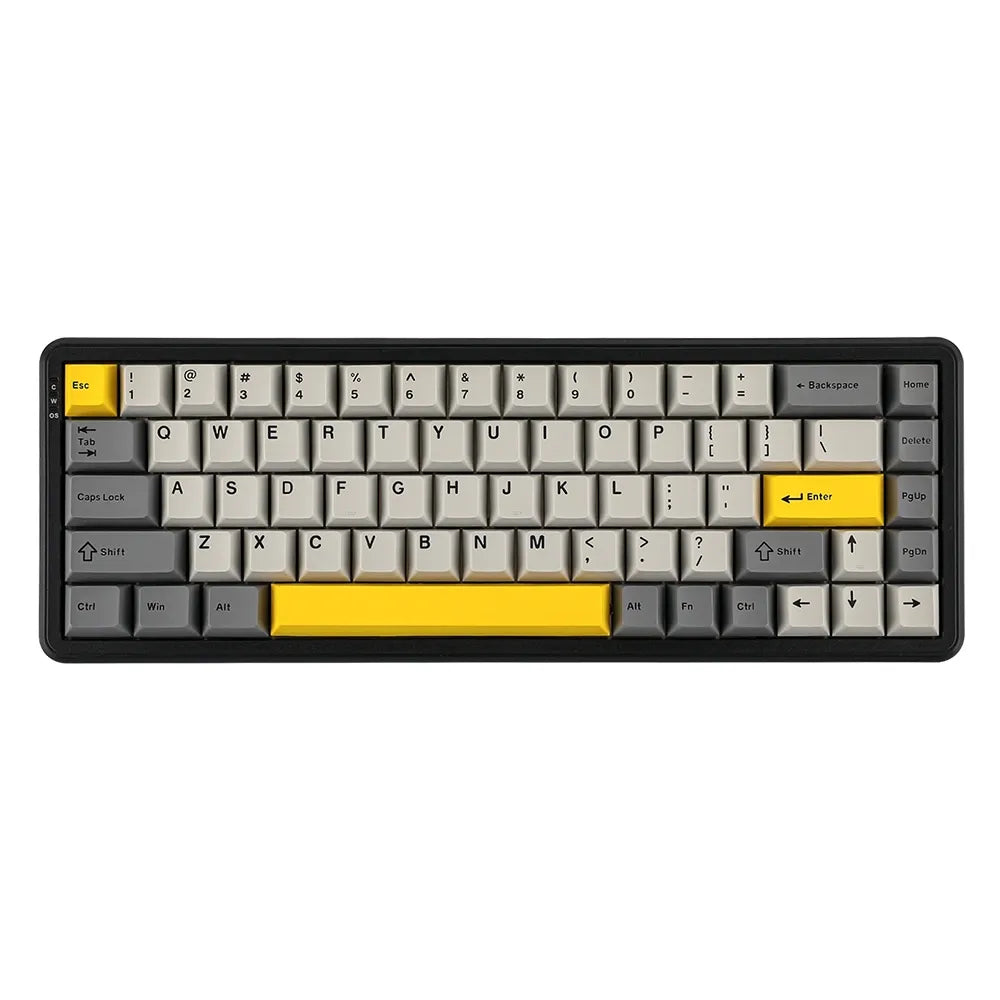
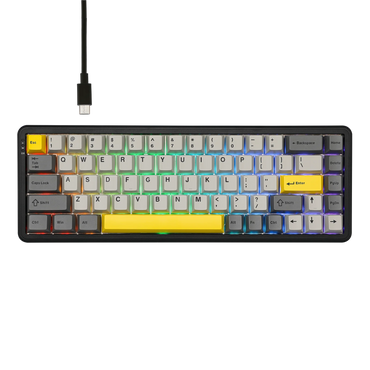
AJAZZAjazz AK680 Grey – 68% lightweight and responsive magnetic keyboard for esports Small form factor 68% in ANSI US QWERTY...
€80,00€80,00€80,00 -
 Sold outAJAZZ
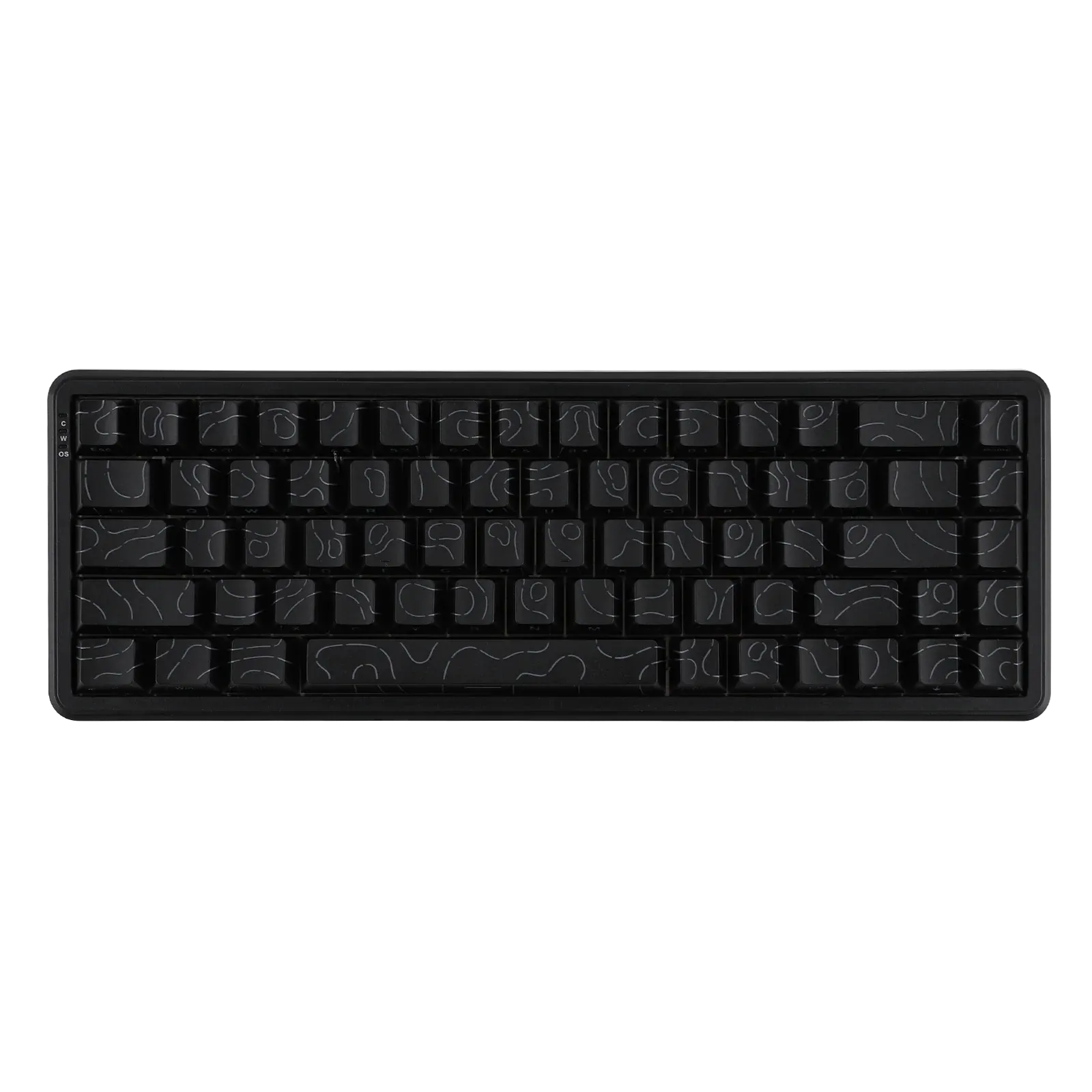
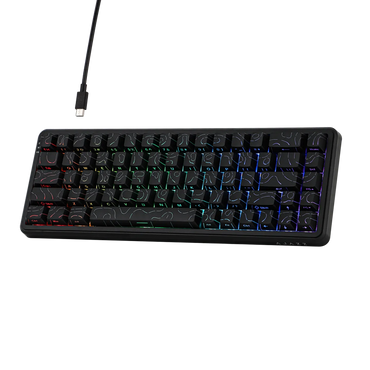
AJAZZ AK680 MAX Black ANSI Side-Printed
Ajazz AK680 – Ultra-responsive magnetic keyboard for esports Compact 68% keyboard in ANSI US layout (QWERTY) Ajazz Rice Magnetic switches...
€80,00€80,00€80,00 -
 AJAZZ
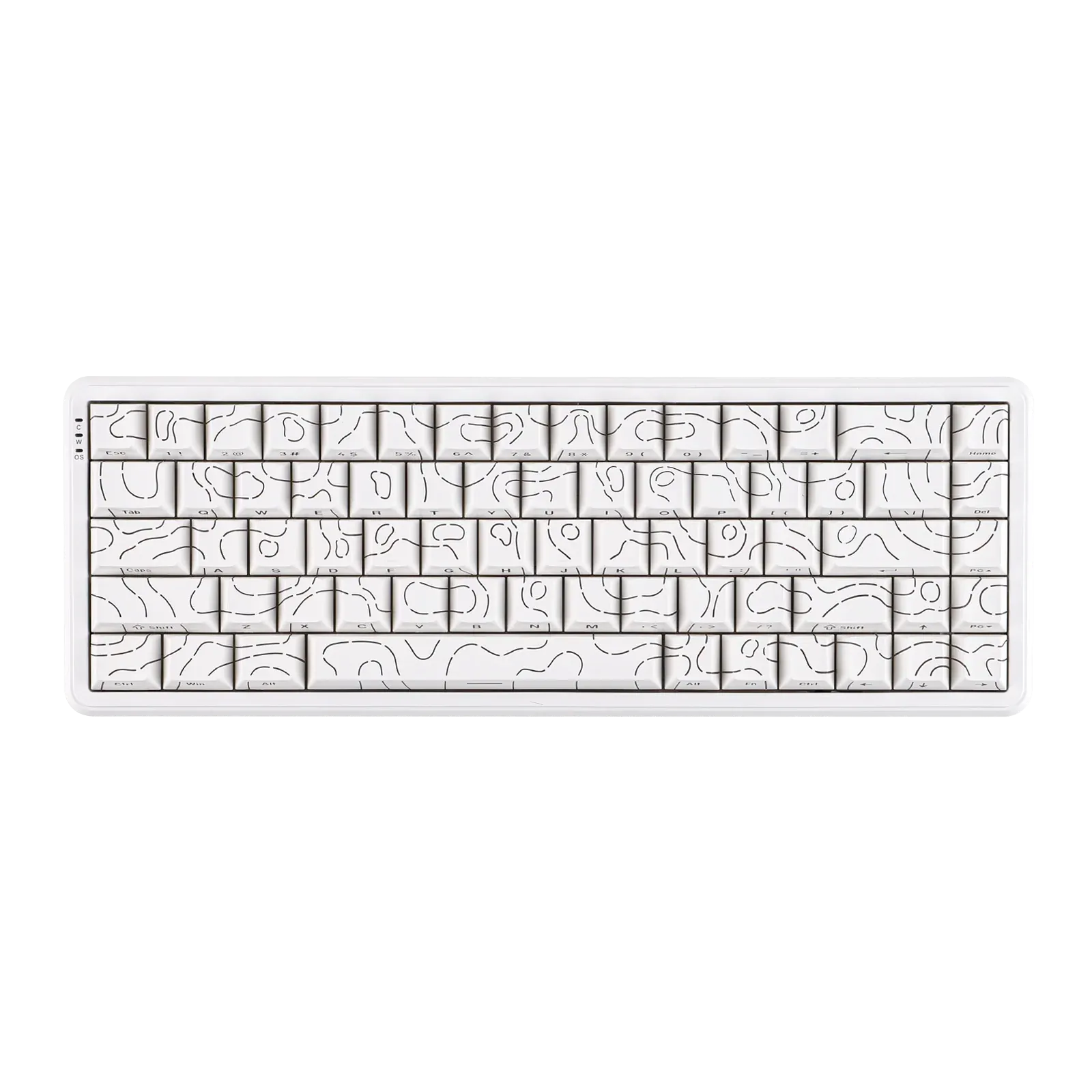
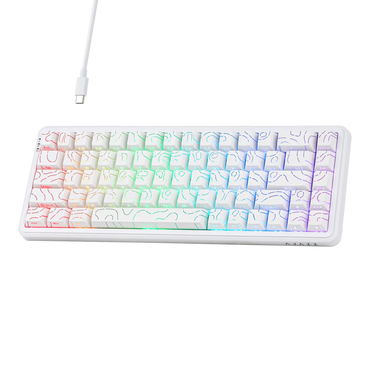
AJAZZAJAZZ AK680 MAX White ANSI Side-Printed
Ajazz AK680 White – 68% Ultra-Precise Magnetic Esports Keyboard Compact format 68% in ANSI US layout (QWERTY) Ajazz Rice Magnetic...
€80,00€80,00€80,00 -
 CustomTonClavier.fr
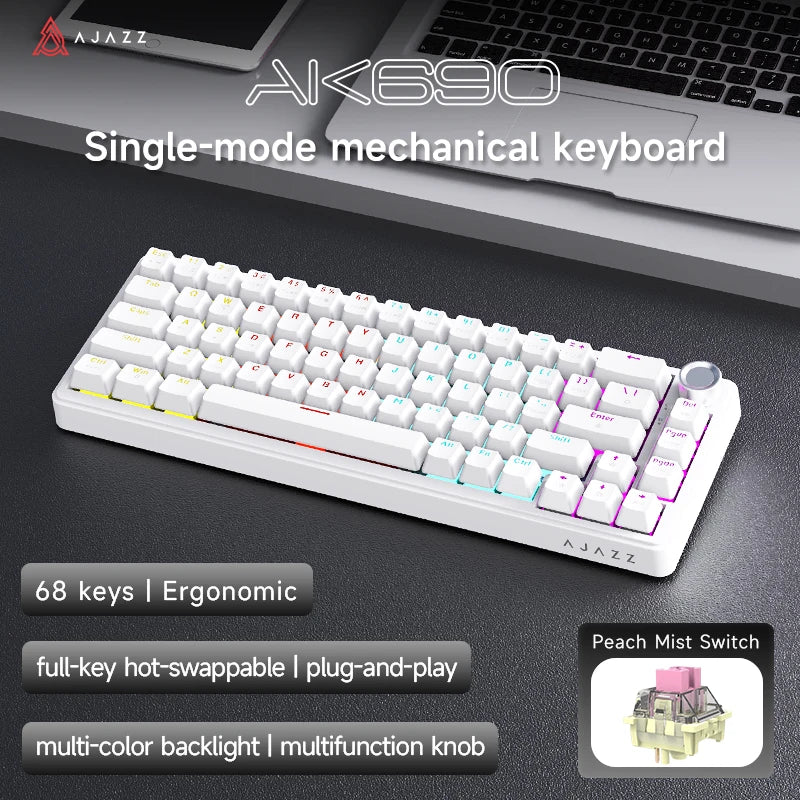
Meet the AJAZZ AK690 White ⌨️ Layout: compact 65 %, 68 keys, ANSI (QWERTY) Hot-swap: on every key, change your...
€99,90€99,90€99,90 -
 CustomTonClavier.fr
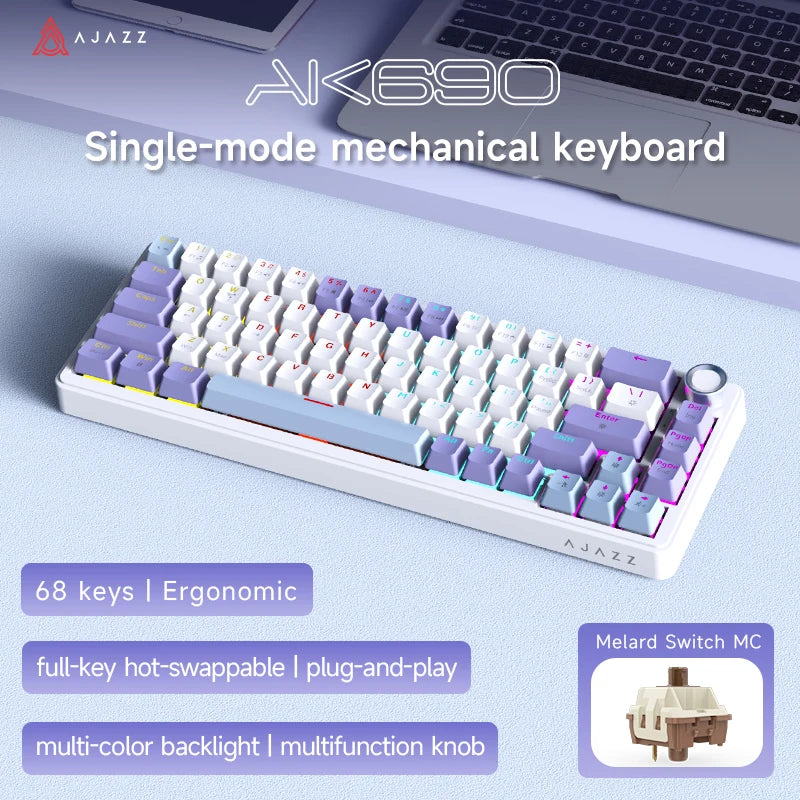
Meet the AJAZZ AK690 White Purple ⌨️ Layout: compact 65 %, 68 keys, ANSI (QWERTY) Hot-swap: on every key, change...
€99,90€99,90€99,90 -
 CustomTonClavier.fr
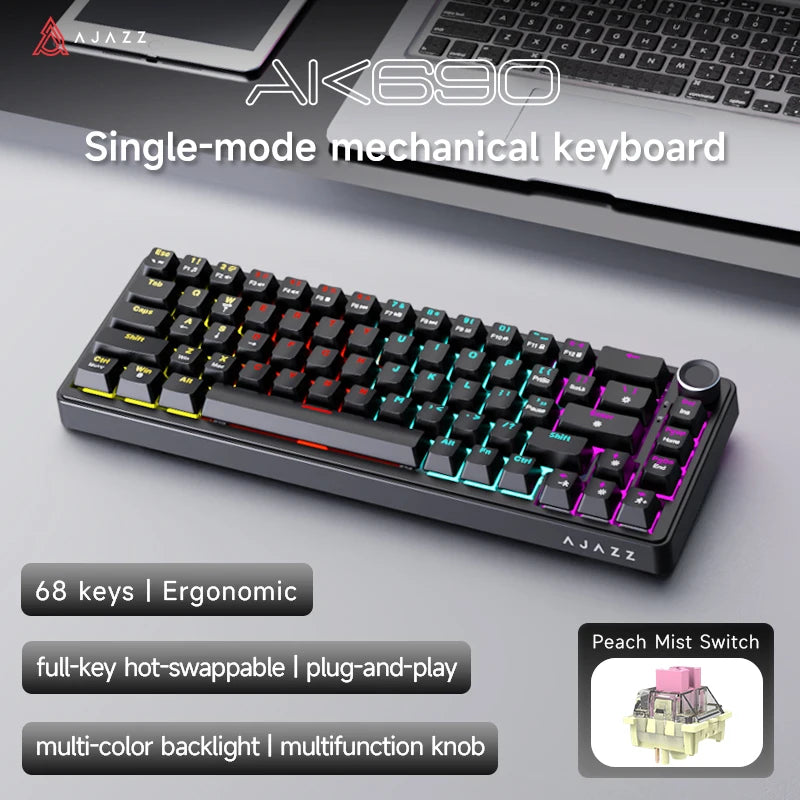
Meet the AJAZZ AK690 Black ⌨️ Layout: compact 65 %, 68 keys, ANSI (QWERTY) Hot-swap: on every key, change your...
€99,90€99,90€99,90 -
 CustomTonClavier.fr
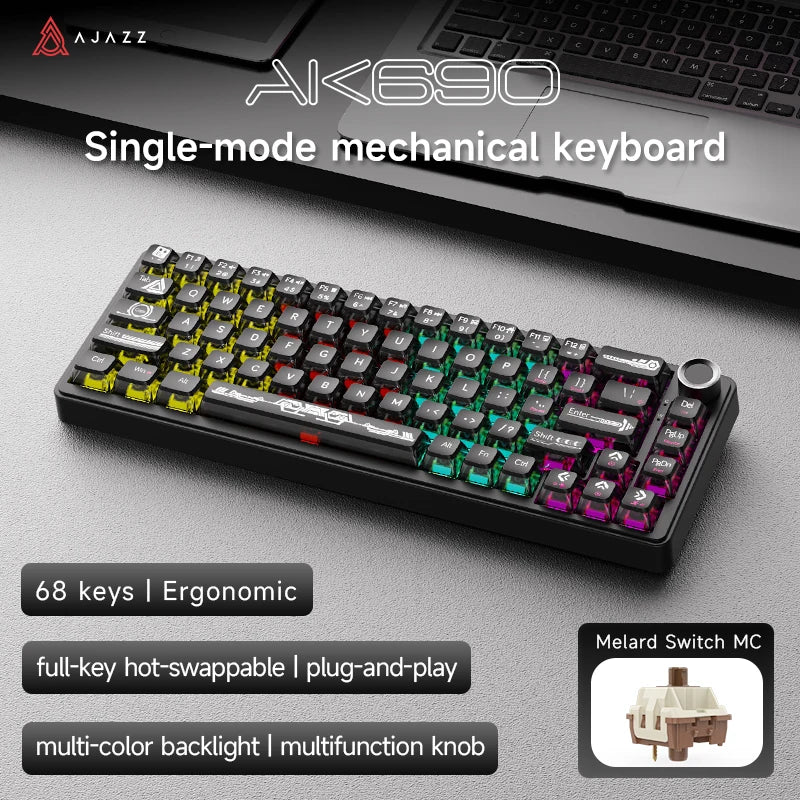
Meet the AJAZZ AK690 Translucent Black ⌨️ Layout: compact 65 %, 68 keys, ANSI (QWERTY) Hot-swap: on every key, change...
€99,90€99,90€99,90 -
 CustomTonClavier.fr
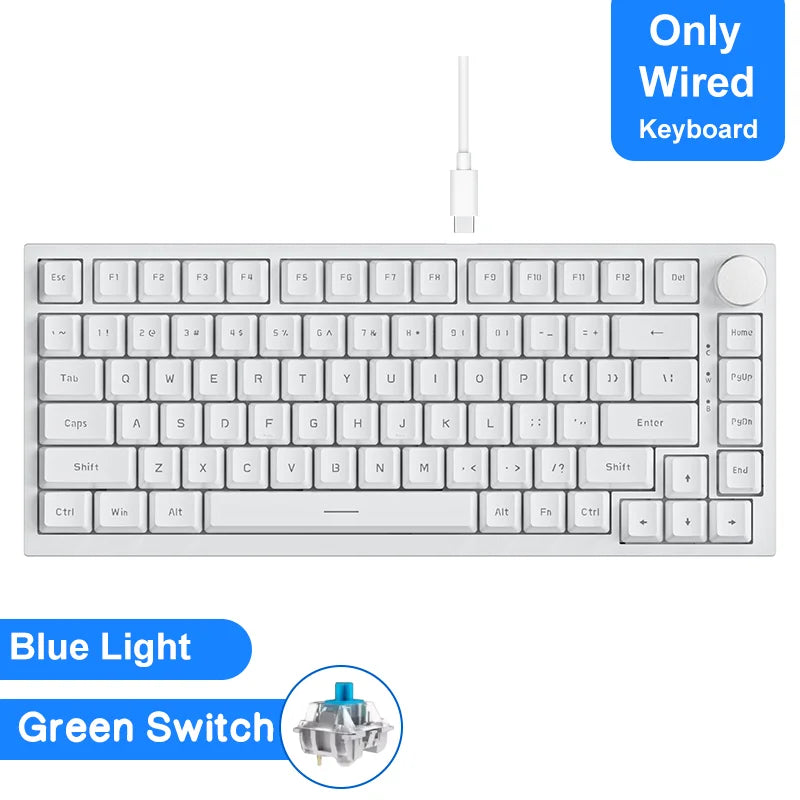
Meet the AJAZZ AK820 White ⌨️ Layout: 75 %, 81 keys with a metal volume knob, ANSI (QWERTY) Hot-swap: yes,...
€89,90€89,90€89,90 -
 CustomTonClavier.fr
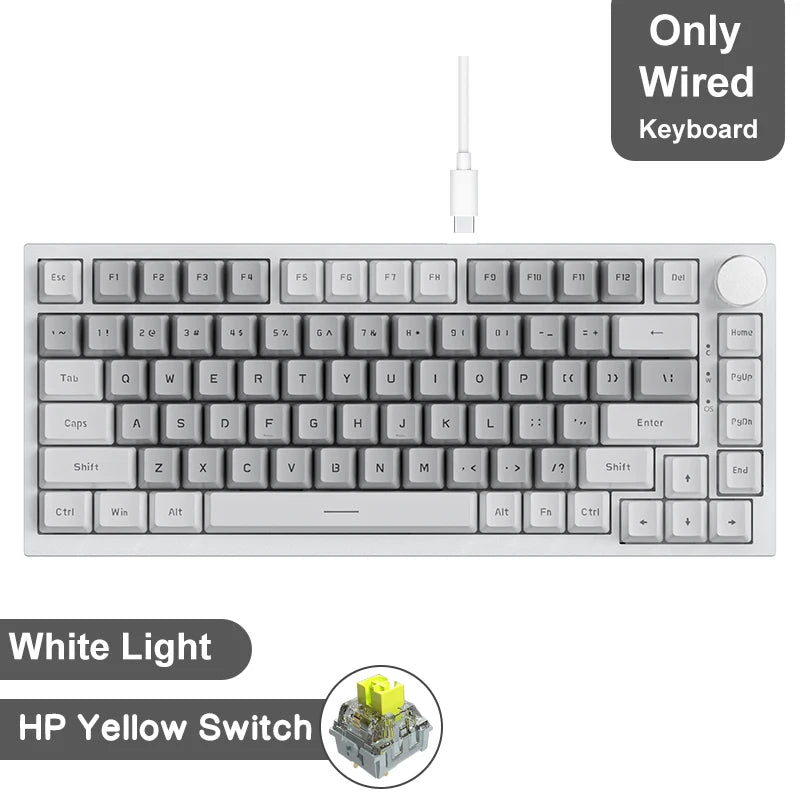
AJAZZ AK820 White Grey Yellow Switch
Meet the AJAZZ AK820 White Grey ⌨️ Layout: 75 %, 81 keys with a metal volume knob, ANSI (QWERTY) Hot-swap:...
€89,90€89,90€89,90 -
 CustomTonClavier.fr
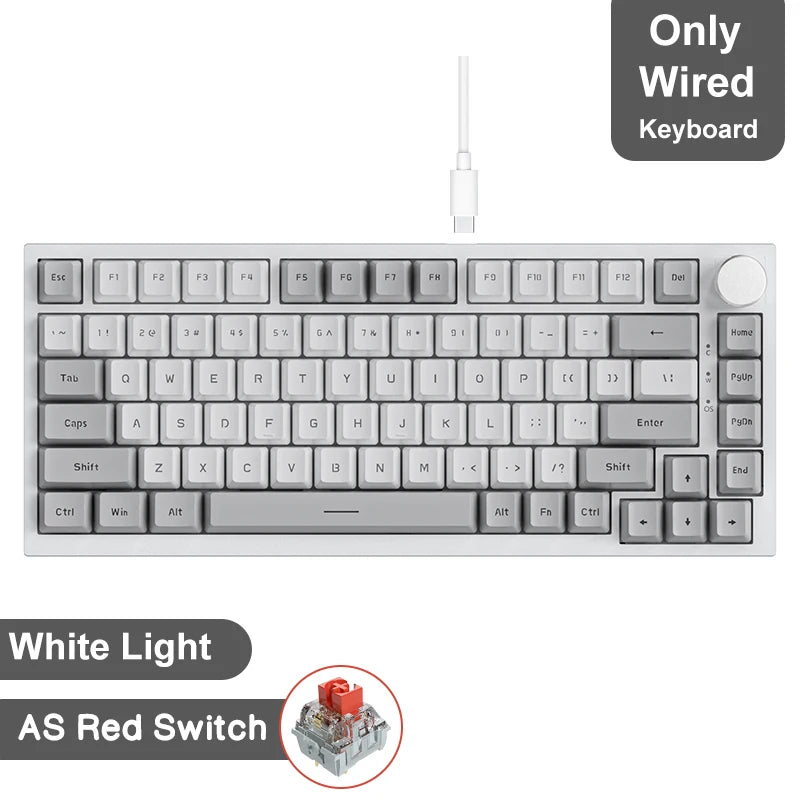
AJAZZ AK820 White Grey Red Switch
Meet the AJAZZ AK820 White Grey ⌨️ Layout: 75 %, 81 keys with a metal volume knob, ANSI (QWERTY) Hot-swap:...
€89,90€89,90€89,90 -
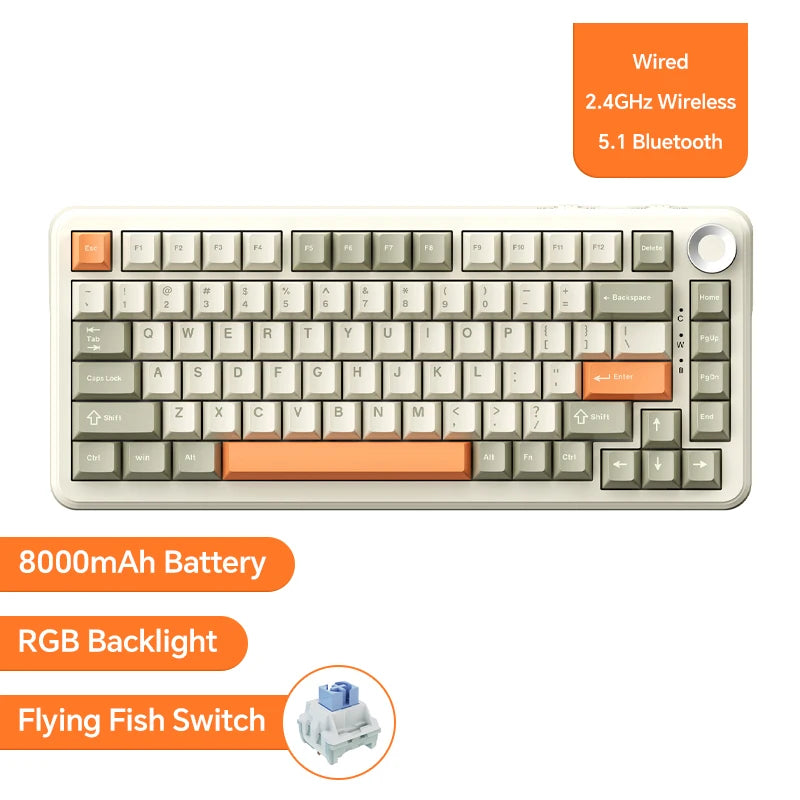 CustomTonClavier.fr
Meet the AJAZZ AK820 Pro Beige Orange ⌨️ Layout: 75 %, 81 keys with a metal volume knob, ANSI (QWERTY)...
€149,90€149,90€149,90 -
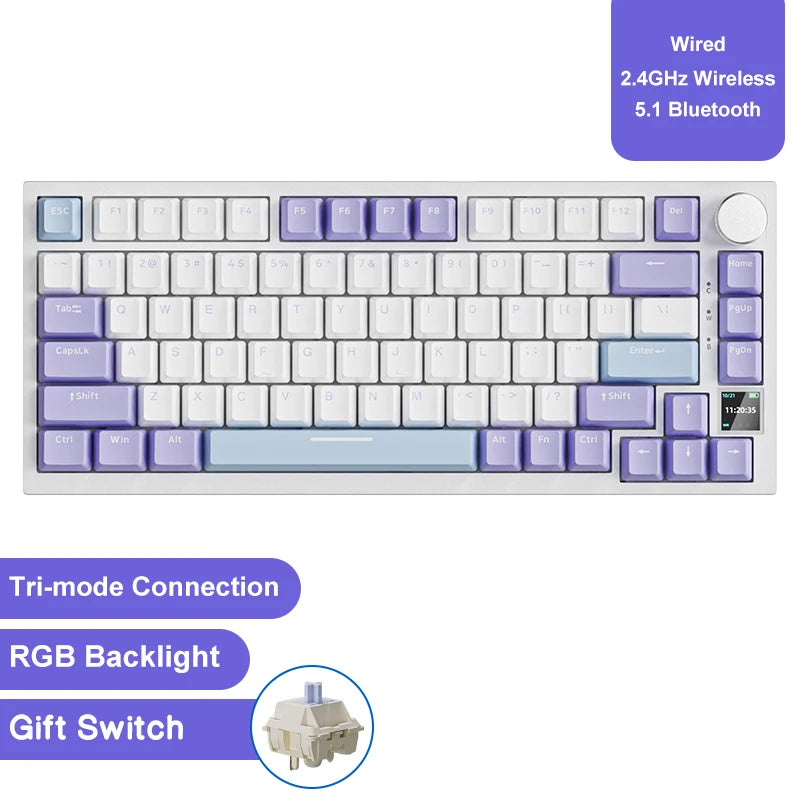 CustomTonClavier.fr
Meet the AJAZZ AK820 Pro White Purple ⌨️ Layout: 75 %, 81 keys with a metal volume knob, ANSI (QWERTY)...
€149,90€149,90€149,90 -
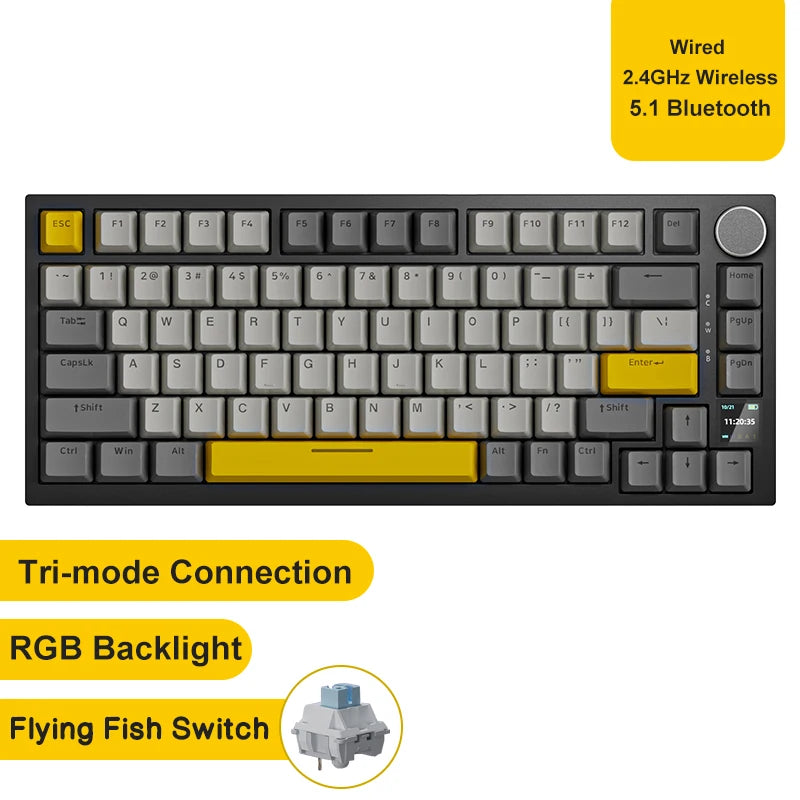 CustomTonClavier.fr
Meet the AJAZZ AK820 Pro Black Yellow ⌨️ Layout: 75 %, 81 keys with a metal volume knob, ANSI (QWERTY)...
€149,90€149,90€149,90 -
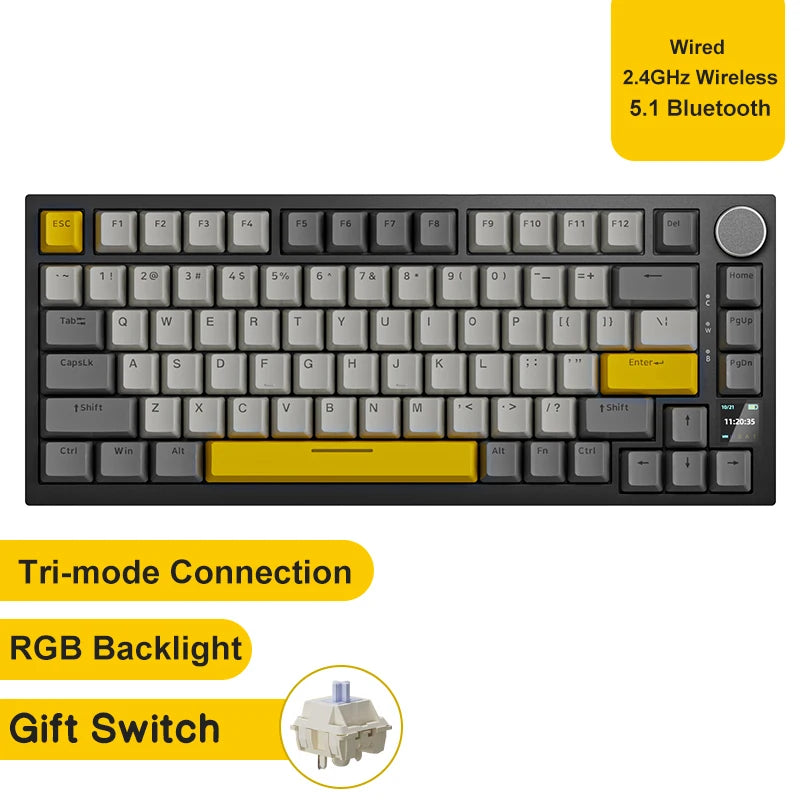 CustomTonClavier.fr
AJAZZ AK820 Pro Noir Jaune Switch Gift
Découvre l'AJAZZ AK820 Pro Noir Jaune Switch Gift ⌨️ Format : 75 %, 81 touches avec molette de volume en...
€149,90€149,90€149,90 -
 AJAZZ
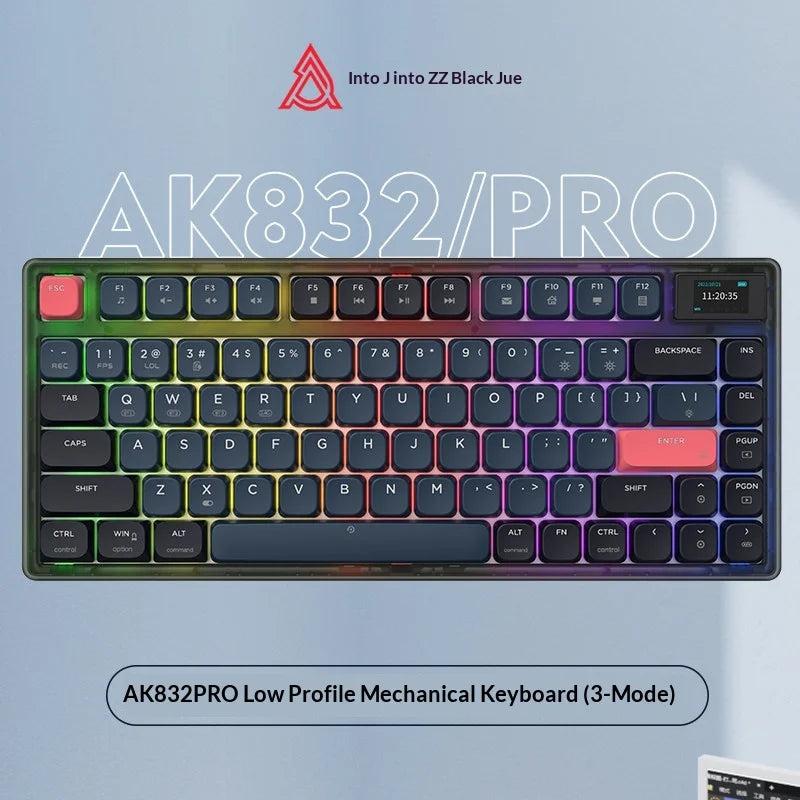
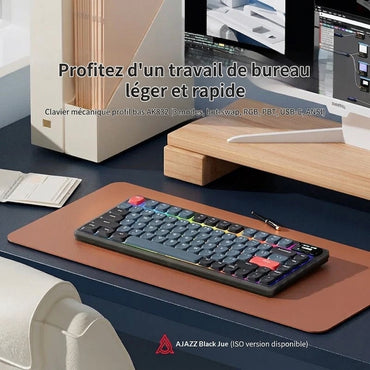
AJAZZAjazz AK832Pro - 83-key Mechanical Keyboard ⌨ Format: 83 keys Connection: Wireless 2.4GHz / Bluetooth / USB-C Hot-swap: 3 and...
€97,90€97,90€97,90 -
 AJAZZ
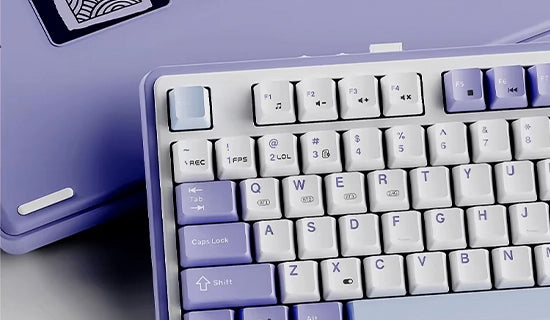
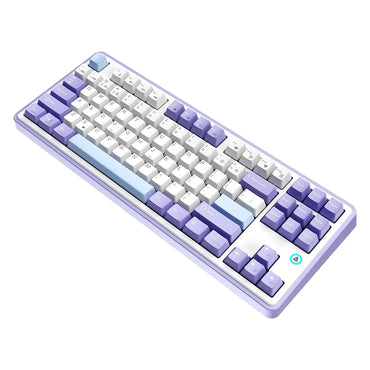
AJAZZDiscover the AJAZZ K8 Format: Compact format, ANSI/QWERTY layout Mount: Tray mount for comfortable, quiet typing Hot-swappable: Not specified -...
€67,89€67,89€67,89 -
 Sold outAKKO
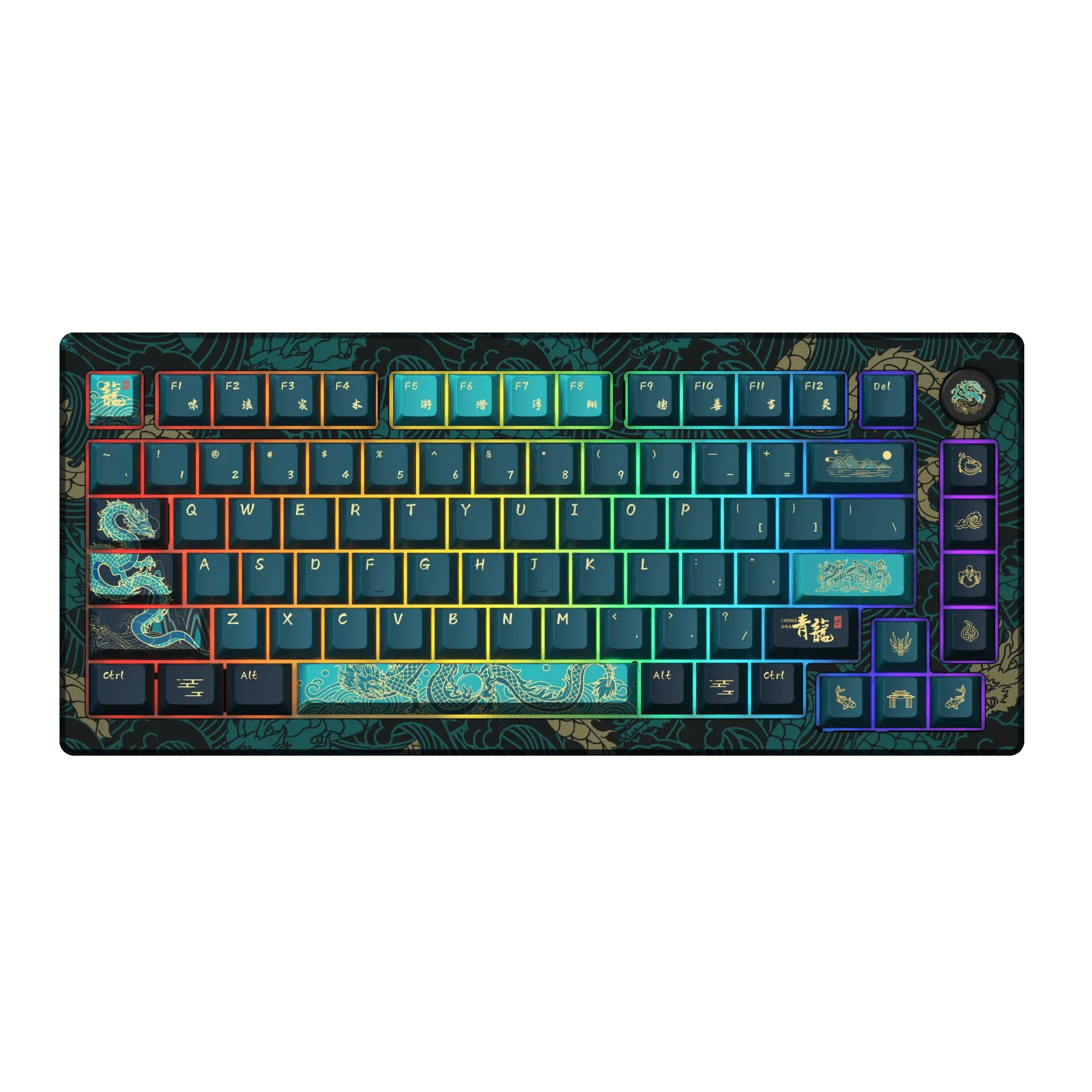
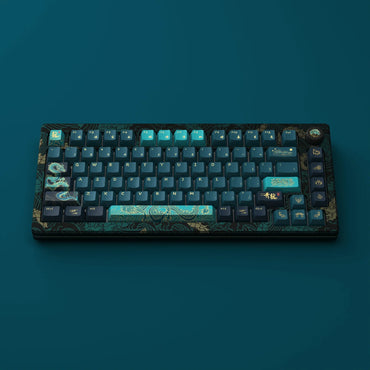
AKKO MOD 007 HE Year of Dragon ISO FR
Akko MOD 007 V3 HE Year of the Dragon – Hall Effect collector’s keyboard ISO‑FR🐉 Layout: ISO-FR (ISO-FR keycap set...
€242,99€242,99€242,99 -

 AKKO
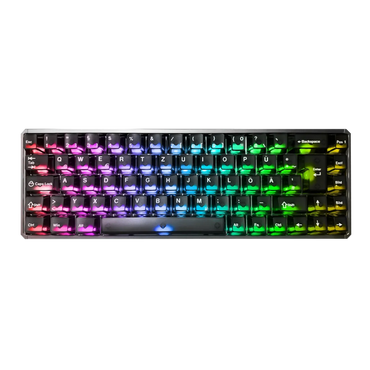
AKKOAkko MOD68 HE ISO, the next-gen 65% magnetic battery for gamers and creators Compact format 65% (without numeric keypad, ISO-FR...
€122,99€122,99€122,99

Want to dive into the world of mechanical keyboards but don't know where to start? Great news : you've come to the right place! Mechanical keyboards literally transform your typing experience, whether you're a gamer, developer, or simply someone who spends their days in front of a screen. With a market now worth $1.46 billion and explosive growth of 6.2% per year , 2025 is the perfect year to make the switch.
In this comprehensive guide, I'll reveal all the secrets of mechanical keyboards : from Cherry MX switches to the latest innovations, including modding and 2025 trends. Get ready to discover why so many enthusiasts can't go back after experiencing the perfect "thock" of a premium mechanical keyboard!

Mechanical switches: the beating heart of your keyboard
Switches are the heart of your mechanical keyboard. Unlike the soft membranes of classic keyboards, each key has its own individual mechanism , offering a unique feel, exceptional durability (up to 100 million keystrokes ) and unparalleled tactile or audible feedback.
The three families of switches you need to know
Linear switches offer a smooth, consistent key travel with no tactile feedback. Imagine a pressure that gradually increases from 0 to 4mm of travel - that's it! With actuation forces ranging from 35g to 80g , they are perfect for competitive gaming and fast typing. The noise level remains low, between 45-60 dB , ideal for shared environments.
Tactile switches give you that characteristic "bump" at the precise moment of actuation. This sensation allows you to feel exactly when the key activates, improving typing accuracy. With their distinctive force curve featuring a tactile peak, they excel for programming and intensive office work .
Clicky switches combine tactile feedback with an audible metallic click that can reach 78 dB . It's the satisfying sound that made the IBM Model M famous! Perfect for those seeking maximum audio feedback , they are less suited to open-plan offices but unparalleled for typing pleasure.
🍒Cherry MX: the essential reference
Cherry MX remains the industry standard with its gold contacts and legendary durability. Here are the essential models to know:
The Cherry MX Red (45g, linear) has become THE gaming benchmark thanks to its lightness and smoothness. The MX Blue (60g, clicky) offers that iconic click perfect for enjoyable typing. The MX Brown (55g, tactile) offers a versatile compromise, even if some purists find it a bit "scratchy".
The Silent versions incorporate dampeners reducing noise by 10-15 dB, while the Speed Silver shorten the actuation distance to 1.2mm for ultimate gaming responsiveness.

🔶Gateron: the rising smooth alternative
Gateron has established itself as a credible alternative, offering superior smoothness straight from the factory and prices that are 20-30% more affordable. Gateron Yellow (50g) has become a real favorite among enthusiasts thanks to its perfect balance.
The Ink Series range offers translucent coloured housings and premium quality that rivals Cherry, while the Silent Series offers particularly effective dual dampening.

〽️Kailh and technical innovation
Kailh innovates with its IP56- certified BOX switches (dustproof and water-resistant) and its ultra-responsive Speed switches . The BOX White and Jade offer more precise click bars than traditional mechanisms, while the Speed switches reduce actuation to 1.1mm for high-level gaming.

The holy grail of premium switches
In the enthusiast world, the Holy Panda (Halo stem + Panda housing) remains THE legendary touchpad with its long bump and unparalleled smoothness. The Gazzew Boba U4T pads rival them with a sharp and modern touchpad, while the Durock T1 pads offer a more affordable but equally high-quality alternative.
Materials and construction: the art of detail that makes all the difference
Keycaps: ABS vs PBT, the match of the century
- Keycaps aren't just for looks - they directly affect your daily typing comfort . The choice of material will transform your experience over years of use.
- ABS (Acrylonitrile Butadiene Styrene) is appealing due to its silky texture and excellent RGB color rendering. The problem is that it develops a characteristic greasy shine with use and can yellow under UV light. Its low melting point (105°C) facilitates mass production, hence its affordable price.
- PBT (Polybutylene Terephthalate) represents the absolute premium option with its ultra-resistant, semi-crystalline structure. Its granular, matte texture offers superior adhesion, and its heat resistance (225°C) guarantees perfect dimensional stability. The drawback: it is difficult to mold, therefore more expensive and available in fewer colors.

Keycap profiles: sculpting perfect ergonomics
The OEM profile (11.9mm) is used on most commercial keyboards, with angles optimized for natural typing. The Cherry profile (9.4mm) is gaining popularity in gaming thanks to its lower profile, which reduces fatigue during long sessions.
For vintage enthusiasts, the SA Profile (16.5mm) with its spherical tops recreates the IBM Model M experience and generates that sought-after deep "thock." Uniform profiles like the DSA (7.6mm) facilitate alternative layouts and offer a modern, minimalist aesthetic.
Marking techniques: permanence vs. economy
The double-shot technique remains the gold standard : two plastics molded simultaneously create enduring legends. GMK has mastered this technique perfectly on ABS, offering crisp contrasts and perfect RGB compatibility.
Dye-sublimation on PBT allows for complex designs with excellent durability, but backlighting is not possible because the ink remains opaque. It's a perfect technique for detailed artwork.
Chassis: from aluminum to the revolutionary gasket mount
6061 aluminum dominates the premium market with its excellent price-performance ratio. Its tensile strength of 310 MPa and ease of machining make it the standard choice. 7075 aluminum takes it a step further with 85% more strength , and is used in the aerospace industry!
The gasket mount Revolutionizing modern construction: elastomer seals between the plate and chassis create a "cushioned" feel and a deeper sound. This vibration isolation literally transforms the typing feel compared to older, rigid tray mounts.
Keyboard sizes: find your ideal size
The 60%: extreme minimalism for maximalists
The 60% form factor (61 keys) represents ultra-compactness : no F-row, no arrow keys, just the essentials. Perfect for freeing up desk space and optimizing gaming movements, but there is a real learning curve. Accessing the arrow keys via Fn+WASD requires some getting used to.
The 65%: the brilliant compromise
The 65% (68-key) version adds dedicated arrow keys and a few navigation keys in the 60% format. It's often the perfect size for getting started with compact laptops: you keep the essentials while remaining productive. Models like the Royal Kludge R65 or the Ducky x Varmilo MIYA Pro excel in this category.
The TKL : the perfect balance
The Tenkeyless keyboard (87 keys) removes only the numpad, retaining all essential functions. A standard format in the gaming industry , it improves ergonomics by bringing the mouse closer to the user. It's the preferred choice for 80% of users.
Full Size : When the numpad matters
The full format (104 keys) remains essential for certain professions: accounting , data entry , scientific programming . If you use Excel extensively or work with numbers, don't do without it.
Our recommendations by budget and use
Discovery budget (€40-80): uncompromising quality
The Royal Kludge RK84 (75%) offers a gasket mount with pre-lubricated switches and triple connectivity at a competitive price. An excellent alternative is the Keychron C2 Pro with native QMK/VIA support for programmability.
Absolutely avoid "premium" gaming brands like Razer or Corsair at this price point: you're paying for marketing, not quality. A Razer King or Keychron will give you ten times more satisfaction for the same price.
Mid-range (€80-150): Affordable excellence
- Varmilo VA87M : impeccable construction, perfect out-of-the-box stabilizers, textured PBT keycaps. It's THE benchmark for quality in this range.
- Leopold FC750R : Japanese minimalism, legendary durability, Cherry MX switches. Build quality that lasts for decades.
- Ducky One 3 : Widespread hot-swap, RGB Chroma, keyboard programming. Maximum versatility.
Premium (€150+): in the big leagues
- Keychron Q-series : CNC aluminum, gasket mount, QMK/VIA support. The Q1 Pro and Q3 Max compete with custom models costing €300+.
- GMMK Pro : total modularity, gasket mount , active community. The ultimate customization.
Your first steps into the world of mechanics
Choose according to your main use
- Competitive gaming : Opt for linear switches (MX Red, Gateron Yellow) in TKL or 65% form factor. Responsiveness and mouse clearance are paramount. Recommended budget: €70-120 .
- Office/Programming : Tactile switches (MX Brown, Gateron Brown) in TKL or full-size optimize typing accuracy. Budget: €60-100 .
- Mixed use : 75% form factor with light tactile switches. The Keychron K2 or Ducky One 3 TKL are excellent choices here. Budget: €80-130 .
Fatal mistakes to avoid
👉Don't start with a 60% controller without any experience - the initial frustration can put you off for good. Avoid noisy switches if you're sharing your workspace. Steer clear of overpriced gaming brands - a €150 Razer will always be less satisfying than a €100 Varmilo.
👉Ignore non-standard layouts if you want to customize later - finding keycaps for some Corsair models is a real challenge!
Customization and modding: unlocking hidden potential
Lubing: Transforming your ordinary switches into jewelry
Switch lubrication literally revolutionizes your experience. With Krytox 205g0 on linear switches or Tribosys 3203 on tactile switches, you gain smoothness and get that sought-after "buttery" sound.
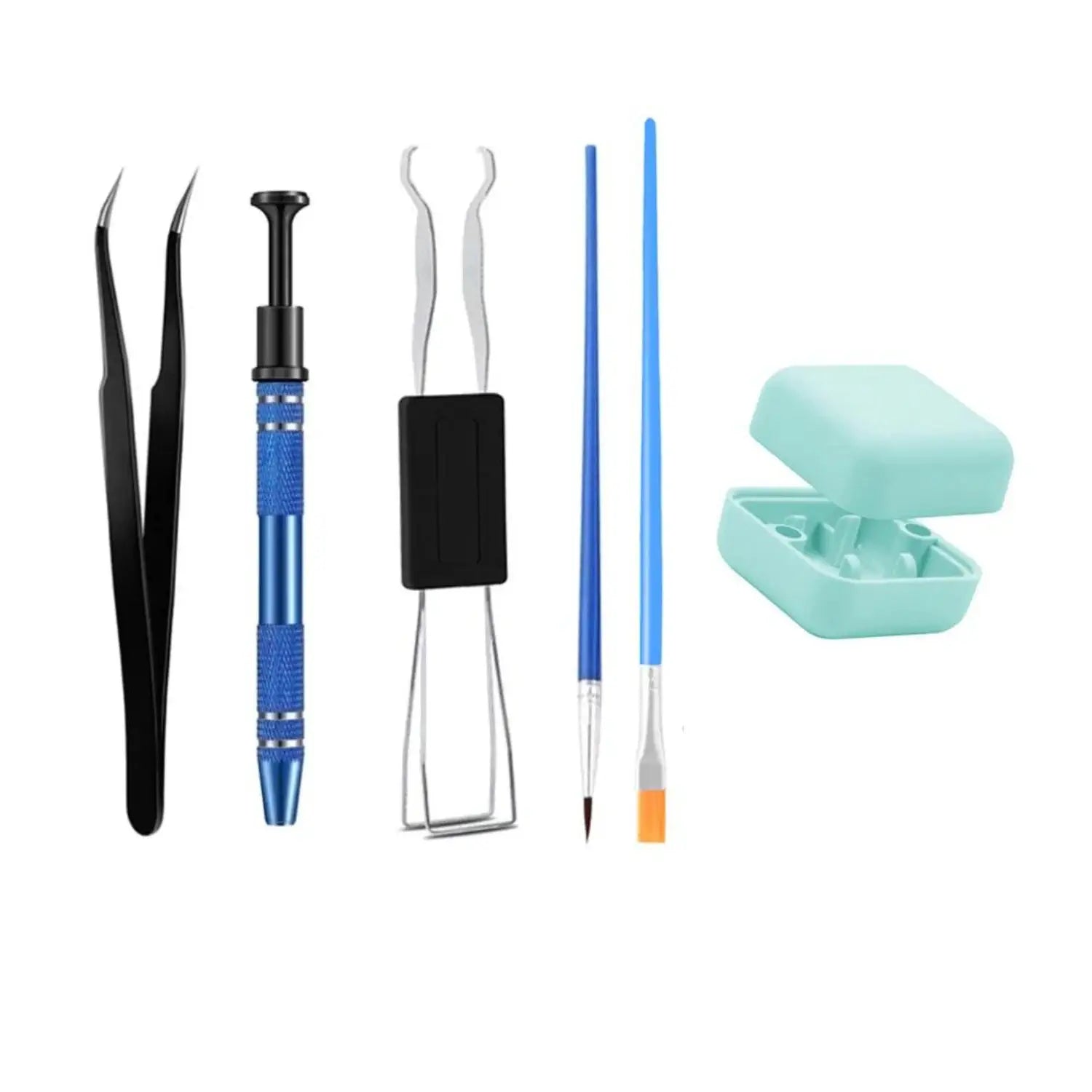
Technique: Apply in thin layers with size 0 brushes, avoiding over-lubrication which could impair the touch sensitivity. Time required: 2.5 hours for 110 switches once the technique is mastered.
Foam modding: sculpting your signature sound
The PE Foam mod (0.5-1mm between the PCB and the board) generates the "poppy" sound made famous by the Jelly Epoch. The Case Foam eliminates hollow resonance for a more premium sound. 2024 Innovation: acoustic foam with reflective aluminum to optimize frequencies.
Tape mod: the €2 revolution
The Tempest Tape Mod transforms any keyboard with simple painter's tape on the back of the PCB. Two to four layers are enough for a deeper sound and less resonance. Instant effect, virtually no cost, and completely reversible!

Trends 2025: Innovation continues
New game-changing switches
HMX Cheese wheels redefine smoothness with their ultra-creamy formulation. TTC Venus wheels allow you to choose between a "clacky" or "thocky" sound depending on the setup. Cherry responds with MX2A wheels featuring high-precision ring lubrication.
Emerging materials and technologies
🪚Wood makes its debut with the Akko MU01 for a premium, eco-friendly aesthetic. Optical switches become more accessible with the Wooting Two HE, offering ultra-fast response and revolutionary rapid trigger functionality.
Advanced connectivity includes standard Bluetooth 5.1+ with 1000Hz polling, multi-device switching, and universal USB-C.
The explosion of artisan keycaps
✍️The artisan keycap market is projected to reach $250 million USD by 2024, with creators like Jelly Key (0.45mm resin details) and Dwarf Factory (hand-painted sculptures). Cyberpunk , anime , and nature themes dominate the aesthetic trends.
Keyboard community and culture
Taeha Types surpassed one billion keyboard views in 2024, democratizing luxury builds. Group buys exploded on r/MechGroupBuys (21,000+ members) with limited production runs creating a true collector's economy.

Your future mechanical adventure starts now
Mechanical keyboards are more than just peripherals - they represent a philosophy of the perfect tool , a quest for the ideal feel tailored to YOUR specific needs. With a market projected to reach $2.66 billion by 2033 , the innovation is only just beginning.
My ultimate advice : start with a quality TKL keyboard with tactile switches (Varmilo VA87M or Leopold FC750R), then gradually let yourself be drawn into the world of customization. Test different switches , experiment with modding, and discover your favorite sound signature.
The mechanical adventure transforms every keystroke into a pleasure, every work session into a rich sensory experience. Welcome to the community - once you try it, you'll never go back! The only real question now is: what will YOUR next keyboard be?
Mechanical keyboard FAQ: Expert answers
What is a mechanical keyboard?
A mechanical keyboard is a type of keyboard where each key relies on an independent mechanical switch. Unlike traditional membrane keyboards, this allows for more precise, faster, and more durable typing. It's the preferred choice for typing enthusiasts, gamers, and demanding professionals.
Is a mechanical keyboard noisy?
Not always. There are several types of switches:
- Linear switches are silent and smooth.
- Tactile switches produce a slight, silent feedback.
- Clicky switches generate a pronounced audible click.
The noise level therefore depends on the type of switch used. It is possible to choose a very quiet mechanical keyboard.
Why choose a mechanical keyboard rather than a classic keyboard?
Mechanical keyboards offer a superior typing experience, a significantly longer lifespan (often 10 times longer), and ideal responsiveness for gaming or fast typing. They also allow for complete customization of the keys, colors, and even the typing sound.
What is the difference between linear, tactile, and clicky?
- Linear: the key travels smoothly, without any jerkiness. Ideal for gamers.
- Tactile: a slight resistance is felt halfway through the keystroke. Useful for avoiding typing errors.
- Clicky: the tactile feedback is accompanied by an audible click. Appreciated for typing by ear.
Each type provides a different sensation: the choice depends on the desired comfort.
What is hot-swap on a mechanical keyboard?
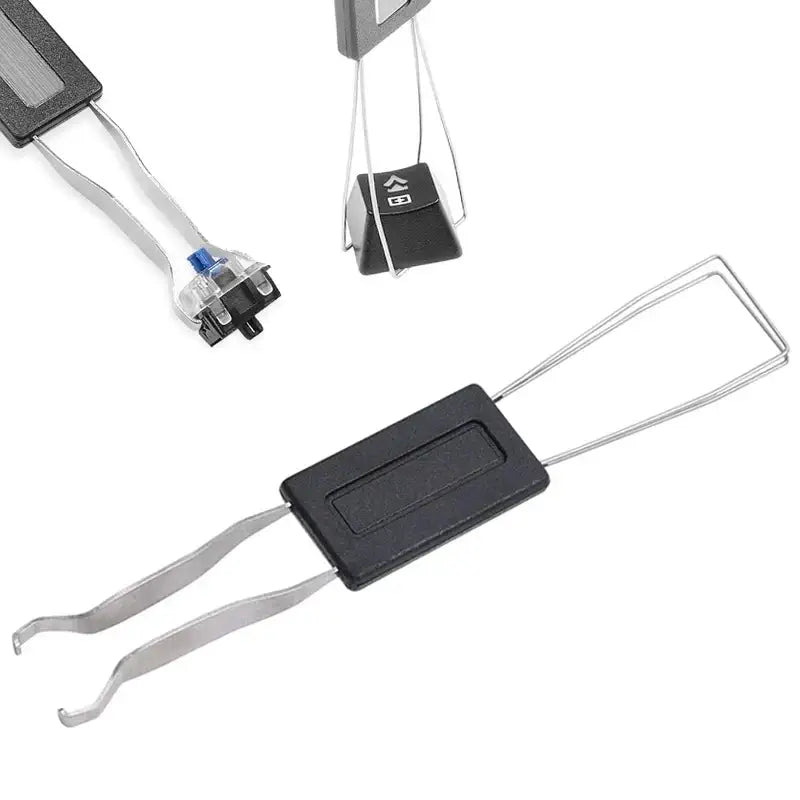
A hot-swap mechanical keyboard allows you to remove and replace the switches without soldering them. This makes customization, maintenance, and repairs easier.
This allows you to test several types of switches or replace a worn key, easily and without special tools.
What is a magnetic keyboard?
A magnetic keyboard is a mechanical keyboard that uses Hall effect switches , which work with magnets and sensors to detect key pressure. Unlike traditional switches, there is no internal physical contact: keystrokes are measured in real time by distance.
This allows you to adjust the sensitivity of each key, activate multiple levels of action depending on the pressure applied, or have faster responses. It's a technology highly valued in competitive gaming for its precision and reaction time.
Learn about the world of keyboards
-

Anti-ghosting: the essential technology for your gaming keyboard
Is your keyboard refusing to register your inputs mid-match? Welcome to the hell of ghosting...
-

Top 5 Corsair Keyboards of 2025: A Complete Gaming and Performance Guide
The ultimate guide to Corsair keyboards in 2025. The VANGUARD 96 series...
-

The 5 Best Keychron AZERTY Keyboards of 2025
Complete guide to the 5 best Keychron AZERTY keyboards of 2025. Discover the Q1 HE...