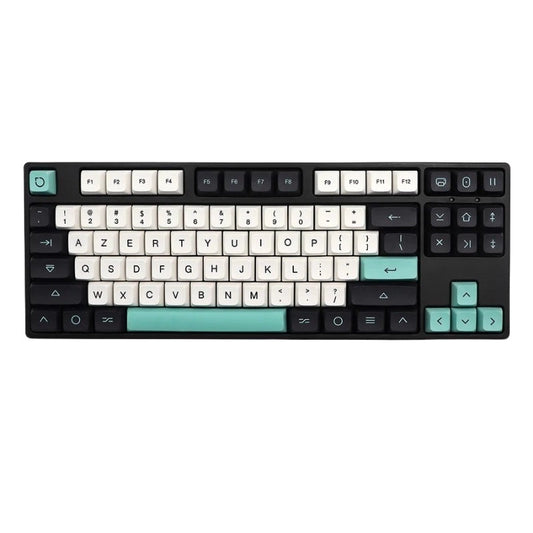
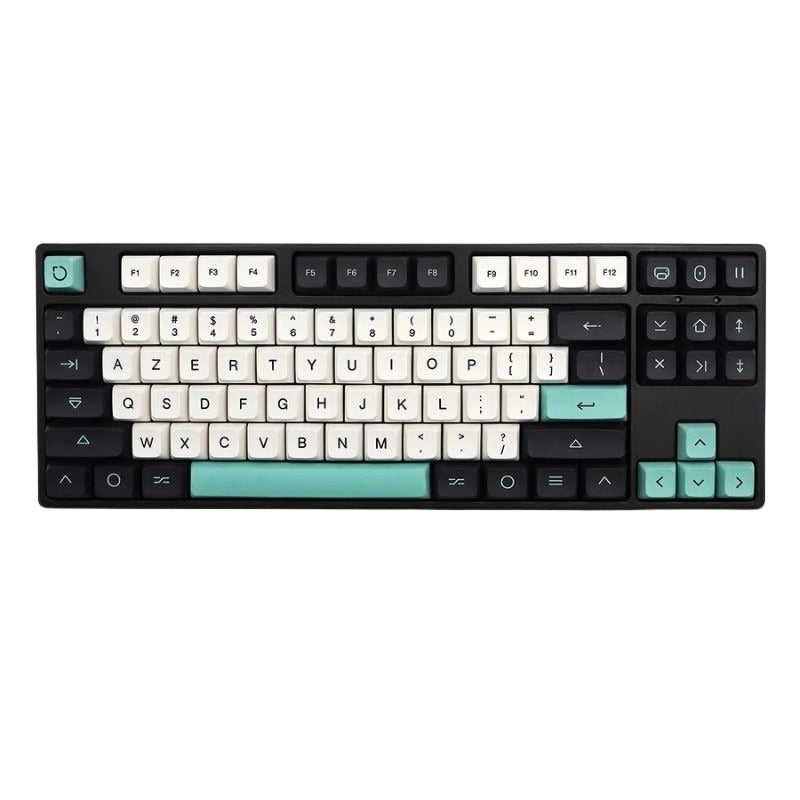
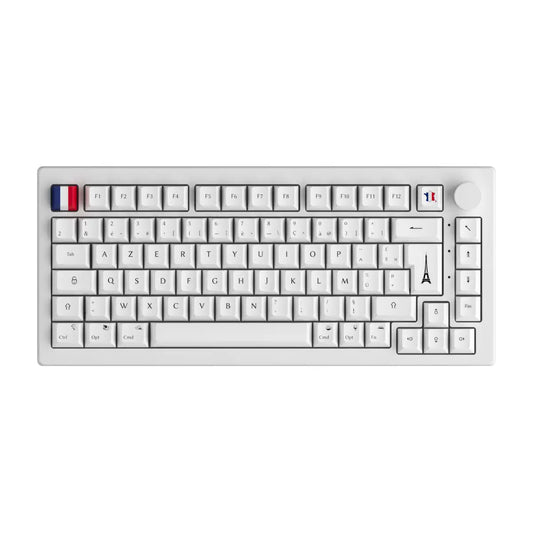
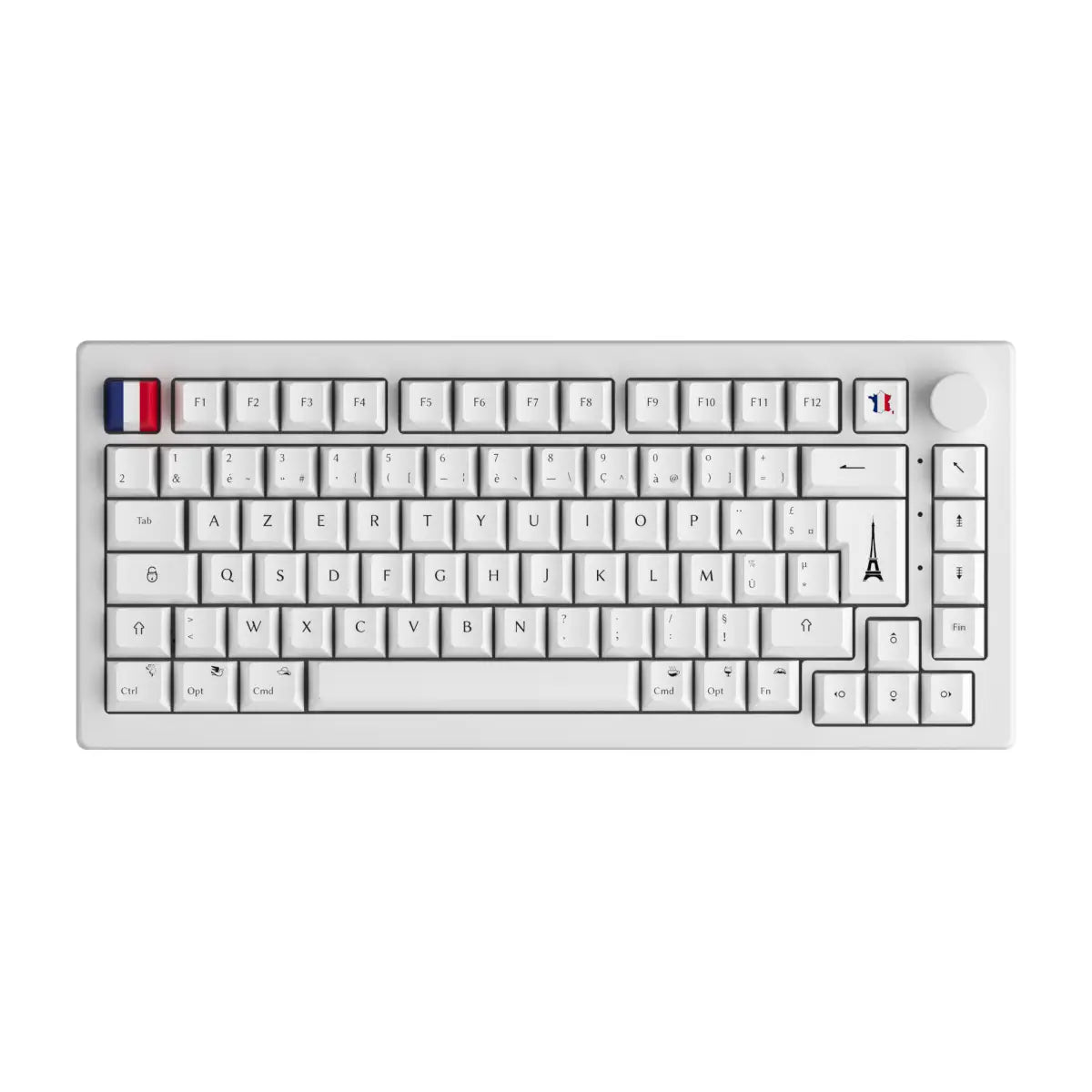

The German keyboard almost always gets reduced to a single piece of trivia: the Y and the Z have swapped places. That is true, it is obvious at a glance, and it is by far the least troublesome part. What genuinely changes life for anyone putting their fingers on a keyboard layout german for the first time is the three umlauted vowels, the ß, and above all the migration of the at sign, the backslash and the curly braces behind a key that AZERTY barely uses. In a few minutes you will know where the keys went compared with your own keyboard, how to write correct German without buying anything at all, and whether your mechanical keyboard can physically take a German keycap set.
The short version
The German keyboard is a standardised software layout, but whether you can move to it physically on your own board comes down to a single hardware question: is it ISO or ANSI? Four things worth holding on to before we get into the detail.
- The German layout is called QWERTZ and it is standardised by DIN 2137 under the name T1, in Germany and in Austria alike.
- The real gap with AZERTY is not the alphabet, it is the third AltGr level that hosts the at sign, the backslash, the square brackets and the curly braces.
- You can type ä, ö, ü and ß without a German keyboard, on Windows and on macOS, with under two minutes of setup.
- Fitting a German keycap set is only possible on a keyboard in the 105-key ISO format. On a 104-key ANSI board, the set simply will not fit.
What exactly is the German QWERTZ keyboard?
The German keyboard is the standard QWERTZ layout used in Germany and Austria: it takes the English keyboard as its base, swaps the Y and the Z, and adds dedicated keys for the umlauted vowels ä, ö, ü as well as for the ß. Like QWERTY and AZERTY, the keyboard layout german takes its name from the first six letters of its top row.
There is nothing informal about this layout. It is standardised by DIN 2137, the German keyboard standard, whose DIN 2137-1:2012-06 edition designates it as the base layout under the name T1, short for Tastaturbelegung 1. T1 is what you will find on a keyboard sold in Berlin or Vienna, and it is what Windows and macOS offer under the entry German.
Four differences separate the German keyboard from the English one, and they do not carry anything like the same weight day to day.
- The Z and Y swap: the Z moves up to the top letter row, the Y drops to the bottom row. The logic is statistical, the Z being frequent in German and the Y almost absent.
- The addition of the umlauts and the ß: three dedicated keys appear to the right of the P and the L, plus one for the ß on the number row.
- The arrival of a third level reached through the AltGr key, made necessary by the space those new keys take up.
- The German key legends: Strg replaces Ctrl, Entf replaces Delete, Umschalt replaces Shift. Only the escape key keeps its international abbreviation, Esc.
One historical detail deserves correcting, because it still lingers in a lot of articles. The 2012 edition of the standard defined two extensions, T2 and T3, meant to allow other Latin-alphabet languages to be typed. They were never adopted and were replaced by the E1 and E2 layouts in the 2018 revision, themselves reworked in the 2023 edition. Put plainly, if you read somewhere that the German standard comes in T1, T2 and T3 flavours, that information is more than ten years old. On a modern mechanical keyboard, T1 is still the reference, the extensions remaining a niche affair.
QWERTZ, AZERTY, QWERTY: what really changes, key by key
For a French speaker, going from AZERTY to QWERTZ is a far rougher change than it is for an English speaker, because AZERTY moves five letters and flips how you reach the digits, whereas QWERTZ shifts only two letters compared with QWERTY. This is the comparison English-language guides to the keyboard layout german never make, and yet it is the one that matters here.
| Feature | AZERTY (France) | QWERTY (United States) | QWERTZ (Germany) |
|---|---|---|---|
| First six letters, top row | A Z E R T Y | Q W E R T Y | Q W E R T Z |
| Position of the Z | top row, 2nd key | bottom row | top row, 6th key |
| Position of the Y | top row, 6th key | top row, 6th key | bottom row |
| Position of the A and the Q | A on top, Q at the left of the home row | Q on top, A at the left of the home row | Q on top, A at the left of the home row |
| Position of the M | right of the L | bottom row | bottom row |
| Digits 1 to 0 | reached with Shift | direct access | direct access |
| Dedicated national keys | é è ç à ù | none | ä ö ü ß |
| Standard physical format | ISO, 105 keys | ANSI, 104 keys | ISO, 105 keys |
Two rows in this table are worth pausing on. The first is how you reach the digits: on an AZERTY keyboard, typing a digit means holding Shift, whereas QWERTZ hands them over directly, just like the QWERTY keyboard. For anyone entering data or writing code, that is an immediate win, and it is routinely cited as the one pleasant surprise of the switch.
The second is where the M and the A sit. AZERTY is the only one of the three to pull the M out of the bottom row and to swap the A and the Q. A French speaker moving to QWERTZ therefore has five letters to relearn, not two. An English speaker making the same move relearns two. That asymmetry is why English-language accounts describe a few hours of adjustment where the French-speaking experience is counted in days.
Typing ä, ö, ü and ß without a German keyboard: the methods that work
You need no special hardware at all to write correct German: every operating system offers at least two native methods, and the fastest one takes under two minutes to set up. This is the question asked most often about the keyboard layout german, and oddly the one the dedicated guides handle worst.
Here are the reliable methods, system by system.
- Windows, added layout: add German in the language settings, then switch with Windows and space bar. The umlauts then land to the right of the P and the L. This is the fastest route if you write regularly.
- Windows, numeric codes: hold Alt and type the code on the numeric keypad. Alt and 0228 for ä, 0246 for ö, 0252 for ü, 0223 for ß, plus 0196, 0214, 0220 for the capitals Ä, Ö, Ü. Ideal for a one-off occurrence in a document.
- Windows, US International layout: it turns the double quote into a dead key. You type the quote then the vowel, and the umlaut lands on it. Handy if you juggle English and German.
- macOS, Option key: hold Option and U, release, then type the vowel to get ä, ö or ü. The ß comes from Option and S. No setup needed, the method works straight away.
-
Linux, Compose key: enable a Compose key in the input settings, then compose the double quote followed by the vowel. The command
setxkbmap deswitches the whole session to German.
Conversely, three habits waste a remarkable amount of time and deserve to be dropped.
- Copying and pasting a character from a web page every single time, which wrecks the document formatting along the way.
- Replacing ä with ae or ß with ss in an official letter, a CV or a proper name. The substitution was fine in a 1970s telegram, not in a professional document.
- Opening the character map for every keystroke, when the matching numeric code takes a minute to learn.
A word on the capital ß, the famous ẞ. That character simply did not exist in everyday use, typesetters replacing the ß with SS in words set in capitals. It has since been made official, and recent German keyboards offer a dedicated combination to produce it. On a French machine, the simplest approach is still to keep the SS substitution in capitals, which remains perfectly correct.
AltGr, the key that decides your productivity on QWERTZ
The real shock of the German keyboard is not the alphabet, it is that the at sign, the backslash, the square brackets and the curly braces all go through the AltGr key, because the umlauts and the ß occupy the spots where the American keyboard parks its symbols. For a developer, that is the difference between a mild annoyance and permanent gymnastics.
| Symbol | QWERTY US | AZERTY FR | QWERTZ DE |
|---|---|---|---|
| At sign | direct access (Shift and 2) | AltGr and à | AltGr and Q |
| Backslash | direct access | AltGr and 8 | AltGr and ß |
| Vertical bar | direct access (Shift) | AltGr and 6 | AltGr and the key left of the Y |
| Opening square bracket | direct access | AltGr and 5 | AltGr and 8 |
| Closing square bracket | direct access | AltGr and ° | AltGr and 9 |
| Opening curly brace | direct access (Shift) | AltGr and 4 | AltGr and 7 |
| Closing curly brace | direct access (Shift) | AltGr and = | AltGr and 0 |
| Tilde | direct access | AltGr and é | AltGr and the plus key |
| Euro | AltGr and E | AltGr and E | AltGr and E |
This table repays a close reading. American QWERTY gives eight of these nine symbols directly or with Shift. AZERTY already pushes seven of them behind AltGr, which French developers have complained about forever. QWERTZ does exactly the same thing, but at different positions from AZERTY. The upshot: a French developer sat in front of a German machine does not lose their AltGr reflexes, they lose the mental map of where those reflexes point. That is more disorienting than learning everything from scratch.
The second trap on a German machine is the legends. They are translated, and nothing looks less like a Ctrl key than a Strg key when your eyes are hunting for it. The abbreviations worth knowing:
- Strg for Steuerung, that is the Ctrl key.
- Entf for Entfernen, that is the Delete key.
- Einfg for Einfügen, that is the Insert key.
- Pos1 for the Home key, and Ende for the End key.
- Umschalt for Shift, Feststell for caps lock.
- Druck for Print Screen, and Rollen for Scroll Lock.
Switching to QWERTZ on Windows, macOS and Linux in five minutes
Enabling a keyboard layout german replaces nothing and breaks nothing: layouts coexist, you switch with a shortcut, and going back is instant. No reason to hesitate before trying it.
On Windows 11:
- Open Settings, then Time and language, then Language and region.
- Click Add a language and choose German (Germany).
- Let Windows install the input module, a few seconds is all it takes.
- Switch from one layout to the other with Windows and space bar.
On macOS:
- Open System Settings, then Keyboard.
- Under Input Sources, click Edit.
- Add German to the list.
- Switch with Ctrl and Space, or from the flag menu in the top bar.
On Linux, add German in your desktop environment's regional settings, or run setxkbmap de straight from a terminal to switch the current session. The command setxkbmap fr brings you back to AZERTY.
One detail most guides leave out: if your keyboard is programmable, the switch can also live in the keyboard's own firmware, through QMK or VIA. The benefit is real. The layout then travels with the keyboard, whatever machine it is plugged into, which settles the case of the shared desk or the locked-down work computer. Most current custom keyboard kits work with one or the other of those firmwares. If the logic of switching between layouts is still hazy, the principle is the same as changing your keyboard layout between QWERTY and AZERTY.
The real hardware question: is your keyboard ANSI or ISO?
Whether you can physically fit German keys on your keyboard depends neither on its brand, nor its price, nor its switches: it depends solely on its physical format, ISO or ANSI. This is the blind spot of every guide to the keyboard layout german, including those published by brands that sell German keyboards.
The format describes the shape and the number of the keys, whatever is printed on them. ISO has 105 keys, with an L-shaped Enter key spanning two rows, a shortened left Shift and an extra key to its right. ANSI has 104 keys, with a horizontal Enter key on a single row and a full-length left Shift.
| Your current keyboard | Will a German keycap set fit? | What you need to change |
|---|---|---|
| ISO FR in AZERTY | Yes, straight away | The keycap set and one software setting |
| ISO UK | Yes, straight away | The keycap set and one software setting |
| ISO DE already in QWERTZ | Nothing to do | A set for looks, at most |
| ANSI US with 104 keys | No | The plate, the PCB, so the whole keyboard |
Here is the technical fact nobody states clearly: a French ISO keyboard in AZERTY and a German ISO keyboard in QWERTZ have exactly the same physical geometry. Same key sizes, same L-shaped Enter, same shortened left Shift, same extra key. Only the printed legends and the software layout differ. In practice, if your mechanical keyboard is ISO, moving to QWERTZ costs nothing more than a set of QWERTZ keycaps and two minutes of settings. The case, the plate, the PCB and the switches all stay put.
The reverse is just as clear-cut. On an ANSI keyboard, a German keycap set will never fit: one key is missing, the big Enter is a different shape, and the left Shift is a different width. This is not a brand incompatibility, it is a dimensional one. No adapter exists, and hot-swap changes nothing since it concerns the switches, not the geometry of the keys. The only option is to change plate and PCB, which means changing keyboard. If that vocabulary is escaping you, the full ANSI versus ISO guide takes both formats apart point by point.
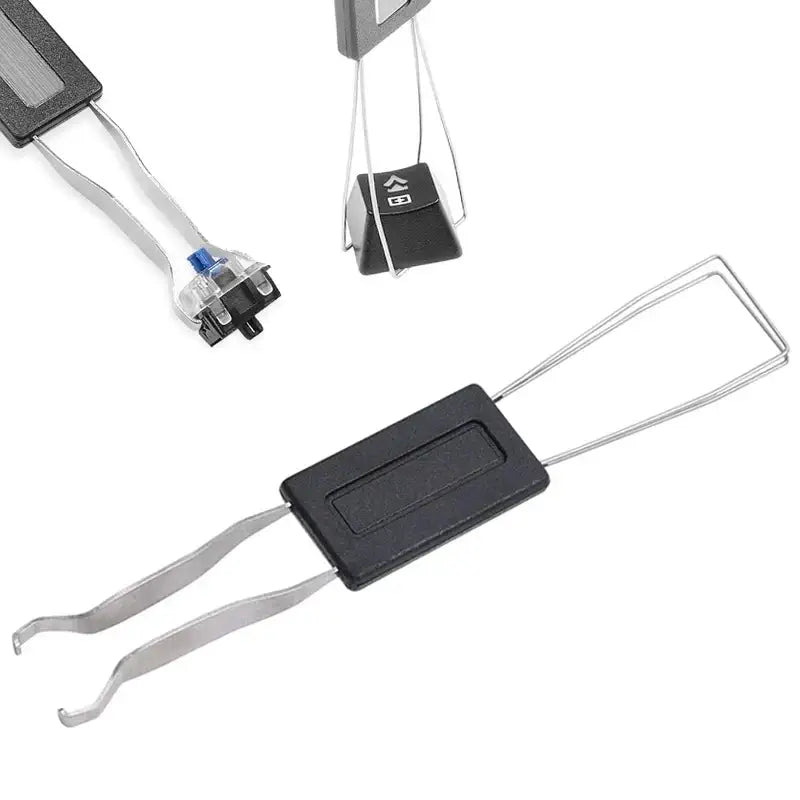
That leaves the most common case, the user who just wants visual landmarks without changing their system language. A QWERTZ keycap set on an ISO keyboard does the job nicely, and going back to a set of AZERTY ISO FR keycaps takes five minutes with a puller.
Do you really need a German keyboard?
In the vast majority of cases, no: the software switch is enough, and buying only makes sense if you write in German every day or you need permanent visual landmarks. Here is the verdict by profile, without the sugar-coating.
- You write German occasionally: stay on your keyboard. Numeric codes and the Option key cover everything you need, and you will never have to relearn where the M lives.
- You are a student or an expat writing in German every day: visual landmarks become a genuine comfort. If your keyboard is ISO, a German keycap set settles the matter for the price of an accessory.
- You are a developer on an imposed German machine: hardware will fix nothing. Your problem is the AltGr map, not the legends. Print the symbol table and keep it in front of you for a week.
- You are a gamer: leave it alone. The Z, Q, S, D binds of a game set up for AZERTY end up scattered, and you will spend more time reconfiguring than playing.
- You collect custom keyboards: buy the QWERTZ set for the look and own it. That is a perfectly valid motivation, it simply has nothing to do with productivity.
Before any purchase, four checks are in order:
- Check whether your keyboard is ISO or ANSI by looking at the shape of the Enter key. L-shaped means ISO. Horizontal means ANSI.
- Test the software switch for a week before spending a single euro. Plenty of German-keyboard plans do not survive that test.
- Do not confuse German QWERTZ with Swiss QWERTZ, which are two different layouts despite the shared name. The Swiss keyboard handles French, German and Italian, with its own positions.
- Check for the extra key to the right of the left Shift, the one that tells an ISO board from an ANSI one at a glance.
If the subject appeals to you for aesthetic rather than linguistic reasons, the logic is the same as for any other set of custom keycaps: format comes before style.
FAQ: the German QWERTZ keyboard, common questions
The questions asked most often about the keyboard layout german, with straight answers.
Which keyboard layout is used in Germany? Keyboards sold in Germany use the German QWERTZ layout, standardised by DIN 2137 under the name T1. Austria uses the same one. Switzerland uses a different QWERTZ layout, designed to cover German, French and Italian at once.
Why are the Y and the Z swapped on a German keyboard? The reason is statistical. The Z is a very frequent letter in German, notably in the tz combination and at the start of words, whereas the Y turns up almost exclusively in words borrowed from other languages. Putting the Z on the more accessible top row and pushing the Y down answers the same frequency logic that shaped the other national layouts.
QWERTZ or QWERTY: which is better? Neither in the abstract, it all depends on the language you write. QWERTZ is more efficient for German thanks to its dedicated keys for the umlauts and the ß. QWERTY stays more comfortable for English and above all for code, since it gives direct access to symbols that QWERTZ buries behind AltGr. For French, neither one is a match for AZERTY or a French ISO keyboard.
How do you type ä, ö, ü and ß on a French keyboard? On Windows, hold Alt and type 0228 for ä, 0246 for ö, 0252 for ü and 0223 for ß on the numeric keypad. On macOS, press Option and U then the vowel for an umlaut, and Option and S for the ß. If you write often, simply add the German layout in your language settings and switch with a shortcut.
How do you type the at sign on a German keyboard? The at sign comes from AltGr and Q. It is the symbol that throws occasional users the most, because the German keyboard does not always print it legibly on the key. The combination works in every piece of software and on every version of Windows, macOS and Linux configured in German.
Is the Austrian keyboard identical to the German one? Yes. Austria and Germany share the same T1 layout, with the same keys and the same legends. A keyboard bought in Vienna will behave identically in Munich. The same cannot be said of the Swiss keyboard, which is a separate layout.
Do you have to buy a German keyboard to write in German? No, in most cases. The software switch is free, instant and reversible, and it is enough to write perfectly correct German. Buying only makes sense if you write every day and the visual landmarks save you time. And even then, before changing keyboard, check first whether yours is ISO: a simple keycap set may well be all you need.