
Everyone is talking about HE magnetic switch since professional FPS players massively switched to Hall Effect keyboards. Techno is old (Edwin Hall discovered it in 1879) but its arrival on gaming keyboards is recent, around 2020 with Wooting. In 2026, the market has exploded: €60 to enter, exclusive functions like the Rapid Trigger, and a real controversy around the Snap Tap on Counter-Strike 2. This guide gives you the vocabulary, how it works, the authorizations in competition and a decision framework to know if it's worth it for you.
The essential things to remember
- A HE magnetic switch detects the position of the key via a Hall effect sensor, without metal-to-metal contact.
- Adjustable actuation point from 0.1 mm to 4.0 mm, lifespan 100 to 150 million keystrokes.
- Rapid Trigger and Snap Tap (SOCD) are the two flagship functions for competitive FPS games.
- Counter-Strike 2 has banned Snap Tap since August 2024, Valorant still tolerates it.
- Entry budget from €60 (Epomaker HE80), mid-range €130 to €180.
HE magnetic switch: what it really is
A HE magnetic switch (for Hall Effect) is a keyboard switch that does not rely on a metal contact to detect a keystroke, unlike traditional mechanical switches. Instead, the switch stem contains a small magnet, and a Hall effect sensor placed on the PCB continuously measures variations in the magnetic field to deduce the exact position of the button.
The physical principle was identified in 1879 by the American physicist Edwin Hall, who observed the appearance of a transverse voltage in a conductor crossed by a current and placed in a magnetic field. Applied to a gaming keyboard in 2026, this 145-year-old physics becomes a precision weapon for competitive gaming.
Three components define an HE switch:
- A magnetic rod that goes down when you press the button.
- A spring that returns the rod to the up position when you release.
- A Hall effect sensor soldered on the PCB which measures the distance between the magnet and it.
The big difference: detection is done without contact. No metal blade touches another blade, therefore less mechanical wear and continuous rather than binary measurement.
How does an HE switch work when you press it
When you press a key on a magnetic keyboard, the magnet embedded in the stem moves closer to the Hall sensor attached to the PCB. The sensor reads the intensity of the magnetic field in real time, which varies proportionally to distance. The lower the magnet goes, the stronger the measured field. The keyboard microcontroller converts this continuous signal into position information, expressed in millimeters.
This is where the big difference with a classic mechanical switch lies: the HE is analog, not digital. Where a Cherry MX switch just tells you "key down" or "key released" at a single fixed actuation level, the HE tells you "key is 1.2mm deep, now 1.8mm, now back up 0.9mm". This continuous information opens the door to all exclusive functions.
On high-end keyboards, the measurement accuracy goes down to 0.01 mm (GAMAKAY TK75HE V2, RK ROYAL KLUDGE C61 HE in particular). In short, your keyboard knows to within 1 hundredth of a millimeter where each key is located.
The 4 superpowers of an HE switch
Analog unlocks four features that no traditional mechanical switch can offer. Here's what they do, in order of gaming usefulness:
- Rapid Trigger: the key is "released" as soon as it goes up a certain delta, not just when it exceeds a fixed point. You can therefore spam a key much faster, and above all execute the counter-strafe perfectly on Counter-Strike 2 or the sequences in a rhythm game like osu!.
- Adjustable actuation point: you choose at what depth the button triggers, per button, from 0.1 mm (ultra sensitive) to 4.0 mm (very heavy). You can make an ultra-reactive ZQSD for movement and a harder space bar to avoid involuntary jumps.
- Dual Action (Mod-Tap): a single touch can send two different commands depending on your press. A light tap = action 1, a deeper tap = action 2. On a 60% where every touch counts, it's a game changer.
- Snap Tap / SOCD: when you press two opposite keys (Q + D for example), it is the last pressed which takes priority, without releasing the other. The counter-strafe becomes almost instantaneous, but this function is now controversial in competition.
What these functions are actually used for by game type:
- Competitive FPS (CS2, Valorant): Rapid Trigger essential, Snap Tap prohibited or tolerated depending on the title.
- Rhythm game (osu!): Ultimate Rapid Trigger for high BPMs.
- MOBA, MMO: Dual Action useful for multiplying binds.
- Typing / office automation: little direct interest, the Rapid Trigger can even create mistypes.
HE magnetic switch vs mechanical switch: the real numerical comparison
HE is not an automatic upgrade. It changes the philosophy of use. The table below summarizes the measurable gaps.
| Criterion | Classic mechanical switch | HE magnetic switch |
|---|---|---|
| Detection | Metal-to-metal contact | Hall effect sensor |
| Actualization point | Fixed (1.8 to 2 mm) | Adjustable 0.1 to 4.0 mm |
| Precision | Binary (on/off) | Analog (cursor) |
| Rapid Trigger | No | Yes |
| Lifespan | 50 to 100 M strikes | 100 to 150 M strikes |
| Polling rate max | 1000 Hz typical | 8000 Hz (8 kHz) |
| Entry price | 30 to 50 € | €60 (Epomaker HE80) |
| Hot-swap | Yes (often) | Yes (often) |
For a competitive FPS player, the two major gains are the continuously measured stroke (which unlocks the Rapid Trigger) and the polling 8000 Hz, i.e. 0.125 ms of theoretical latency compared to 1 ms on a keyboard at 1000 Hz. For typing or general use, the difference is more marginal. The feel of a good machine with foam mod remains preferred by many for typing.
In the collection mechanical keyboard you will also find the classic models which remain excellent for mixed use.
Snap Tap and SOCD: what is authorized in 2026
This is the point that no one clearly tells you in the FR SERPs. Here is the exact status of authorizations in May 2026:
- Counter-Strike 2: Valve has banned Snap Tap and any hardware SOCD function since August 2024. Wooting, Razer Huntsman V3 Pro and SteelSeries Apex Pro firmware have been updated to disable these features when CS2 is running. Use modified firmware to bypass = risk of VAC ban.
- Valorant: Riot Games still tolerates Snap Tap, without official communication of a ban. Position subject to change, to be monitored.
- Apex Legends: vague status, authorized in practice but without official validation.
- osu!: no restrictions, SOCD is free.
Good news: most HE keyboards allow you to disable Snap Tap per game via their software (Wootility, Akko Cloud, Keychron Launcher). You can therefore play Valorant with, and CS2 without, on the same keyboard, without changing profiles manually with each game switch.
Quick recap by title:
- CS2: Snap Tap banned (August 2024), Rapid Trigger allowed.
- Valorant: Snap Tap tolerated, Rapid Trigger allowed.
- Apex: variable status, check before tournament.
- osu! : all allowed.
For whom is an HE magnetic switch really useful
All the market guides tell you “buy, it’s great”. The truth is more nuanced. Here are three honest profiles:
- Really useful: you mainly play competitive FPS (Valorant, CS2, Apex, Overwatch), at osu! or rhythm games. The Rapid Trigger gives you a measurable net gain on fast sequences and counter-strafe. Here, the HE is an objective upgrade.
- Nice bonus: you are a versatile player who likes premium setups. The Dual Action unlocks additional binds for you, the adjustable actuation point refines the sensation. You appreciate the futuristic side but you don't have a strict competitive need.
- Gadget: you are typing-only, dev, MOBA player or office productivity. The Rapid Trigger can even cause mistypes (keys that "reset" too quickly). A good linear or tactile mechanical switch with a nice touch will make you happier.
Checklist to check before buying your first HE keyboard:
- Do you mostly play competitive FPS or rhythm games?
- Do you want to adjust your actuation per key or are you satisfied with a single global setting?
- Do you accept €100 to €200 extra cost vs. an excellent equivalent machine?
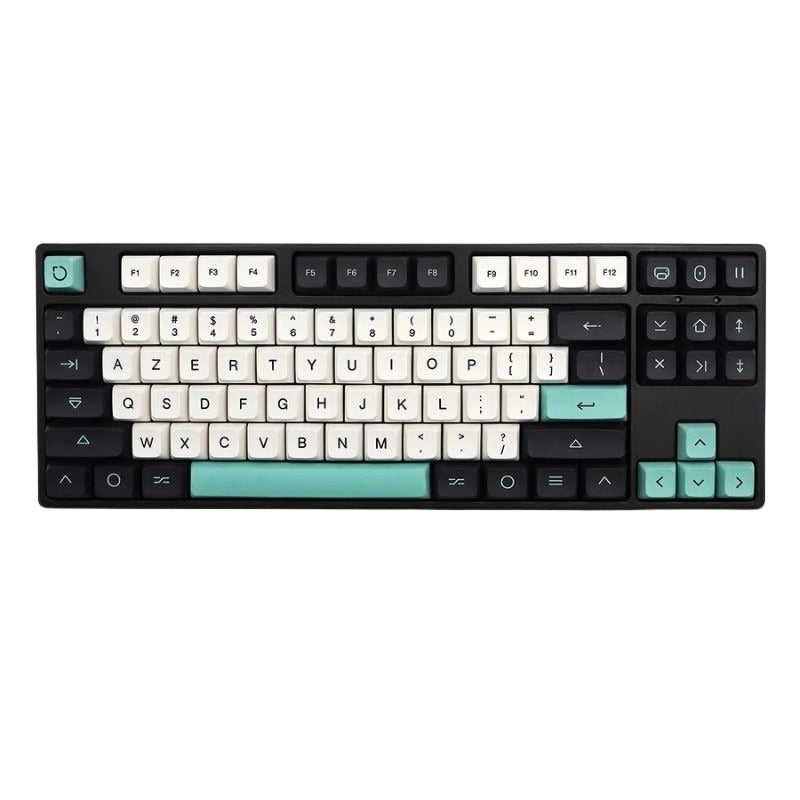
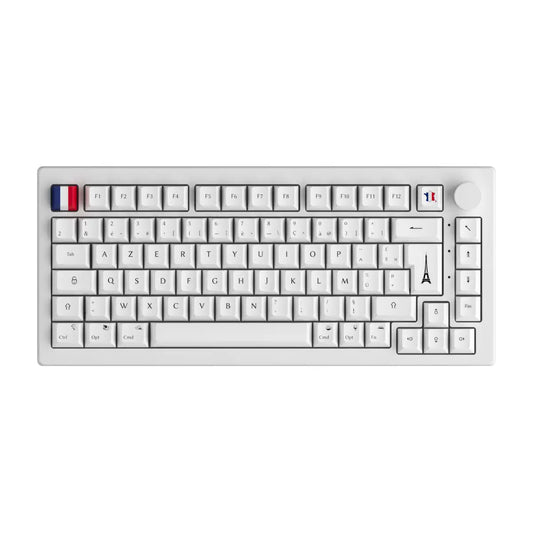
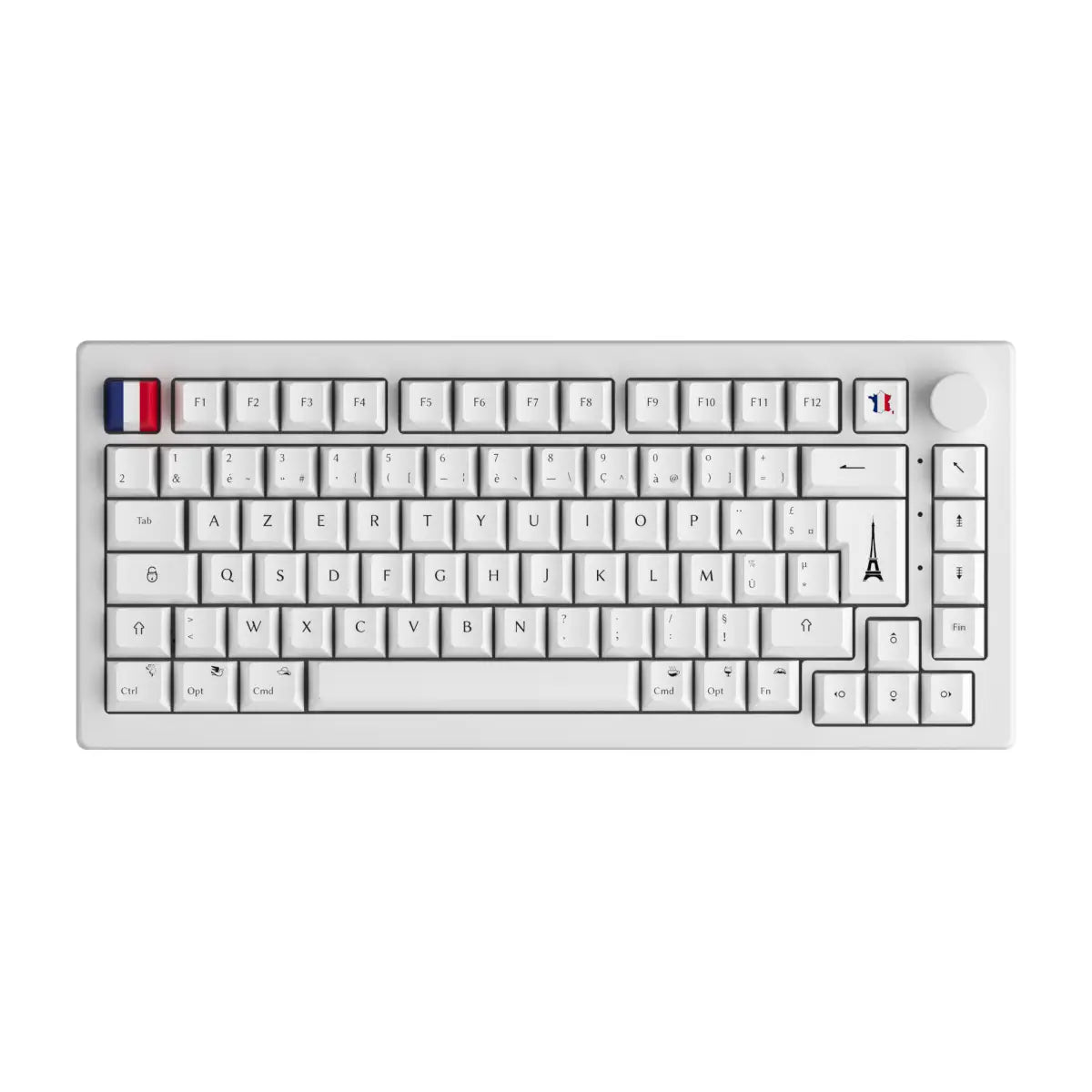
- Layout AZERTY ISO FR available on the targeted model?
- Manufacturer software mature, stable, without bugs recorded on Reddit?
If you check at least 3 boxes, the HE is a real upgrade. If you check 1 or 0, save your budget for a good premium mechanic with mechanical switches well lubricated.
How to choose your first HE magnetic keyboard in 2026
Once the need has been validated, it remains to choose the right model. The key criteria in 2026 are the physical format (60%, 75%, TKL, 100%), the availability of the AZERTY ISO FR layout, the polling rate, the price and the software ecosystem.
Three clear budget ranges in today's market:
- Entry €60 to €90: Epomaker HE80, Attack Shark K75. You have the essentials: Rapid Trigger, adjustable actuation, hot-swap. Enough to discover techno.
- Mid-range €130 to €180: Akko MOD007B HE, GAMAKAY TK75HE V2, RK ROYAL KLUDGE C61. Polling 8000 Hz, accuracy 0.01 mm, TFT screen on some. The best performance/price ratio.
- High-end €180 to €250: Wooting 60HE+, Keychron Q1 HE, Razer Huntsman V3 Pro. Premium build, ultra mature software ecosystem (Wootility reference), product mesh with mice and headsets for professionals.
Actionable purchase checklist:
- Check the AZERTY ISO FR availability (not just a separate US kit).
- Read the software doc (Wootility, Akko Cloud, Keychron Launcher) to validate that it runs on your OS.
- Confirm hot-swap of the switches if you want to upgrade later.
- Check polling rate 8000 Hz if you play seriously.
- Read 2 or 3 independent reviews (long videos rather than unboxing).
You will find the complete selection on the magnetic keyboard collection. For those who want to build their custom keyboard, the custom keyboard kit remains the best base before choosing compatible components.
FAQ: 5 questions we get asked the most about HE switches
What is the difference between an HE switch and an opto-mechanical switch? The HE detects position via a magnetic sensor and a magnet, the opto-mechanical via a light beam interrupted by the rod. Both are without metallic contact, but only the HE offers continuous analog measurement (Rapid Trigger, adjustable actuation). The opto remains binary (on/off).
Is Snap Tap permanently banned on all FPS games? No. Counter-Strike 2 banned it in August 2024, but Valorant, Apex and most other FPS still tolerate it (variable status). Almost all HE keyboards allow you to deactivate Snap Tap per game via the manufacturer's software. You can therefore use the same keyboard without risk on CS2 by deactivating the function.
Can we change the HE magnetic switches on a hot-swap keyboard? Yes, on compatible HE hot-swap keyboards (Akko MOD, GAMAKAY TK, RK C61). Please note: an HE switch cannot be mounted on a traditional mechanical motherboard (the Hall sensor is on the HE keyboard PCB). An HE switch only works on a compatible HE PCB.
What lifespan for an HE switch? Manufacturers announce 100 to 150 million keystrokes (Gateron Magnetic 2.0 references 100 M, Kaihua 150 M). In intensive gaming use (8 hours/day, ~10,000 keystrokes/day), that represents several theoretical decades. The absence of metallic contact eliminates the main cause of mechanical wear.
Does a beginner really gain FPS by switching to HE? Not directly. The Rapid Trigger improves mechanical execution (cleaner counter-strafe, faster peek) but does not correct aiming, game sense or fundamentals. A Gold player who moves to HE remains Gold. On Diamond tiers and above, the gain becomes measurable: this is where the precision of HE unlocks micro-advantages.