
Typing a circumflex accent on your keyboard is not complicated on an AZERTY, but it quickly becomes a hassle on a QWERTY or a compact layout. This guide covers all the methods: AZERTY shortcuts, Windows ALT codes, Mac method, Compose Linux, and a tip reserved for users of custom mechanical keyboards (QMK).
The main thing to remember
-
Windows AZERTY: press
^(dead key), then type the vowel (A, E, I, O, U). -
Windows ALT codes:
Alt + 0226for â,Alt + 0234for ê,Alt + 0238for î. -
Mac:
Option + i, then type the vowel. Works on any keyboard. -
Linux:
Composekey then^then vowel. - Custom mechanical keyboard: QMK firmware allows you to create dead keys on any key, including QWERTY.
Where is the circumflex accent key on an AZERTY keyboard?
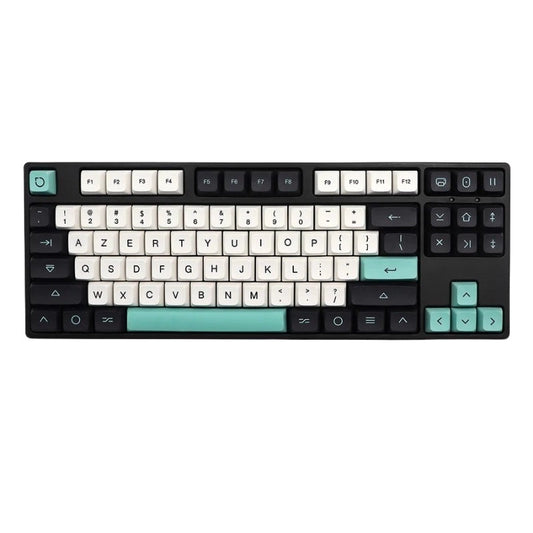
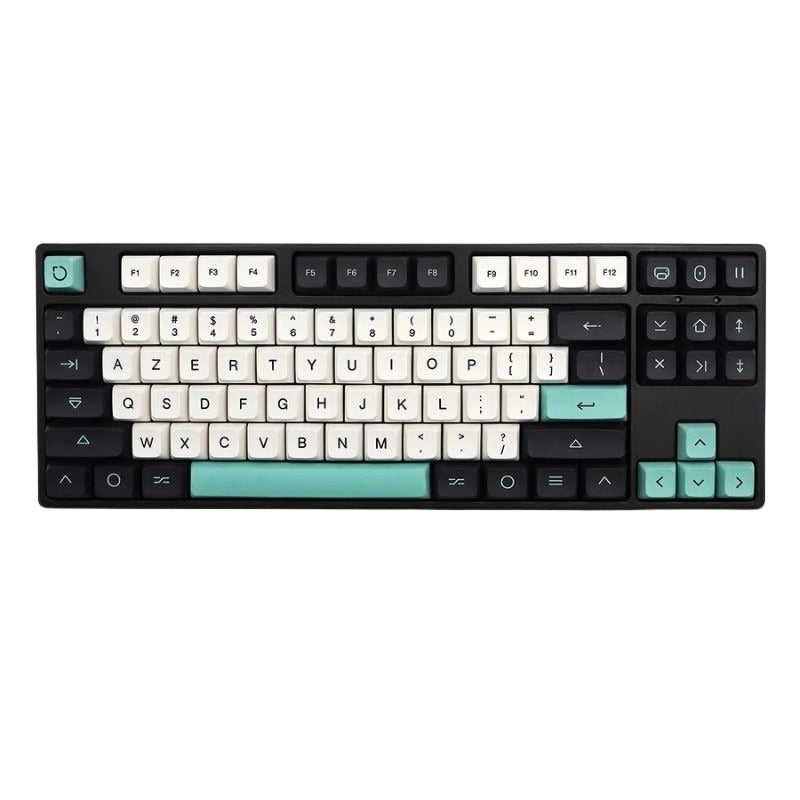
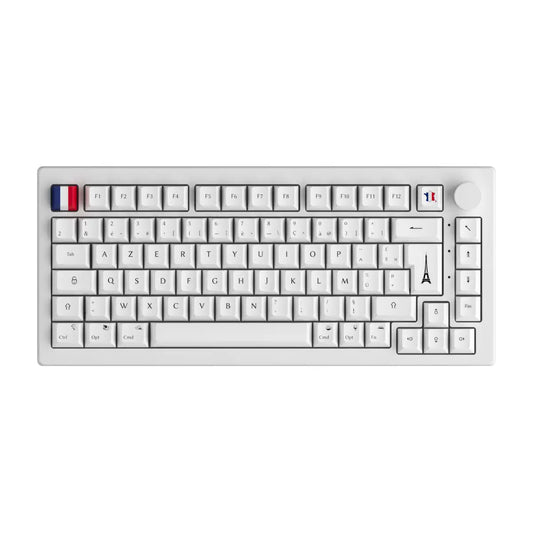
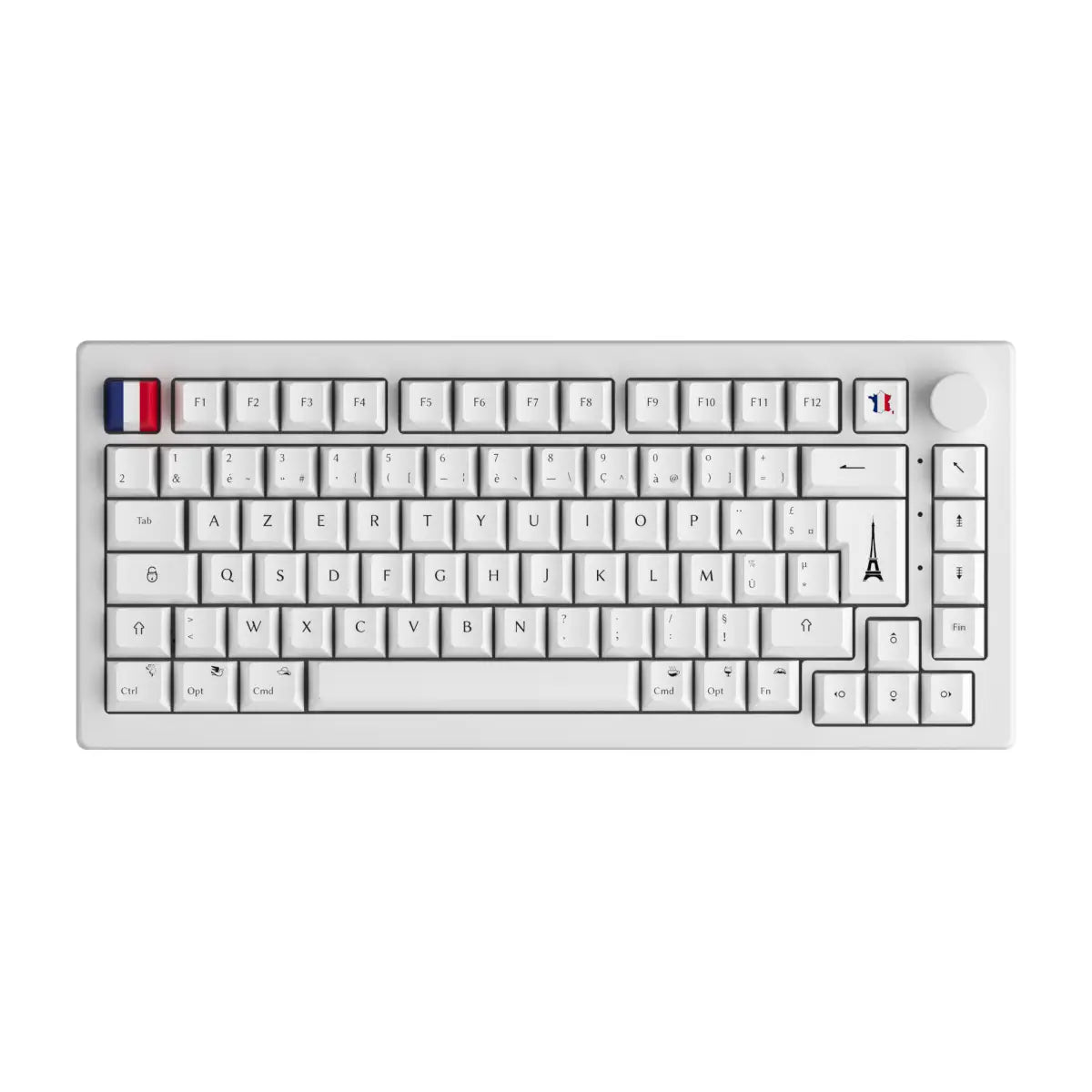
On a French AZERTY keyboard, the ^ key is located at the top left, next to the P key. It's a dead key: when you press it, nothing is displayed on the screen immediately. It's normal. The system waits for you to type a vowel to form the full character.
Press ^ then E: you get ê. Press ^ then A: you get â. This is the dead key principle, standard on all AZERTY layouts in France.
To have the symbol ^ alone (without accent), type ^ followed by a space. The hat is displayed as is.
On a QWERTY keyboard (American or international), there is no dedicated ^ key. Shortcuts vary by operating system. On Windows QWERTY, the sequence Shift + 6 produces ^, but its behavior as a dead key is not enabled by default.
How to do the circumflex accent on Windows?
Classic AZERTY method (dead key)
This is the fastest method on an AZERTY keyboard. Sequence:
- Press
^(dead key, don't release but don't hold either) - Immediately type the desired vowel
Results:
| Combination | Character |
|---|---|
| ^ then A | â |
| ^ then E | ê |
| ^ then I | î |
| ^ then O | ô |
| ^ then U | û |
| ^ then Y | ŷ |
| ^ then Shift+A | Â |
| ^ then Shift+E | Ê |
| ^ then Shift+I | Î |
| ^ then Shift+O | O |
| ^ then Shift+U | Û |
For capitalization, activate Caps Lock or use Shift while typing the vowel after the ^.
ALT codes for circumflex accent
If you're on a QWERTY keyboard on Windows, or if you want to enter an accent directly without a dead key, ALT codes are your solution. Hold Alt, type the code on the number pad (not the top numbers on the keyboard), then release.
| Character | ALT code | Character | ALT code |
|---|---|---|---|
| â | Alt + 0226 | Â | Alt + 0194 |
| ê | Alt + 0234 | Ê | Alt + 0202 |
| î | Alt + 0238 | Î | Alt + 0206 |
| ô | Alt + 0244 | O | Alt + 0212 |
| û | Alt + 0251 | Û | Alt + 0219 |
On a laptop or compact keyboard without a numeric keypad, you can activate the virtual keypad via Fn + NumLock (if available), or use the Windows character table (charmap.exe in the search bar).
How to do the circumflex accent on Mac?
On Mac, the method is universal: it works on an AZERTY, QWERTY keyboard or any other layout.
Sequence:
1.Press Option + i (the letter i, not the number)
2. Release
3. Immediately type the vowel (a, e, i, o, u)
Examples:
- Option + i then e = ê
- Option + i then a = â
- Option + i then Shift + U = Û
If you press Option + i and type a letter that does not support the caret (like b or r), the system simply displays the ^ followed by the letter.
This is the fastest method after classic AZERTY. No installation required, no codes to remember.
Circumflex emphasis on Linux and alternative systems
On Linux, the standard method is the Compose key (also called Multi_key). It is not activated by default but can be configured in a few clicks in the keyboard preferences (often assigned to the right Super, Alt Gr or ScrollLock key depending on your distro).
Sequence once Compose is activated:
1. Press the Compose button
2. Type ^
3. Type the vowel
On modern distros with IBus or FCITX, you can also use the Unicode method directly in any application:
- Ctrl + Shift + U then 00EA then Enter = ê (Unicode code U+00EA)
- Ctrl + Shift + U then 00E2 then Enter = â
It's slower than the Compose key but still available in fallback.
The 6 letters with circumflex accent in French
The circumflex accent applies to 6 vowels in French. The ŷ remains very rare (a few proper nouns and old words like “ŷ” in certain dialects).
| Letter | Capital letter | Windows ALT code | Mac (Option+i) | Frequency |
|---|---|---|---|---|
| â | Â | Alt+0226 / Alt+0194 | Option+i then a/A | Very common (age, castle) |
| ê | Ê | Alt+0234 / Alt+0202 | Option+i then e/E | Very common (being, party) |
| î | Î | Alt+0238 / Alt+0206 | Option+i then i/I | Frequent (island, abyss) |
| ô | O | Alt+0244 / Alt+0212 | Option+i then o/O | Frequent (hotel, coast) |
| û | Û | Alt+0251 / Alt+0219 | Option+i then u/U | Average (sure, flute) |
| ŷ | - | - | Option+i then y | Rare |
Note on the spelling reform of 1990: the rectifications authorize the deletion of the circumflex accent on i and u in certain common words (burn instead of burn, master instead of master). Both spellings are accepted today, but the former remains mainly used.
Mechanical keyboards and accent customization
Why mechanical keyboards and accents don't always get along
If you use a mechanical keyboard in 60%, 65% or 75% layout, you probably received it configured in international QWERTY. No dedicated ^ key, no dead key by default. To type ê, you must either switch the Windows software layout to AZERTY, or use ALT codes, or use the Mac method.
This is the classic problem with 60% keyboards and 65% keyboards: the freedom of physical layout comes with configuration work.Many users switch to QWERTY and no longer know how to type their French accents correctly.
The clean solution: configure remapping at firmware level.
QMK and keyboard mapping customization
Here's what few guides tell you: with a custom keyboard compatible with the open-source QMK firmware, you can create dead keys for circumflex accents directly in the firmware, regardless of the layout declared in Windows or macOS.
Concretely, this means:
- Assign a free key (for example the right key of your AZERTY keycaps) as a dead key ^
- Or create a combo: press Fn + E = ê directly
- Everything works at the keyboard level, not at the OS level
Result: your keyboard types ê, â, î, ô, û on any PC, even in QWERTY, without installing third-party software. Programming goes through QMK Configurator (online graphical interface) or directly in the code if you want to go further.
This is the concrete advantage of a custom mechanical keyboard over a generic keyboard: the customization goes down to the firmware level, not just to the software profiles.
Summary table: circumflex accent by OS and method
| System | Method | Example (ê) | Layout compatible | Speed |
|---|---|---|---|---|
| Windows | AZERTY dead key | ^ then E | AZERTY only | Very fast |
| Windows | ALT code keypad | Alt + 0234 | All layouts | Slow (memorization) |
| Mac | Option + i | Option+i then E | All layouts | Fast |
| Linux | Compose key | Dial + ^ + E | All layouts | Fast (once configured) |
| QMK custom keyboard | Dead key firmware | Custom key | All layouts | Very fast (dedicated key) |
The QMK method is the only one that works independently of the operating system. It is particularly suitable for users of wireless keyboards custom who are switching from a PC to a Mac in their setup.